

VoiceAppear
Dictate text three times faster than typing.
Overview
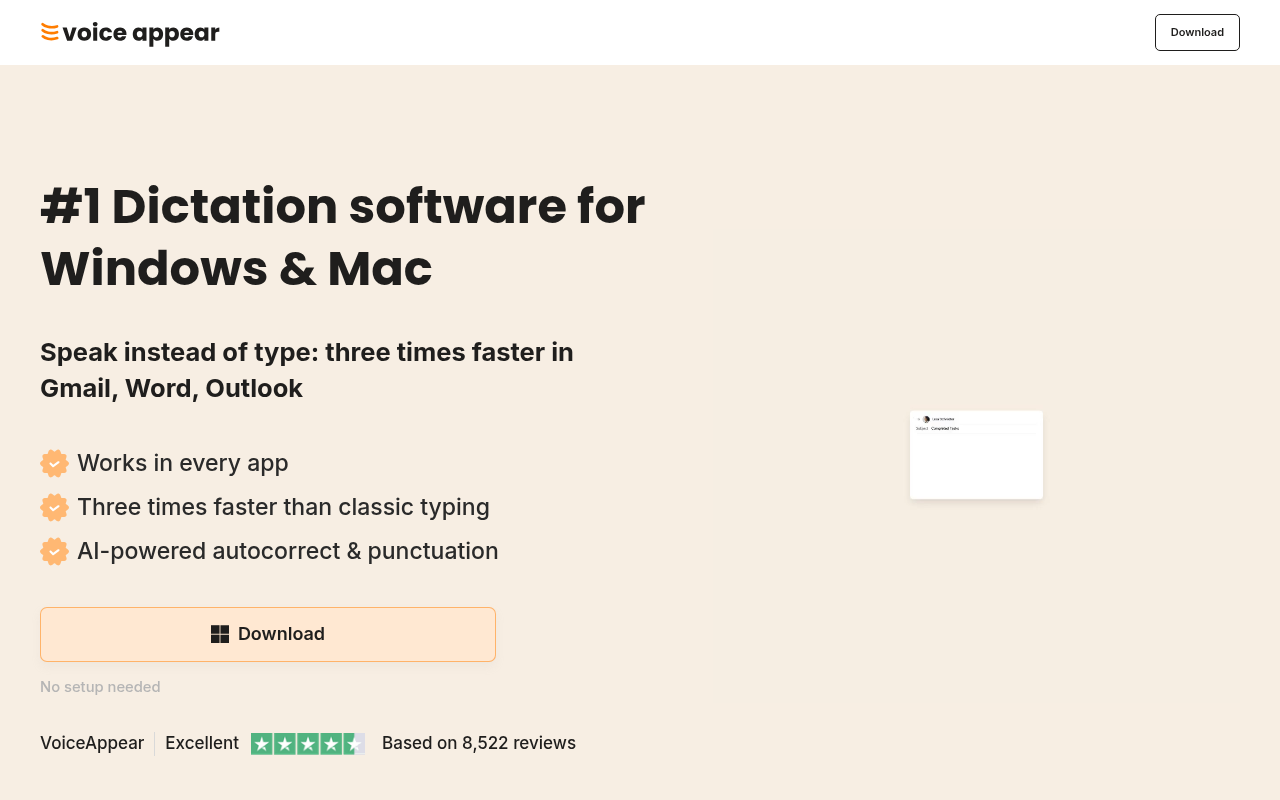
VoiceAppear is a dictation tool for Windows and Mac that transforms speech into text three times faster than typing. It boosts productivity by working across all apps with AI-powered punctuation and autocorrect. Ideal for professionals who want efficient text creation.
VoiceAppear offers a practical solution for those who find typing to be a bottleneck in their daily workflow. With its ability to convert speech into text at a rapid pace, it allows users to work more efficiently across various applications. The software stands out with its AI-driven features like automatic punctuation and autocorrect, which are especially valuable for drafting emails and documents.
The tool's ease of use and compatibility with major apps make it a strong contender in the productivity software market. VoiceAppear is particularly beneficial for professionals who need to produce written content quickly without sacrificing accuracy.
Key Features
AI Autocorrect
Automatically corrects misspoken words during dictation.
Punctuation Handling
Adds punctuation automatically without user intervention.
Cross-App Compatibility
Works seamlessly across Word, Outlook, and more.
No Setup Required
Start dictating without any installation hassles.
Custom Vocabulary
Allows addition of personal words for accurate recognition.
Privacy Compliance
Ensures GDPR compliance with no voice data storage.
Pricing Freemium
- AI-powered dictation across all apps
- Automatic punctuation
- Custom vocabulary
- SOC2 Type II compliant
- HIPAA-ready
Pros & Cons
Pros
- Compatible with all major apps
- High accuracy with AI autocorrect
- No setup required for use
- Customizable vocabulary improves recognition
- GDPR-compliant privacy standards
Cons
- Actual pricing not transparent
- No long-term storage of voice inputs
- Limited to Windows and Mac platforms
Frequently Asked Questions
What platforms does VoiceAppear support?
VoiceAppear supports both Windows and macOS platforms, making it versatile for various users.
Is any setup required for VoiceAppear?
No setup is needed. Users can start using the dictation features immediately after installation.
How does VoiceAppear handle punctuation?
VoiceAppear automatically adds punctuation to your text, so you don't have to worry about it during dictation.
Can I add custom words to VoiceAppear?
Yes, users can add custom words and names to ensure they are always dictated accurately.
Does VoiceAppear store my voice data?
No, VoiceAppear is designed with privacy in mind and does not store any voice data.
22 Alternatives to VoiceAppear

RenameClick
Rename and organize files offline using AI based on their...
Assembly AI
Advanced Speech-to-Text and Audio Intelligence Solutions
Bolt AI
Native AI Assistant for Developers, Writers & Students
Docs AI
AI Companion for Document Management
hiData
AI workspace for data, sheets, and presentations.
Hu.ma.ne AI Pin
Palm-Sized AI Pin Replaces Your PhoneUser Reviews
Be the first to review VoiceAppear
Please log in to leave a review.