

MacWhisper
Transcribe audio files into text on your Mac using Whisper and Parakeet models, all processed locally.
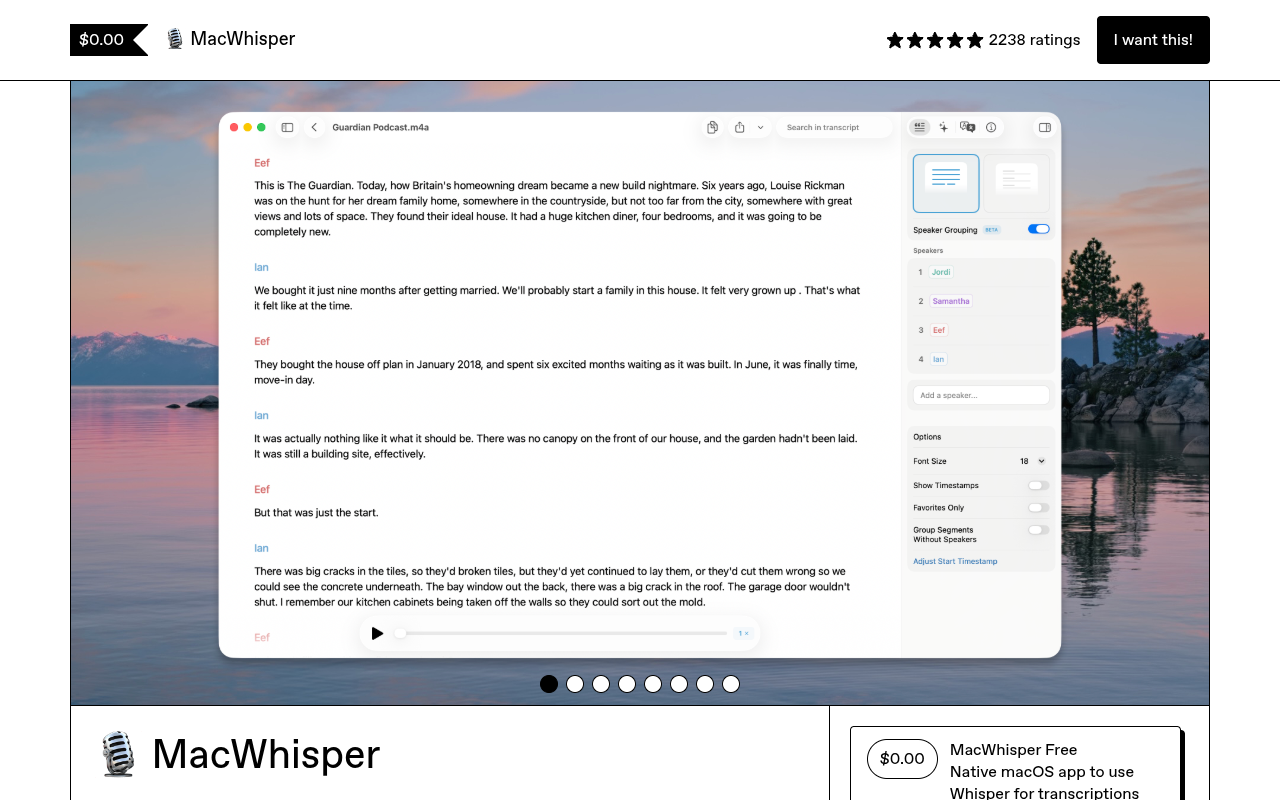
Overview
MacWhisper is a macOS application that transcribes audio files into text using OpenAI's Whisper models and Nvidia Parakeet. It runs entirely on your device, keeping audio private, and supports over 100 languages. Journalists, students, and podcasters use it to turn interviews, lectures, and meetings into searchable, exportable transcripts.
MacWhisper fills a specific niche: on-device transcription for macOS users who care about privacy. Unlike cloud-based services like Otter.ai or Rev, MacWhisper processes everything locally using OpenAI's Whisper or Nvidia Parakeet models. This means sensitive interviews or confidential meetings never leave your machine. The app supports over 100 languages and can export transcripts in a dozen formats, from plain text to subtitles.
The Pro version adds automatic speaker recognition, batch transcription, and integrations with tools like Zapier, Notion, and Obsidian. It also unlocks Parakeet models that claim up to 300x real-time speed on Apple Silicon Macs. Pricing is a one-time payment — no subscription — which is rare in this space. That said, the free version is fairly limited: you can only add two speakers manually and you miss out on batch processing and cloud integrations.
On an M1 MacBook Pro with 16GB RAM, the Large Whisper model transcribed a 30-minute interview in about two minutes. Accuracy was solid, though background noise occasionally caused minor errors. The app's interface is straightforward: drag and drop a file, pick a model, and wait. For Mac users who need private, fast transcription, MacWhisper is a practical option. Just make sure your Mac has enough RAM — the developer warns that 8GB is the minimum for Medium and Large models.
Key Features
On-Device Processing
All transcription runs locally on your Mac, so no audio data ever leaves your machine.
Batch Transcription
Queue multiple audio or video files for transcription in one go, ideal for subtitle work.
Speaker Recognition
Pro version automatically identifies and labels different speakers using local or cloud models.
System Dictation
Replace Apple's built-in dictation with Whisper, even using the largest models for better accuracy.
Meeting Recording
Record system audio from Zoom, Teams, Webex, Discord, and other conferencing apps automatically.
Multi-Format Export
Export transcripts as SRT, VTT, CSV, DOCX, PDF, Markdown, HTML, or the bundled .whisper format.
Pricing Paid
Free
- Basic Whisper transcription
- Manual speaker tagging (up to 2 speakers)
- Export to plain text and SRT
- No batch processing
- No cloud integrations
Pro
- Parakeet models for up to 300x speed
- Automatic speaker recognition
- Batch transcription
- Integrations with Notion, Zapier, Obsidian
- YouTube transcription
- Custom export formats
- Menubar app
- Priority support
Pros & Cons
Pros
- All transcription runs on-device, keeping audio private and secure
- Supports Nvidia Parakeet models for up to 300x real-time speed on M-series Macs
- One-time payment with no recurring subscription for the Pro version
- Integrates with automation tools like Zapier, n8n, and Obsidian for workflow automation
- Can replace Apple's system-wide dictation with more accurate Whisper models
Cons
- Requires 8GB or more RAM for Medium and Large Whisper models, older Intel Macs may be slow
- Free version limits you to manual speaker tagging (2 speakers max) and no batch processing
- Mac-only — no Windows or Linux version, though an iOS/iPadOS companion app exists
Frequently Asked Questions
Does MacWhisper send my audio to the cloud?
No. The free and Pro versions both process audio entirely on your Mac. No data leaves your machine. If you enable cloud transcription in Pro (using OpenAI, Deepgram, etc.), then audio is sent to those services — but that's optional.
What languages does MacWhisper support?
It supports over 100 languages, including English, Spanish, French, German, Japanese, Korean, Arabic, Hindi, and many more. You can let it auto-detect the language or select one manually.
Can I use MacWhisper to transcribe meetings automatically?
Yes. The app can record system audio from apps like Zoom, Teams, Webex, Skype, Discord, and Chime. You can set it to capture meetings in the background and transcribe them afterward.
Is there a free trial of the Pro version?
The Pro version is a one-time purchase with a 7-day refund policy. If you're not satisfied, you can email the developer for a refund. There is no time-limited free trial, but the free version gives you a good sense of the core features.
What export formats are available?
You can export transcripts as plain text, SRT, VTT, CSV, DOCX, PDF, Markdown, HTML, or the proprietary .whisper file format that bundles audio and edits. Pro users get custom export formatting options.
21 Alternatives to MacWhisper
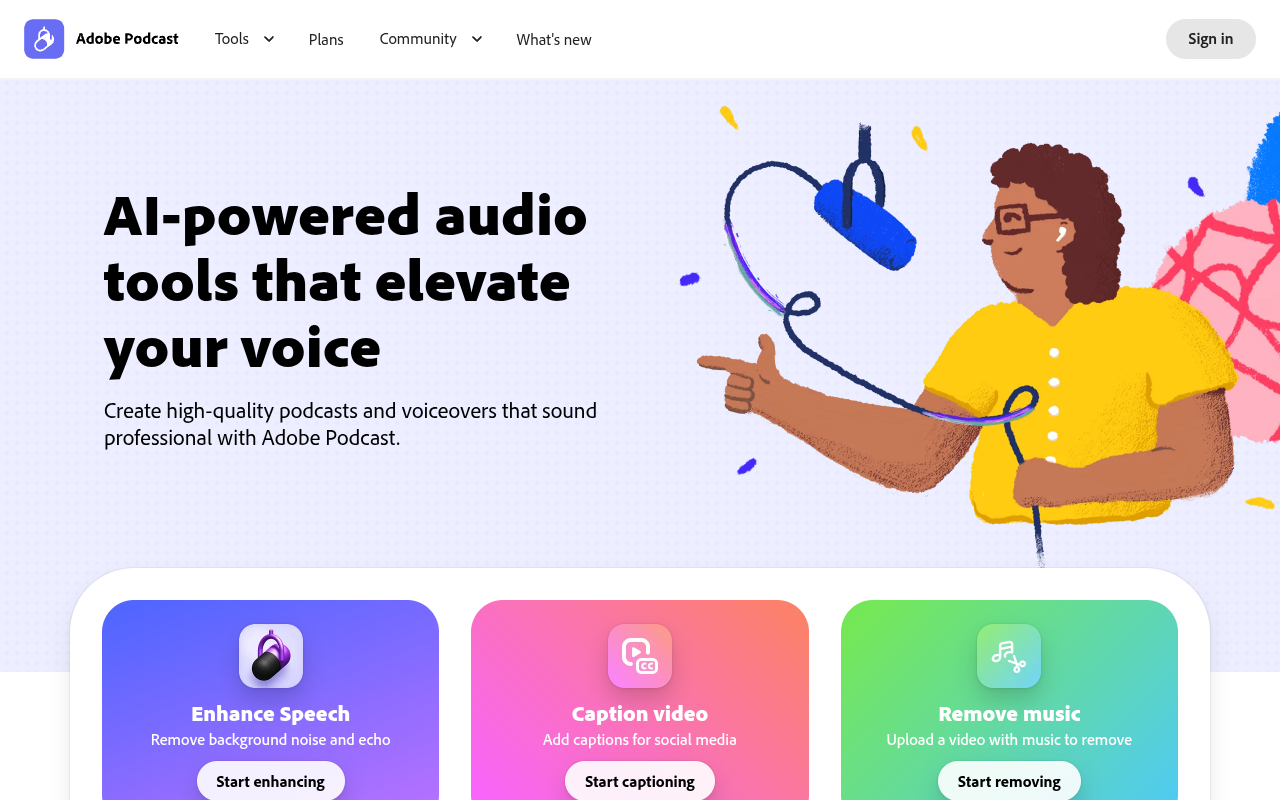
Adobe Podcast
Browser-based AI audio recording, editing, and noise removal for podcasters...
Amie
Record, summarize, and action every meeting without a bot joining...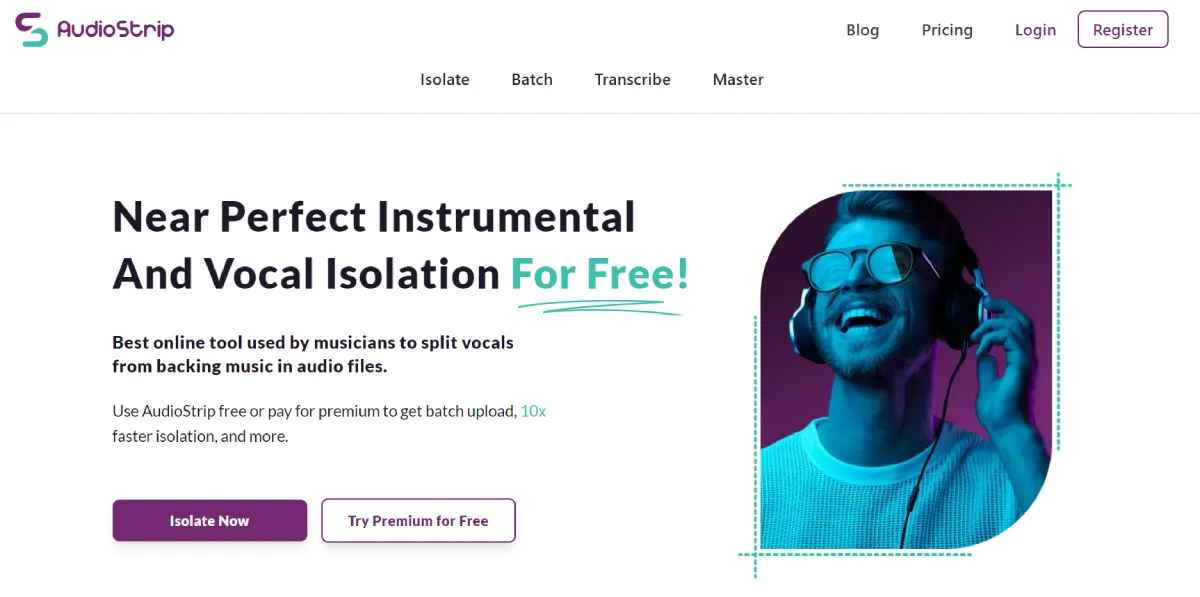
Audiostrip
Effortlessly isolate vocals and instruments with smart audio separation.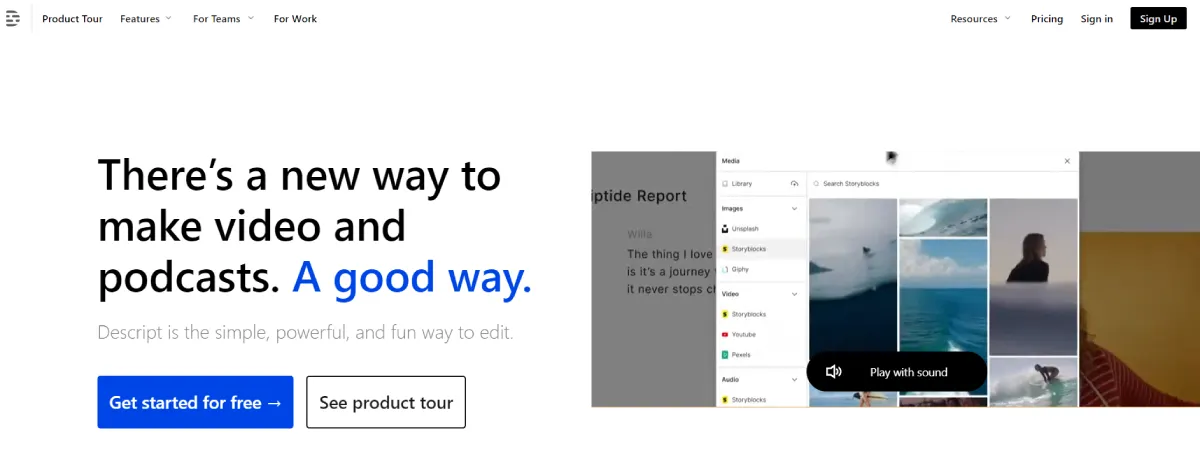
Descript
The Smarter Way to Create Video Content
Fathom
Fathom records, transcribes, and summarizes your video meetings so you...
Granola
AI notepad for efficient meeting note management.Traffic Data
Traffic Sources
Engagement Metrics
User Reviews
Be the first to review MacWhisper
Please log in to leave a review.