
Adobe Podcast
Browser-based AI audio recording, editing, and noise removal for podcasters and content creators.



Overview
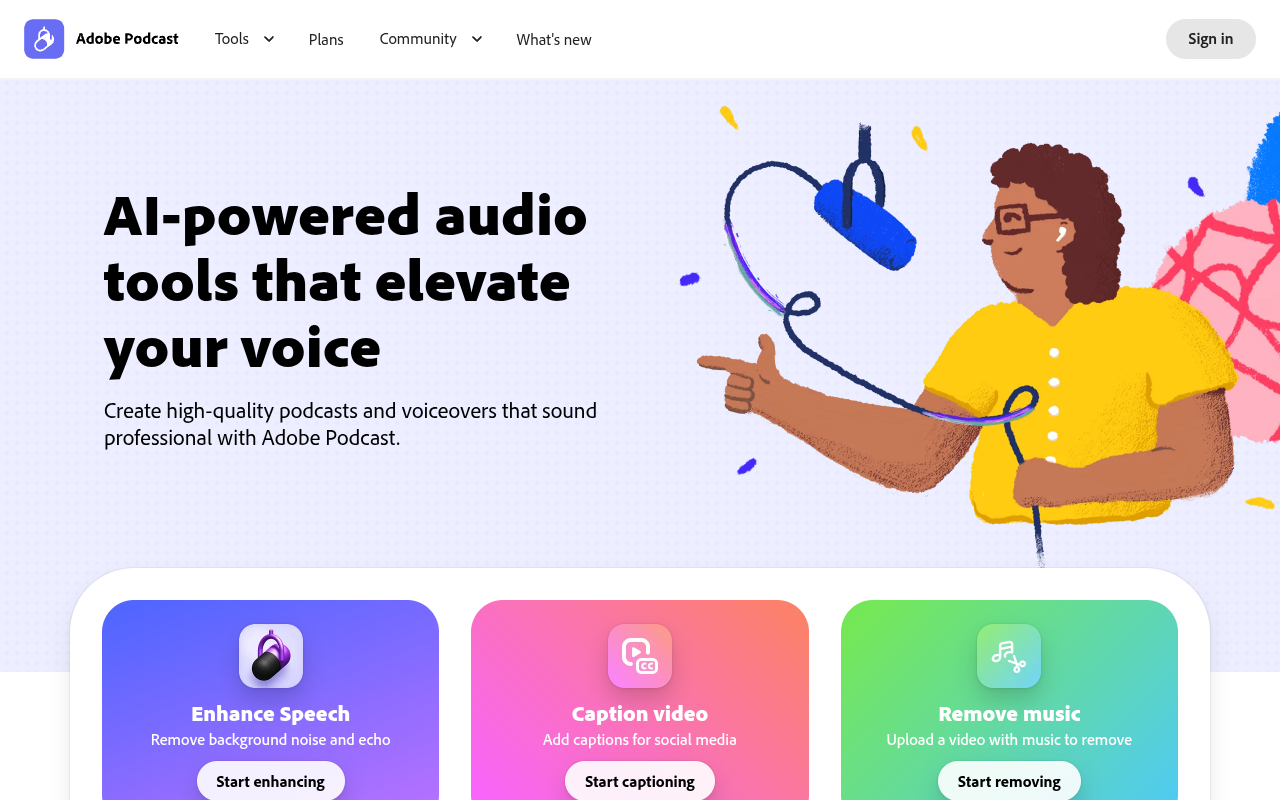
Adobe Podcast is a web-based audio and video editing platform that uses AI to remove background noise, transcribe speech, and let users edit audio by manipulating text. It serves podcasters, educators, and content creators who want professional-quality recordings without buying studio equipment or downloading software. Key features include one-click audio enhancement, remote guest recording with separate tracks, and royalty-free music libraries.
Adobe Podcast is Adobe's answer to the growing demand for accessible audio production tools that don't require a computer science degree or a treated recording booth. The platform runs entirely in a web browser, which means you can open a project on any laptop and get to work without installing anything. Its standout feature is Enhance Speech, an AI filter that strips out background noise, echo, and room rumble from voice recordings with a single click. During testing, it turned a scratchy Zoom call recording into something that sounded like it was captured on a dynamic mic in a quiet room. For podcasters recording interviews remotely, Studio captures each participant on a separate 16-bit 48k WAV track, even if someone's Wi-Fi is spotty.
The free tier is generous enough for casual use, offering Enhance Speech for audio files and basic Studio access. The Premium plan adds video enhancement, bulk uploads, and higher daily limits. Pricing is typical for Adobe's ecosystem — not cheap, but competitive with standalone noise removal plugins like Izotope RX. The main drawback is that Studio is still in beta, so features like multitrack editing and export options feel less polished than desktop alternatives. For beginners or anyone who values convenience over fine-grained control, Adobe Podcast is a solid entry point.
Key Features
Enhance Speech
AI filter that removes background noise and echo from voice recordings with one click
Text-Based Editing
Edit audio by cutting and pasting the auto-generated transcript like a text document
Remote Recording
Record solo or with guests on separate tracks in 16-bit 48k WAV format
Video Captioning
Add captions to MP4 and MOV videos for social media distribution
Royalty-Free Music
Access pre-edited music tracks with intros and outros for podcast use
Bulk Upload
Upload multiple audio or video files at once for batch enhancement (Premium)
Pricing Free Trial
Premium
- Video enhancement for MP4 and MOV
- Bulk upload files
- Up to 4 hours of enhancement per day
- Files up to 1 GB
- No download limits in Studio
- Speaker-separated downloads
- Custom audiogram themes and backgrounds
- Adobe Express Premium design features
- 30-day free trial
Pros & Cons
Pros
- Enhance Speech removes background noise effectively with one click, even from poor-quality recordings
- Browser-based — no software install required, works on any computer
- Text-based editing makes cutting and rearranging audio as fast as editing a Word doc
- Free tier includes the core Enhance Speech tool with no time limit on individual files
- Supports remote recording with separate tracks for each speaker, even on slow internet connections
Cons
- Free tier limits audio enhancement to 1 hour per day and files under 500 MB
- Studio is still in beta, so some features feel incomplete or buggy during long sessions
- No native mobile app — the web interface can be sluggish on older browsers or tablets
Frequently Asked Questions
Is Adobe Podcast free to use?
Yes, Adobe Podcast has a free tier that includes Enhance Speech for audio files, basic Studio recording, and limited transcription. The Premium plan adds video support, bulk uploads, and higher daily limits after a 30-day free trial.
What file formats does Adobe Podcast support?
Enhance Speech supports MP4, MOV, and common audio formats. Files can be up to 1 GB on the Premium plan. Studio records in 16-bit 48k WAV format.
Can I record remote guests with Adobe Podcast?
Yes, Adobe Podcast Studio lets you record solo or with remote guests. Each person gets their own audio track, and the system compensates for poor internet connections to maintain quality.
Does Adobe Podcast work on mobile devices?
Adobe Podcast runs entirely in a web browser, so it works on phones and tablets through Safari or Chrome. However, the interface is optimized for desktop use, and performance on mobile can be inconsistent.
Is the Enhance Speech filter available without a subscription?
Yes, the Enhance Speech tool is available on the free plan for audio-only files. The free version limits you to 1 hour of enhanced audio per day and files under 500 MB. Video enhancement requires the Premium plan.
33 Alternatives to Adobe Podcast

Artlist
Enhance Videos with Music, SFX, Voiceovers, and More
Auphonic
Professional Audio Post Production Simplified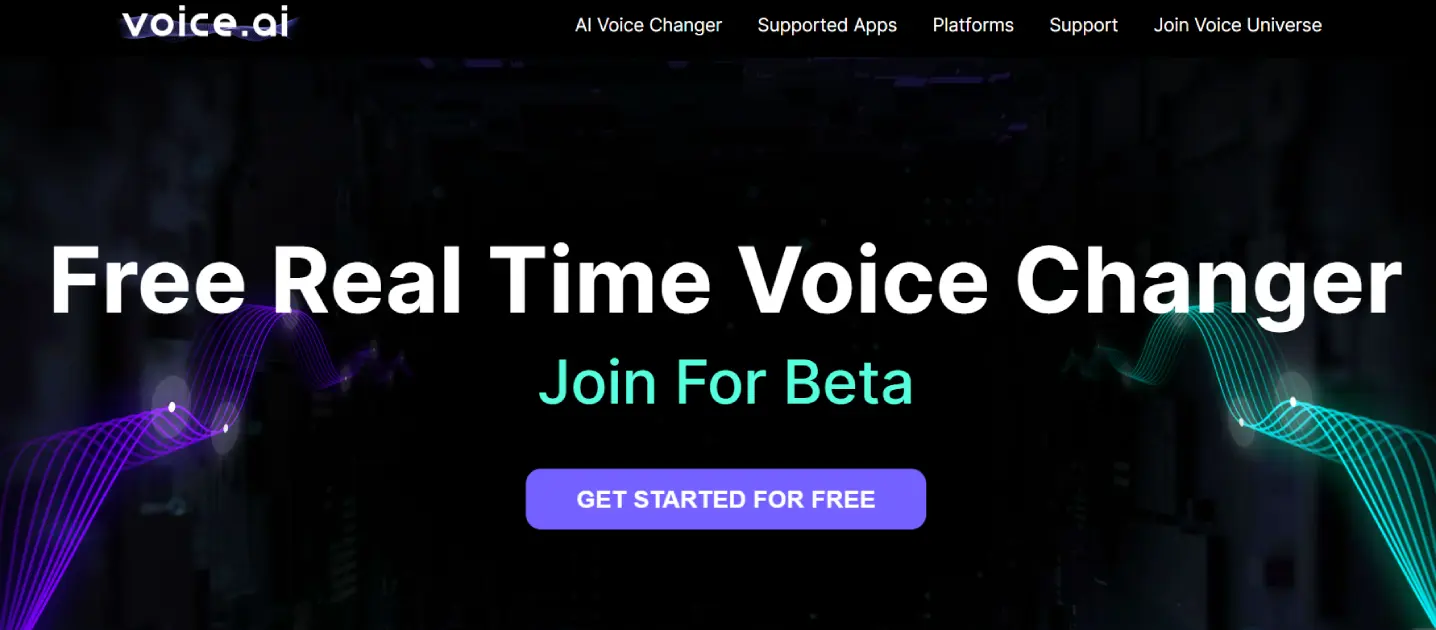
Voice AI
Sound Like Anyone Online With AI
Alitu Showplanner
AI Podcast Launch Tool: Launch Your Idea in Just One...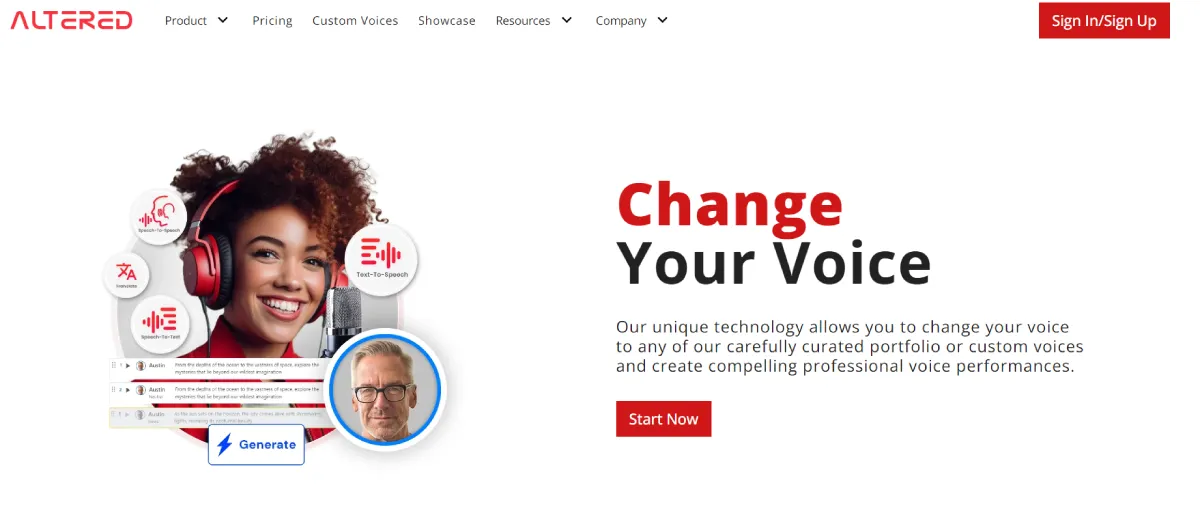
Altered AI
Unleash your vocal creativity with smart voice AI.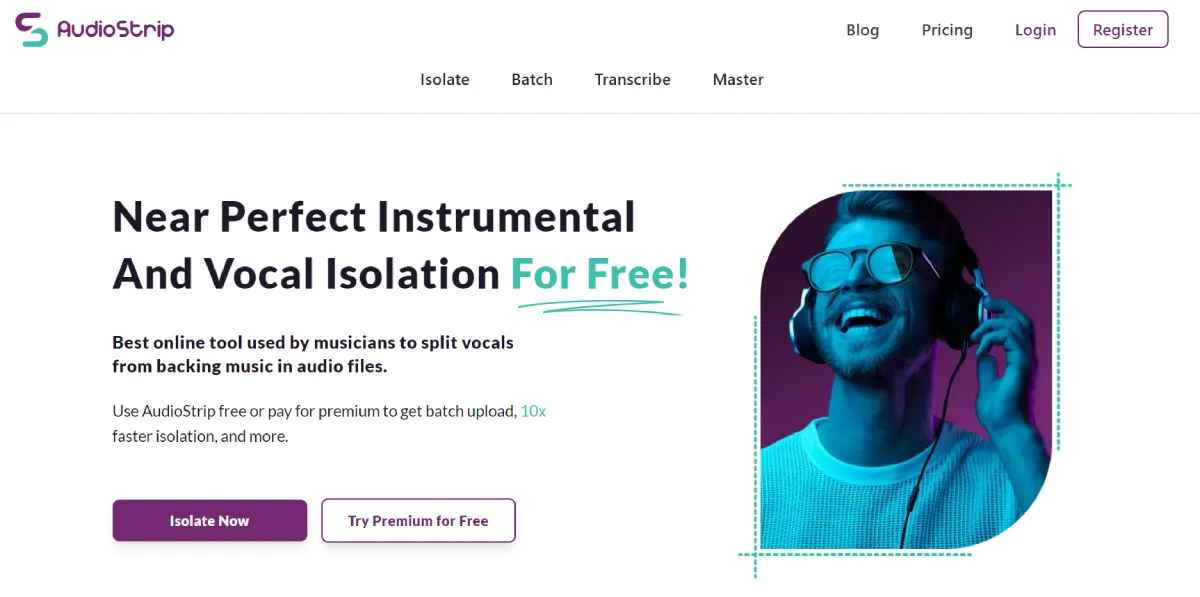
Audiostrip
Effortlessly isolate vocals and instruments with smart audio separation.Traffic Data
Traffic Sources
Top Countries
 United States
15.2%
United States
15.2%
 India
12.2%
India
12.2%
 Brazil
9%
Brazil
9%
 Mexico
3.8%
Mexico
3.8%
 United Kingdom
3.7%
United Kingdom
3.7%
Top Keywords
Engagement Metrics
User Reviews
Be the first to review Adobe Podcast
Please log in to leave a review.