

Data2Slide
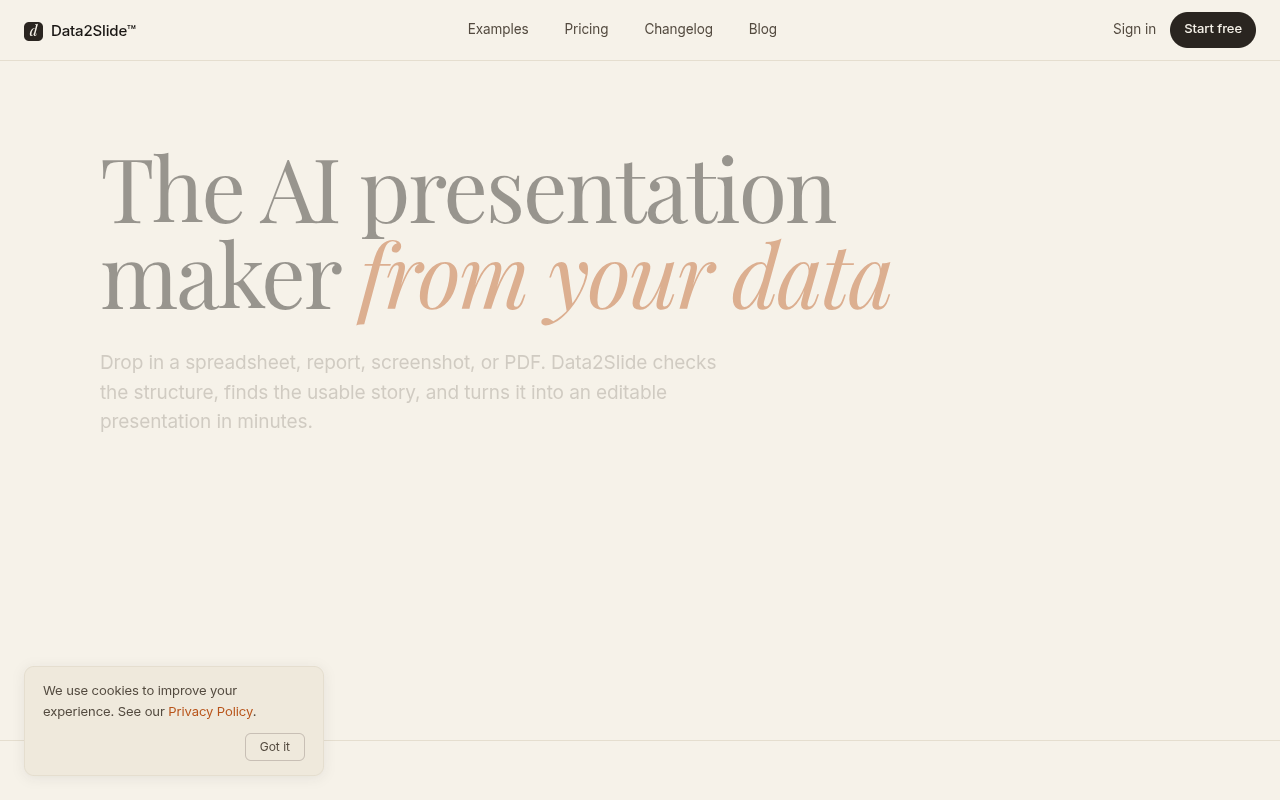
Drop in a spreadsheet or report, and Data2Slide turns it into an editable presentation in minutes.
Overview
Data2Slide is a web tool that converts spreadsheets, reports, screenshots, and PDFs into editable slide decks in about 90 seconds. It checks your data for structure before generating charts, KPIs, and a written takeaway. Built for sales managers, HR leads, finance professionals, and founders, it replaces manual PowerPoint work with a one-line prompt and a live dashboard URL.
Data2Slide fills a specific gap: turning raw data files into presentable slide decks without requiring design skills or data science knowledge. You upload a CSV, Excel file, PDF, or even a screenshot, describe your audience in one line, and the tool builds a deck with charts, KPIs, and a written takeaway. The process takes about 90 seconds, which is a meaningful improvement over the four hours one user reported spending in PowerPoint.
The tool is clearly aimed at business professionals — sales managers, HR leads, finance folks, and founders — who need to present data-driven updates regularly. It is not for data scientists or BI consultants who already have Tableau or Python workflows. The pricing is straightforward: a free tier gives one 10-slide deck, then paid plans start at $15/month for 20 decks. The Pro plan at $29/month adds priority processing and a promised AI Slide Agent for natural language editing, though that feature is still marked as coming soon.
One honest caveat: the free tier only saves reports for 7 days, so you need to export or upgrade if you want long-term access. And the Starter plan caps decks at 20 slides, which might feel tight for a detailed quarterly review. But for the core use case — turning a messy export into a clean deck in under two minutes — Data2Slide delivers. It is a focused tool that does one thing well, and the pricing is fair if you stay under the monthly credit limits.
Key Features
File Upload
Accepts CSV, XLSX, PDF, PNG, JPG, and Markdown files with no server-side data exposure.
Data Readiness Check
Scans for metrics, categories, dates, missing values, and sensitive columns before generation.
One-Line Prompt
Describe your audience in a single sentence and the tool builds the deck around that context.
Live Dashboard URL
Generates a shareable link that works as a live dashboard, plus a self-contained HTML file for offline use.
HTML Export
Download a self-contained HTML file with all charts and animations inlined, usable without internet.
Present Mode
Built-in slideshow mode that works directly from the generated deck without external software.
Pricing Freemium
Free
- 1 starter deck
- Up to 10 slides
- Reports saved for 7 days
- CSV, XLSX, PDF, PNG, JPG, MD input
- Live shareable link
- HTML export + Present mode
Starter
- 20 decks/month
- Up to 20 slides per deck
- Reports saved for 7 days
- Email support
Pro
- 60 decks/month
- Up to 30 slides per deck
- Reports saved for 30 days
- AI Slide Agent (coming soon)
- Priority processing
- Priority support
Business
- 200 decks/month
- Up to 85 slides per deck
- Reports saved forever
- Traction landing page template (coming soon)
- Early access to new features
- Dedicated support
Pros & Cons
Pros
- Generates a deck from raw data in about 90 seconds, compared to hours in PowerPoint.
- Data is parsed in-browser, so sensitive files never hit the server.
- Output includes a live dashboard URL and a self-contained HTML file that works offline.
- The readiness check catches sparse or messy data before you waste time generating a bad deck.
- Free tier gives a full 10-slide deck to test the workflow with real data.
Cons
- Free reports are only saved for 7 days, so you need to export or upgrade for long-term access.
- Starter plan caps decks at 20 slides, which may be tight for detailed quarterly reviews.
- AI Slide Agent (natural language editing) is listed as 'coming soon' and isn't available yet.
Frequently Asked Questions
Is there a free trial?
Yes, there is a free tier that gives you one starter deck with up to 10 slides. You can test the full workflow with your own data before deciding on a paid plan.
What happens when I run out of credits?
When you run out of monthly credits on a paid plan, you won't be able to generate new decks until your next billing cycle or until you upgrade to a higher tier. You can still access and share previously generated decks.
Do unused credits roll over?
No, unused credits do not roll over to the next month. Your monthly credit allowance resets at the start of each billing period.
Can I cancel anytime?
Yes, you can cancel your subscription at any time. Your access continues until the end of the current billing period, and you can still download or share existing decks after cancellation.
What file formats does Data2Slide accept?
It accepts CSV, XLSX, PDF, PNG, JPG, and Markdown files. The tool parses these in your browser, so your raw data never touches the servers.
14 Alternatives to Data2Slide

Cap
Cap is a screen recording tool for quick sharing and...
Formula Bot
Formulabot Speeds Data Entry With Spreadsheets.
Geteliza
Unlock instant data insights with Geteliza, your AI-powered data analyst.
Harpa AI
Level Up Your Browser with HARPA AI - The Powerful...
Magica
Magica helps users automate tasks using multiple AI models and...
Maika AI
Optimize Your SEO Strategy with Maika AIUser Reviews
Be the first to review Data2Slide
Please log in to leave a review.