

Supercut
Video messaging tool for professionals to create and share content quickly.



Overview
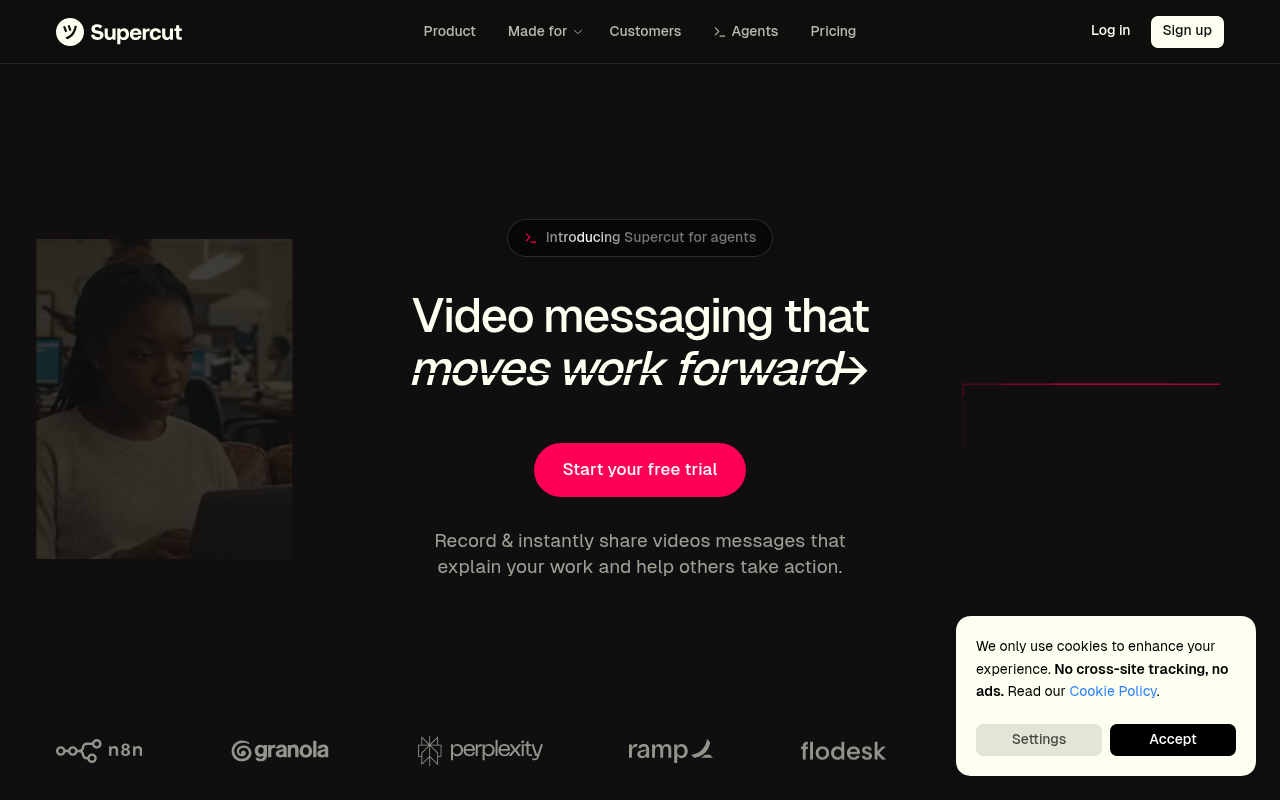
Supercut is a video messaging platform that enables users to create, edit, and share videos with ease. It features auto-editing and smart navigation, making it ideal for teams and professionals. Users can record in high-quality 4K, enhancing their video content significantly.
Supercut is a dedicated video messaging tool that allows users to create, edit, and share video content efficiently. It targets professionals and teams looking to enhance their communication and collaboration through video. With features like auto-editing, instant sharing, and analytics tracking, it stands out in the crowded video platform market.
The pricing is competitive, especially considering the inclusion of 4K recording and unlimited video sharing. However, smaller teams or freelancers may find the monthly fee a bit high. Overall, Supercut provides essential tools for effective video messaging, making it a worthy investment for those focused on video content.
Key Features
Auto-Edit
Automatically removes unwanted segments from your videos.
4K Recording
Record videos in stunning 4K quality.
Instant Sharing
Share your videos instantly via link or email.
Smart Navigation
Easily create auto-chapters in your videos.
Analytics Tracking
Gain insights into viewer engagement and performance.
Team Collaboration 8
Facilitate team feedback directly on the video timeline.
Pricing Paid
Pro Plan
- Unlimited video sharing
- 4K recording
- Auto-editing features
- Transcription services
- Team collaboration tools
Pros & Cons
Pros
- Records in up to 4K resolution for high-quality output.
- Auto-editing feature saves significant time on video production.
- Smart navigation with auto-chapters enhances viewer experience.
- Instant sharing simplifies distribution of videos.
- Analytics provide valuable insights into viewer engagement.
Cons
- The onboarding process can feel a bit rushed for new users.
- Some advanced features are still in development.
- Pricing may be steep for freelancers or small teams.
Frequently Asked Questions
What types of videos can I create with Supercut?
You can create various types of videos, including promotional content, instructional videos, and team updates, all tailored to your needs.
Is there a free trial available?
There is no free trial, but you can try the Pro Plan at €16 per month without a credit card.
What integrations does Supercut offer?
Supercut integrates with popular tools to streamline your workflow, though specific integrations are not detailed on the website.
Can I customize the video layout?
Yes, Supercut offers multiple layout options for branding and customization to suit your needs.
What analytics features are included?
Supercut provides tracking for video views and engagement metrics, helping you understand how your content performs.
114 Alternatives to Supercut

DeeVid AI
Turn Ideas into Videos in Minutes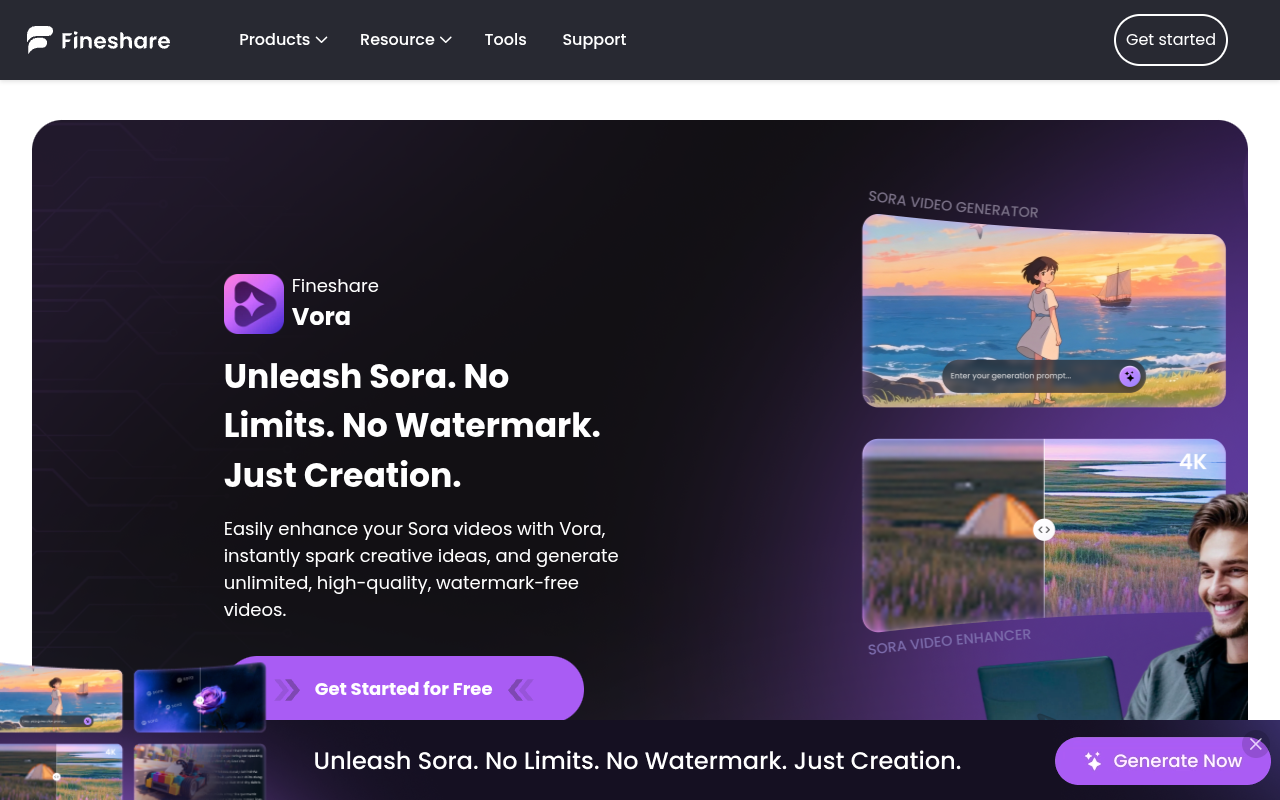
Fineshare
Fineshare offers AI tools for voice cloning, text-to-speech, music generation,...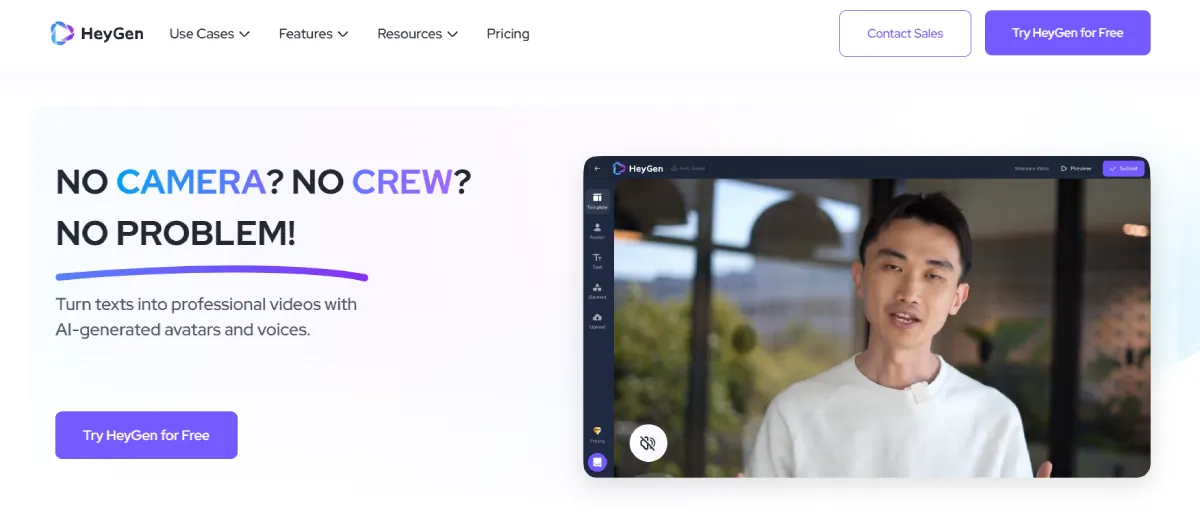
Heygen AI
AI-Powered Video Creation Made Simple
Humva AI
Create AI-driven avatars effortlessly for any video project
Instant Upload
AI Faceless Video Generator for Automated Content Creation
Kie.ai Sora 2 API
Affordable and Stable Unofficial Sora 2 API for Text &...Traffic Data
Traffic Sources
Top Countries
 United States
24.9%
United States
24.9%
 Poland
14.9%
Poland
14.9%
 United Kingdom
11.5%
United Kingdom
11.5%
 France
10.5%
France
10.5%
 Portugal
8.9%
Portugal
8.9%
Top Keywords
Engagement Metrics
User Reviews
Be the first to review Supercut
Please log in to leave a review.