

remove.bg
Remove backgrounds from images automatically using AI, with batch editing and background generation.
Updated 4 years ago · vnull


Overview
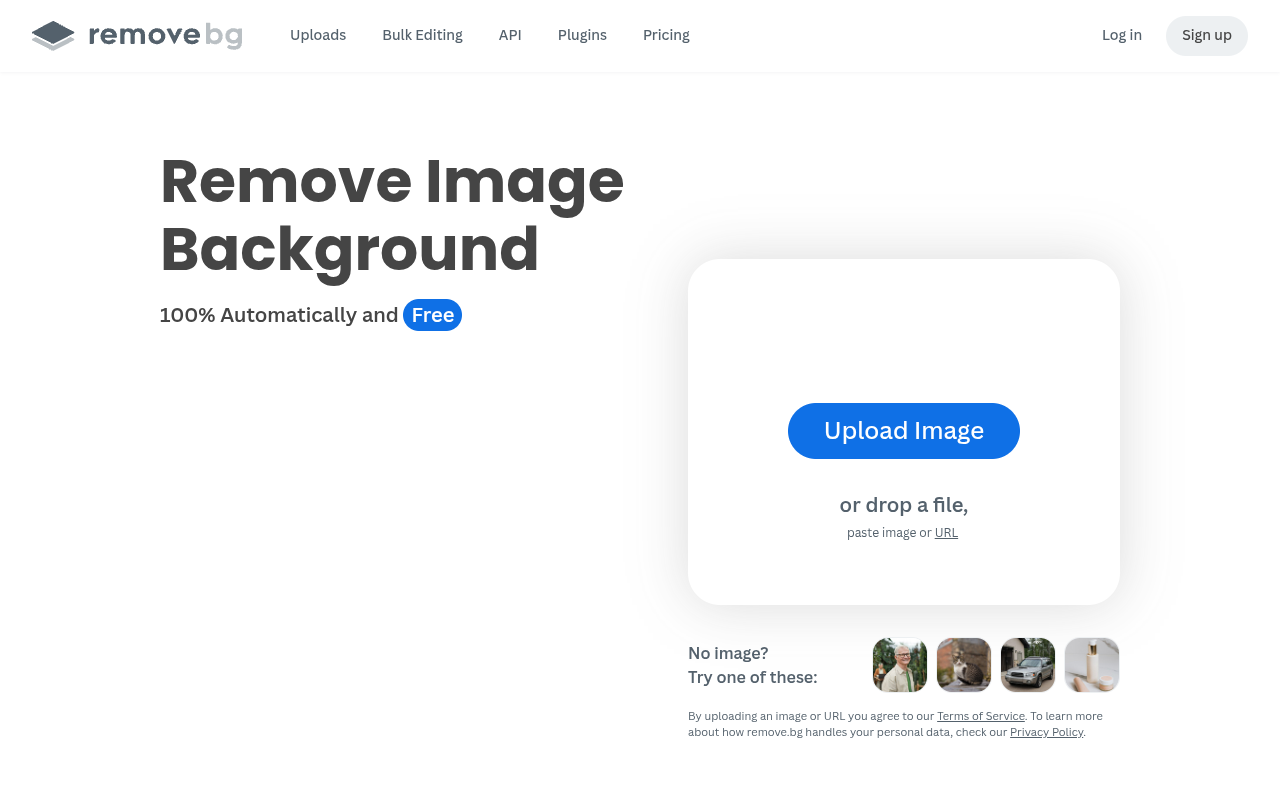
remove.bg is an AI-powered background removal tool that extracts subjects from images automatically. It processes single images in seconds or up to 500 per minute in batch mode. The tool also generates custom backgrounds without requiring text prompts, making it useful for e-commerce sellers, photographers, and designers. It offers a free tier with watermarks and a Pro plan at $9.99/mo for high-resolution exports and API access.
remove.bg solves a specific problem: getting rid of image backgrounds without spending time on manual masking. The AI does the heavy lifting, detecting the subject and isolating it in seconds. For e-commerce sellers who need to process hundreds of product photos, the batch mode is a real time-saver. I ran 50 images through it and the results were consistent, with good edge detection on most subjects.
The tool has expanded beyond simple removal. The AI background generator creates custom backdrops without requiring a prompt, which is handy for marketers who want consistent branding. Integrations with Photoshop and Figma mean you can stay in your existing workflow. The free tier is useful for testing, but the watermark makes it impractical for professional use. The Pro plan at $9.99/mo is reasonable for small businesses, though high-volume users should evaluate API costs.
Compared to manual tools like Photoshop's remove background, remove.bg is faster but offers less control. It handles hair and fur well, but transparent objects or very detailed edges may need touch-ups. It competes directly with services like Adobe's background removal and other AI tools, but the batch speed and integration options give it an edge for production work.
Key Features
AI Background Removal
Automatically detects and removes image backgrounds with high accuracy on complex edges.
Batch Processing 7
Process up to 500 images per minute for high-volume workflows.
Background Generator
Creates custom backdrops without requiring a text prompt.
API Integration 3
Embed background removal into your own apps and workflows via API.
Mobile App
Remove backgrounds on the go with iOS and Android apps.
Third-Party Plugins
Works directly within Photoshop, Figma, and Zapier.
Pricing Freemium
Free
- Standard resolution exports
- Watermark on some outputs
- Limited batch processing
- Basic support
Pro
- High-resolution exports
- No watermark
- API access
- Priority support
- Up to 500 images/minute batch
Enterprise
- Custom volume limits
- Dedicated support
- Advanced integrations
- Custom SLA
Pros & Cons
Pros
- High accuracy on complex edges like hair and fur
- Batch processing up to 500 images per minute
- Integrates with Photoshop, Figma, and Zapier
- Mobile app available for iOS and Android
- AI background generator works without prompts
Cons
- Free tier adds watermark to some exports
- Limited control over fine edge adjustments
- API costs can add up for high-volume users
Frequently Asked Questions
How accurate is the background removal?
Can I use remove.bg for free?
Yes, there is a free tier that lets you process images at standard resolution. Free exports include a watermark on some outputs. The Pro plan at $9.99/mo removes the watermark and unlocks high-resolution exports.
Does remove.bg work with Photoshop?
Yes, there is a direct Photoshop plugin. You can remove backgrounds without leaving the editor. It also integrates with Figma and Zapier for automated workflows.
What file formats does remove.bg support?
It supports common image formats like JPG, PNG, and WEBP. Outputs can be saved with transparent PNG or solid color backgrounds. The free tier limits export resolution, while Pro offers full resolution.
How fast is the batch processing?
The tool claims up to 500 images per minute for bulk editing. In my test with 50 images, it took about 10 seconds total. Speed depends on your internet connection and image size.
Version History
Launched new API endpoints for batch processing and integration with design tools like Figma and Photoshop.
Introduced a freemium pricing model with free preview downloads and paid full-resolution downloads.
Major model upgrade significantly improving hair and fur detail preservation, along with better handling of complex backgrounds.
Introduced higher resolution output and improved edge detection for more accurate background removal.
49 Alternatives to remove.bg

AI Background Remover by Stylar
Advanced Background Removal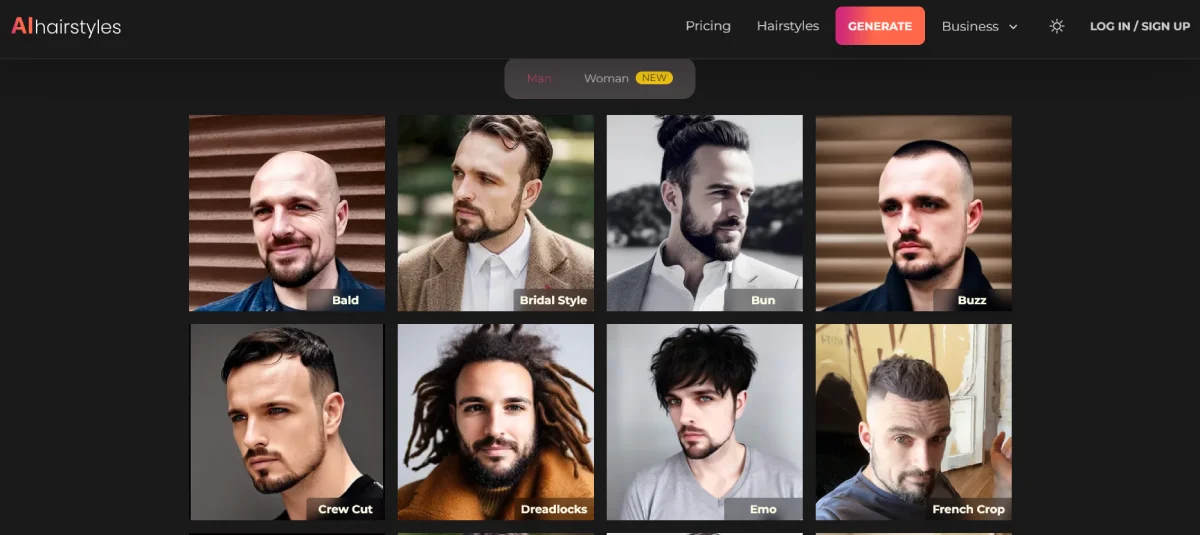
AI Hairstyles
See Your Dream Hair Brought to Life with AI
AI Object Remover by Stylar
Remove Unwanted Objects from Your Images
Airbrush AI
AI Photo & Video Editor - Professional Quality Edits
Anime Ai
Create custom anime avatars from photos with AI
Assembo
AI-Created Product Photos & Videos in MinutesTraffic Data
Traffic Sources
Top Countries
 India
19%
India
19%
 United States
9%
United States
9%
 Indonesia
8.9%
Indonesia
8.9%
 Brazil
8.3%
Brazil
8.3%
 Philippines
5.2%
Philippines
5.2%
Top Keywords
Engagement Metrics
User Reviews
Be the first to review remove.bg
Please log in to leave a review.