

Pixelcut
AI photo and video editor for background removal, upscaling, retouching, and brand-consistent content creation.



Overview
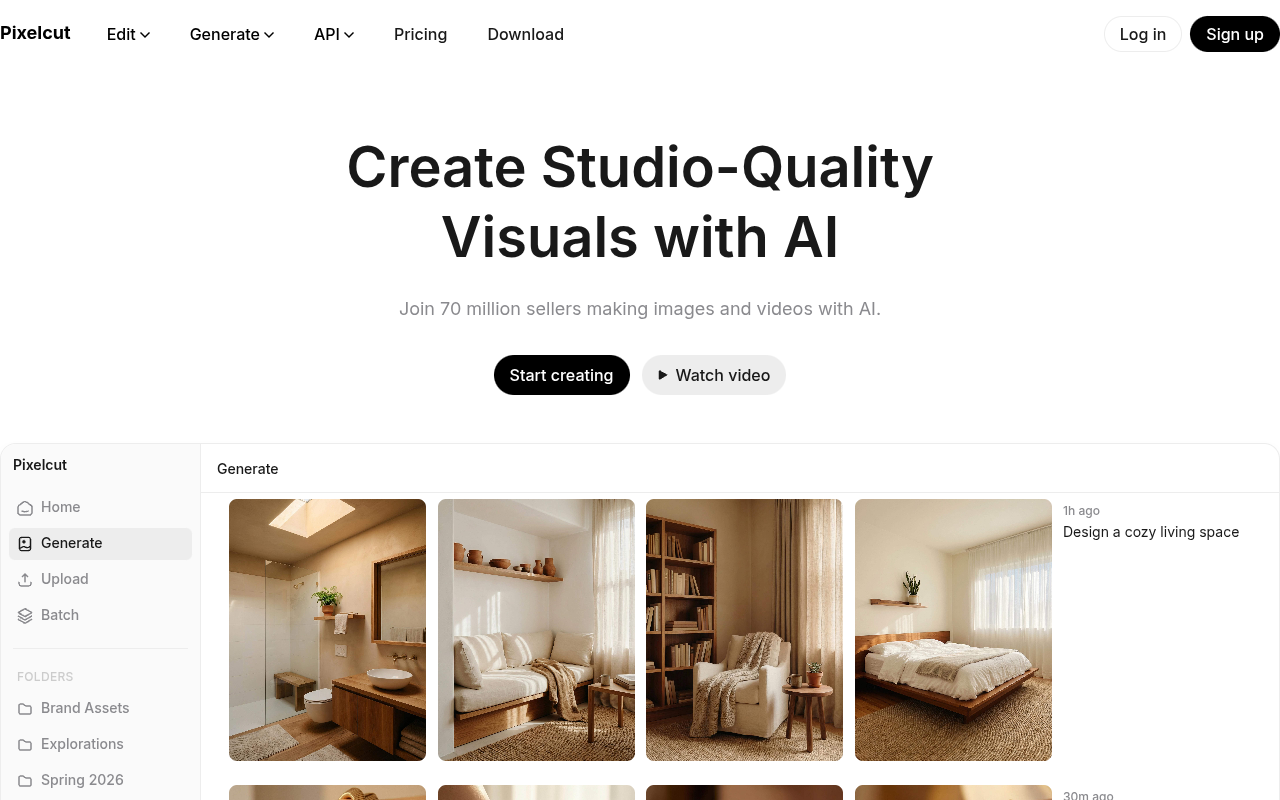
Pixelcut is an AI-powered photo and video editor that handles background removal, upscaling, retouching, and image expansion. It also offers AI-generated product showcases, talking ad videos, and character consistency tools. The platform is used by over 70 million creators, sellers, and businesses for creating studio-quality visuals without professional equipment.
Pixelcut positions itself as an all-in-one creative workspace for people who need to make images and videos quickly. The tool covers the basics well: background removal, upscaling, retouching, and an expand feature that lets you reframe photos. The background removal is genuinely good — cleaner edges than many free tools I've tried. The upscaling goes up to 16x, which is overkill for web use but handy for print.
Newer additions like AI-generated product showcases and talking-head ad videos show the platform moving beyond simple edits. The character consistency feature is a time-saver for brands that want a recurring actor or mascot across content. That said, the AI isn't perfect — complex scenes or fast video motion can trip it up, and the free tier's watermark and resolution limits push you toward the paid plan.
With 70 million users, Pixelcut has a large user base, and the tool is easy enough for beginners. Pricing follows a freemium model, though exact Pro pricing isn't listed on the homepage. For small businesses and solo sellers who need decent AI editing without hiring a designer, it's a practical choice. Just don't expect it to replace professional software for complex retouching or multi-layer projects.
Key Features
Background Removal 4
Proprietary AI removes backgrounds from images and video with clean edges.
Image Upscaling
Upscales images up to 16x resolution, with model options including Topaz.
Expand Tool
Reframes images by extending the canvas beyond original edges using AI.
AI Retouching
Erase or edit specific areas with generative fill for object removal or fixes.
Character Consistency
Creates custom personas that stay visually consistent across images and videos.
AI Video Ads
Generate talking-head videos for ads using AI actors and prompts.
Pricing Freemium
Free
- Basic background removal
- Upscaling up to 4x
- Retouching and expand
- Watermarked exports
- Lower resolution video
Pro
- No watermarks
- Higher resolution exports
- Faster processing
- Premium AI models
- Priority support
Pros & Cons
Pros
- Background removal quality is noticeably better than many free alternatives
- Character consistency feature saves time for brands that need uniform visuals
- Works on both images and video in one tool
- Upscaling up to 16x is useful for printing or large displays
- Free tier is usable for basic edits without paying
Cons
- Free exports include a watermark and limited resolution
- AI-generated personas can still have occasional inconsistencies in complex scenes
- No desktop app; browser-based only, which can be slow on older machines
Frequently Asked Questions
Is Pixelcut free to use?
Yes, Pixelcut has a free tier that includes basic background removal, upscaling, retouching, and video tools. Free exports have a watermark and lower resolution. A Pro subscription removes watermarks and unlocks higher quality exports.
What file formats does Pixelcut support?
Pixelcut works with common image formats like JPG and PNG, and video formats such as MP4. Exports can be saved in similar formats, with resolution depending on your plan.
Can I remove backgrounds from videos?
Yes, the background removal tool works on both images and video. It uses proprietary AI and handles most subjects well, though complex backgrounds or fast motion may need manual cleanup.
Does Pixelcut have a mobile app?
Pixelcut is primarily a web-based tool. There is no dedicated mobile app listed, but the website works on mobile browsers. Some features may be limited on smaller screens.
How does the character consistency feature work?
You create a custom persona (actor or brand character) and Pixelcut uses AI to keep that character's appearance consistent across multiple images and videos. This is useful for ads or social media content where you want the same look every time.
26 Alternatives to Pixelcut

Assembo
AI-Created Product Photos & Videos in Minutes
BestPhoto
AI photo editing for transforming and enhancing images.
Designify
AI photo editor that removes backgrounds, erases objects, and edits...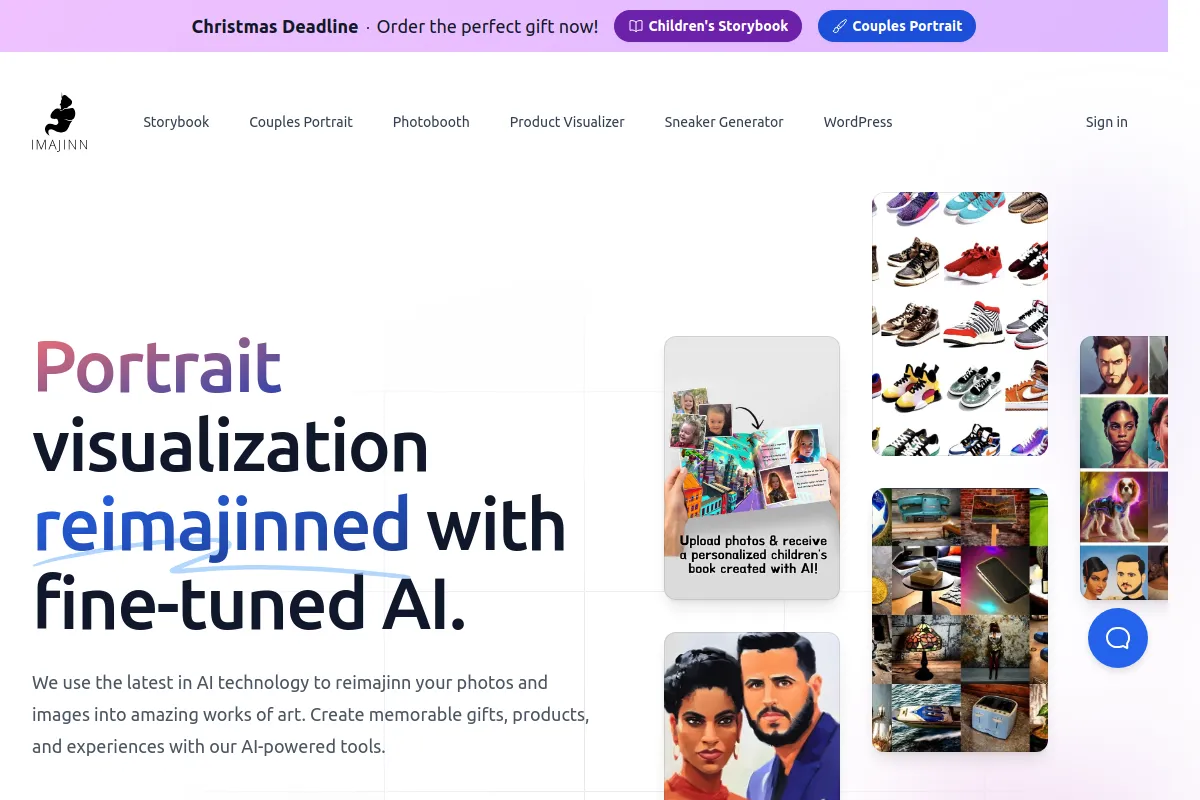
Imajinn AI
Creative tools to visualize concepts from text prompts
Let's Enhance
AI-powered image upscaling and enhancement tool that runs in your...
Multiple Angles
Transform any image into multiple perspectives effortlessly.Traffic Data
Traffic Sources
Top Countries
 India
17.4%
India
17.4%
 United States
11.7%
United States
11.7%
 Spain
6.3%
Spain
6.3%
 Indonesia
5.6%
Indonesia
5.6%
 Mexico
4.1%
Mexico
4.1%
Top Keywords
Engagement Metrics
User Reviews
Be the first to review Pixelcut
Please log in to leave a review.