

Fillout
Create forms, quizzes, and surveys quickly and easily.



Overview
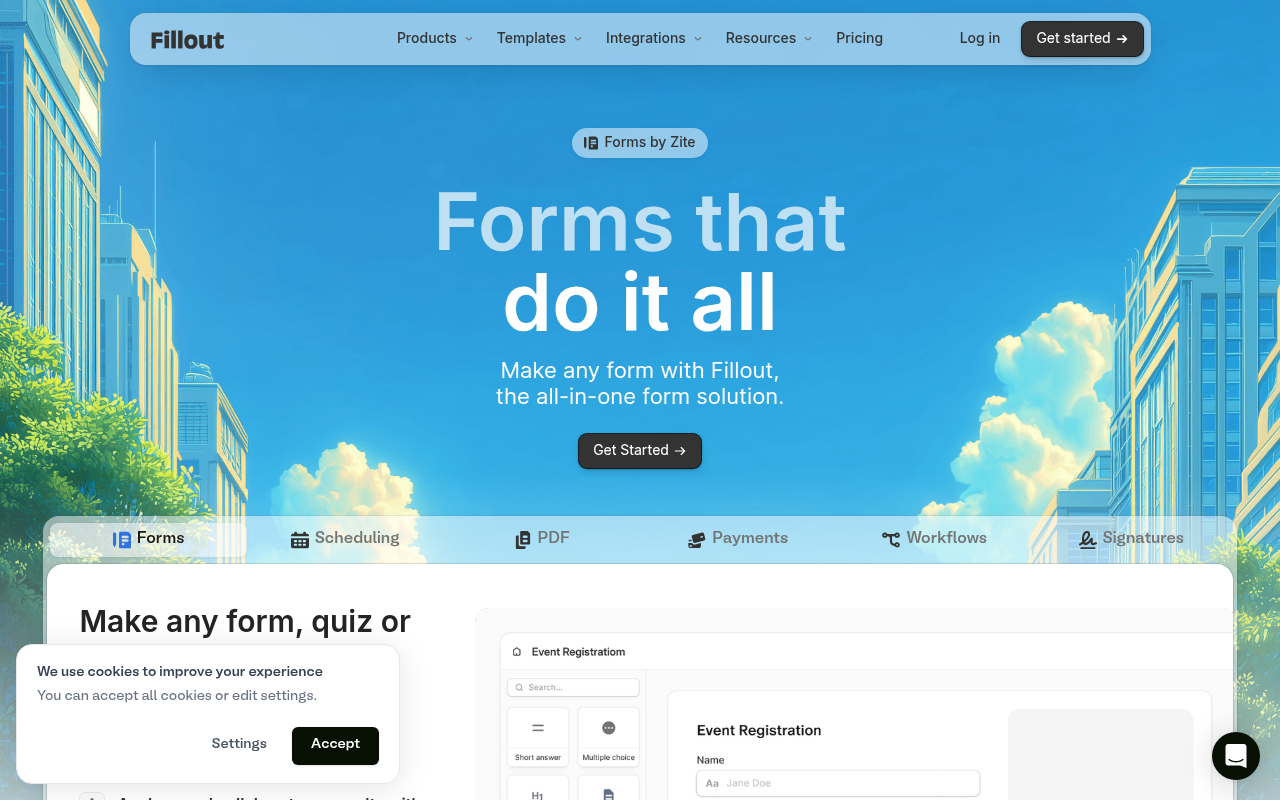
Fillout is a user-friendly form builder that enables users to create surveys, quizzes, and forms quickly. It features a drag-and-drop interface and supports integrations with over 50 applications, helping businesses streamline data collection. Ideal for organizations seeking efficient data management solutions.
Fillout is an accessible tool designed for users who need to create various forms quickly and intuitively. Its drag-and-drop interface allows anyone, regardless of technical skill, to build surveys and quizzes in minutes. The platform targets small to medium-sized businesses and educational institutions, providing them with an efficient way to gather data.
Pricing is straightforward, with a free tier allowing unlimited forms and a reasonable upgrade path for those needing more responses. However, the limitations on the free plan and advanced features in higher tiers could be a drawback for larger teams or organizations with extensive data collection needs.
Key Features
Quick Form Creation
Build forms in minutes with drag-and-drop functionality.
Custom Branding
Personalize forms with logos, colors, and domains.
Integration Support
Connect with over 50 applications for enhanced functionality.
Real-Time Collaboration 2
Work with team members on forms in real-time.
Smart Automation
Automate workflows with intelligent form routing.
Analytics Dashboard 5
Track and analyze form responses efficiently.
Pricing Freemium
Free
- Unlimited forms
- 1000 responses/month
- Multi-page forms
- Basic analytics
Starter
- 2000 responses/month
- All question types
- Custom endings
- Login forms
Pro
- 5000 responses/month
- Custom emails
- Remove branding
- Custom share links
Business
- Unlimited responses
- Form analytics
- Custom domain
- Priority support
Pros & Cons
Pros
- Drag-and-drop interface simplifies form creation.
- Real-time collaboration features enhance team efficiency.
- Fully customizable branding options available.
- Supports over 50 integrations with popular apps.
- Free tier allows organizations to explore features without commitment.
Cons
- 1000 responses/month on the free plan may be limiting for some users.
- Advanced features are locked behind higher-priced tiers.
- Onboarding process could be more comprehensive for new users.
Frequently Asked Questions
What types of forms can I create with Fillout?
You can create various forms, including surveys, quizzes, registration forms, and feedback forms.
Is there a free version of Fillout?
Yes, Fillout offers a free plan that includes unlimited forms and up to 1000 responses per month.
Can I customize the branding of my forms?
Absolutely, Fillout allows you to customize forms with your branding elements like logos, colors, and custom domains.
How does Fillout integrate with other applications?
What is the average response rate for forms created with Fillout?
While response rates can vary, many users report improved engagement due to the user-friendly design of Fillout forms.
23 Alternatives to Fillout

1hero AI
Multilingual AI Chatbot for E-Commerce Support
Cal.com
A scheduling tool that simplifies online bookings for individuals and...
Chatcare
AI-Powered Customer Support for E-Commerce Excellence
Digital Genius
Transform Your Ecommerce Customer Service with AI-Powered Efficiency
Dropbot AI
Turn Any Product into a Winning Dropshipping
Learning Course AI
Create Courses On Any Topics With Just A WordTraffic Data
Traffic Sources
Top Countries
 United States
33%
United States
33%
 United Kingdom
6.6%
United Kingdom
6.6%
 Canada
5.5%
Canada
5.5%
 France
4.4%
France
4.4%
 Israel
4%
Israel
4%
Top Keywords
Engagement Metrics
User Reviews
Be the first to review Fillout
Please log in to leave a review.