

Figr
AI-powered UX design for product teams.
Overview
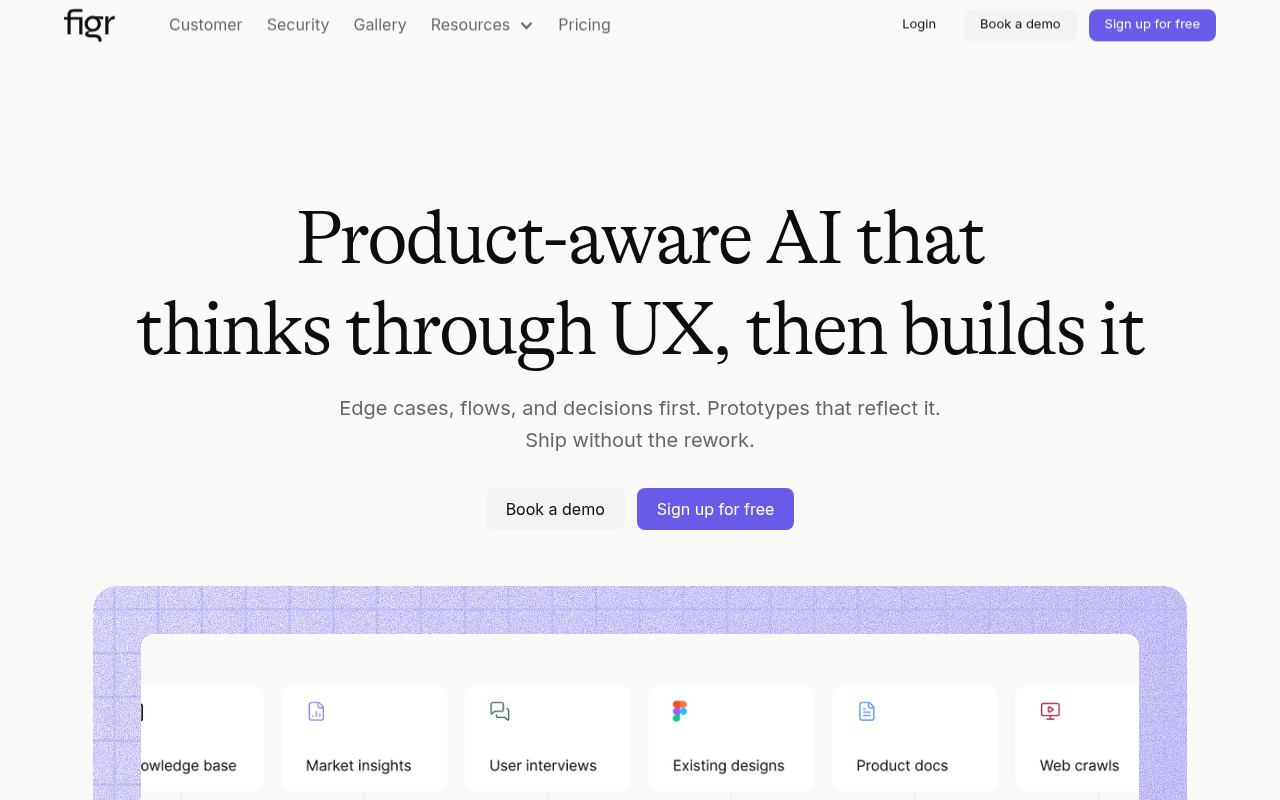
Figr is an AI design tool that aids product teams in refining UX by analyzing edge cases and mapping user flows. It supports the creation of high-fidelity prototypes and integrates analytics data to guide design choices, enhancing overall product development efficiency.
Key Features
UX Analysis
Evaluates UX decisions for improved design outcomes.
Edge Case Finder
Detects potential edge cases before development.
Flow Mapping
Creates comprehensive user flow maps.
Prototype Builder
Generates high-fidelity prototypes.
Analytics Integration
Uses analytics to inform design choices.
Figma Export
Allows direct export to Figma.
Pricing Freemium
Pros & Cons
Pros
- Identifies edge cases early in the design process
- Integrates seamlessly with Figma
- Offers real-time team collaboration
- Supports data-driven design decisions
- Provides high-fidelity prototypes
Cons
- Higher cost for team plans
- Custom setup for enterprise may be complex
- Limited credits on free and starter plans
Frequently Asked Questions
What is Figr?
Figr is an AI-driven design tool that helps product teams develop and refine UX designs more efficiently by analyzing edge cases and mapping user flows.
How does Figr integrate with Figma?
Figr allows users to export designs directly to Figma, facilitating seamless collaboration and design consistency between platforms.
Who can benefit from using Figr?
Product managers, UX designers, and design teams looking to streamline their design process and improve user experiences can benefit from Figr.
What are the pricing options for Figr?
Figr offers a free plan with limited features, and paid plans starting at $16 per month for additional credits and features.
What makes Figr unique?
Figr's ability to read analytics data and provide UX insights that enhance decision-making sets it apart from other design tools.
26 Alternatives to Figr

Anijam
Animate any story with an AI agent.
Nexos
Automate tasks and boost productivity with AI.
Supernormal
Convert meetings into ready-to-use client deliverables swiftly.
AI Toolbar
Intelligent Browser Assistant for Productivity
AIbrane
AI Integration Everywhere for Maximum Productivity
Akiflow
Time-blocking planner and calendar for busy professionals.User Reviews
Be the first to review Figr
Please log in to leave a review.