

AI Veo 4
Create videos using images, audio, and text with synchronized dialogue.
Overview
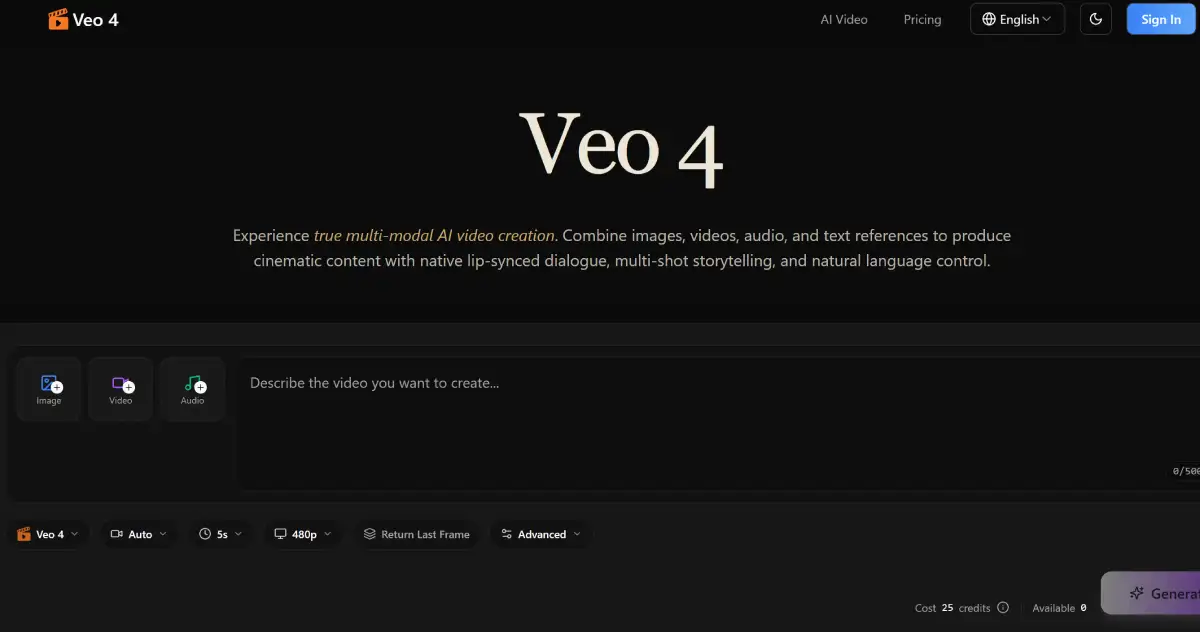
AIVeo4.ai is an AI video creation tool that combines images, audio, and text to produce synchronized video content. It helps content creators and marketers generate engaging videos efficiently while maintaining consistency across scenes. Users can replicate motion and edit videos seamlessly.
AI Veo 4 is a versatile tool aimed at simplifying video production by allowing users to combine various media types into cohesive video content. Its ability to generate synchronized audio and maintain character consistency across scenes makes it appealing to content creators, educators, and marketers. Unlike many video editing tools, Veo 4's multi-modal input feature sets it apart, enabling users to easily reference and integrate existing media.
While the tool is beneficial for those looking to produce videos quickly, the lack of clear pricing information may deter some potential users. The onboarding process can feel a bit rushed, which could leave new users needing additional guidance. Overall, Veo 4 presents a compelling option for individuals and teams looking to enhance their video production capabilities without delving into complex editing software.
Key Features
Multi-Modal Input
Combine diverse media types for unique creations.
Audio Generation
Create synchronized audio seamlessly within videos.
Storytelling Support
Build coherent narratives from short video segments.
Motion Replication
Accurately replicate motion from uploaded reference videos.
Video Editing
Edit existing clips without full regeneration.
Cinematic Quality
Deliver professional-grade video output.
Pricing Freemium
FREE
- 25 Credits
- Pricing not publicly listed
- Full media integration
- Audio generation included
- Video editing features
- Support for multiple formats
Pros & Cons
Pros
- Maintains character consistency across scenes
- Generates audio without manual syncing
- Allows natural language prompts for video creation
- Supports multiple media types for creative flexibility
- Easy to extend and edit existing videos
Cons
- No clear pricing information available
- Onboarding may feel rushed for new users
- Limited documentation on advanced features
Frequently Asked Questions
What types of media can I combine in Veo 4?
You can combine images, video clips, audio files, and text references to create your video content.
Who can benefit from using Veo 4?
Content creators, educators, and marketers can all benefit from using Veo 4 to produce engaging video material.
Can I edit videos after generating them?
Yes, Veo 4 allows you to extend, edit, and merge existing videos without starting from scratch.
Is there a free trial available?
The website does not specify a free trial or free tier; pricing details must be requested.
How does the audio generation feature work?
Veo 4 generates native audio, including lip-synced dialogue and background music, automatically with your video.
66 Alternatives to AI Veo 4

AI Fruit
Create AI-generated fruit videos for social media without editing skills.
AIReel
Transform text and images into videos effortlessly.
CreatorKit
Create AI images and videos effortlessly.
Happy Horse AI
Create cinematic AI videos with synced audio and lifelike motion.
Kaiber
Explore Video & Image Creativity with Kaiber
Kling AI
Advanced AI Video Generation Model by KuaishouUser Reviews
Be the first to review AI Veo 4
Please log in to leave a review.