

Motionbox
Edição de vídeo colaborativa baseada em navegador com templates de motion graphics e gerenciamento de marca da equipe.



Overview
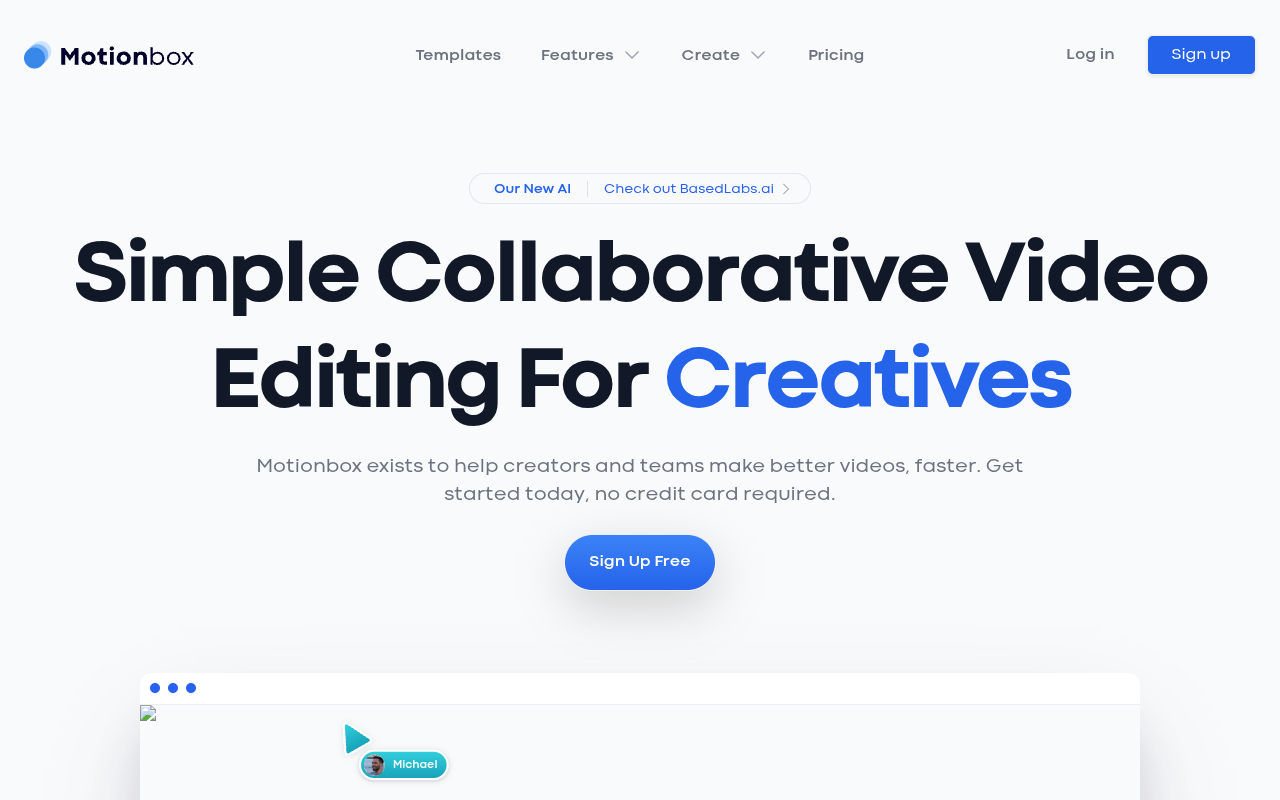
Motionbox is a web-based collaborative video editing tool that lets teams edit the same timeline in real time. It includes a library of motion graphics templates and a BrandKit system for managing colors and assets. The tool is aimed at content teams and small agencies who want to produce branded videos without installing desktop software.
Motionbox positions itself as a collaborative video editing platform for creatives who work in teams. Unlike traditional editors that require file sharing and local installations, Motionbox runs entirely in the browser. That means anyone with a link can jump into a project and start editing. The platform includes a template library with hundreds of themed options, from YouTube intros to niche holiday graphics. For teams that produce a lot of branded content, the BrandKit feature is a standout — it stores color palettes and assets centrally so every video stays on brand without manual effort.
The tool is best suited for small to mid-sized teams who need speed and consistency over raw editing power. If you are cutting a 30-second social spot or an internal announcement, Motionbox handles it well. But if you need advanced color grading, multi-cam editing, or high-resolution exports for broadcast, you will hit limits. The free plan is generous enough to test the workflow, though the watermark on exports makes it impractical for client work without upgrading.
Pricing is straightforward: a free tier with restrictions, a Pro plan at $19 per month for individuals, and a Team plan at $49 per month for collaboration features. That puts it in the same range as tools like Canva Video or Clipchamp, but with a stronger emphasis on real-time team editing. For teams tired of emailing project files back and forth, Motionbox solves a real pain point — just do not expect it to replace Premiere Pro for heavy lifting.
Key Features
Real-Time Collaboration 2
Multiple editors can work on the same video timeline simultaneously with live updates.
BrandKit System
Centralized color palettes and asset libraries keep all team videos visually consistent.
Template Library 2
Hundreds of pre-built templates for holidays, events, and social media formats.
Cloud-Based Workflow
Everything runs in the browser with automatic project syncing across devices.
Motion Graphics Tools
Built-in animation for text, shapes, and layers without external software.
No Install Required
Start editing immediately from any modern web browser without downloading software.
Pricing Freemium
Gratuito
- Limited exports
- Watermarked videos
- Basic template access
- Single user
Profissional
- Exportações ilimitadas
- Sem marca d'água
- Full template library
- BrandKit access
- Single user
Equipe
- Tudo no Pro
- Colaboração em equipe
- Shared workspaces
- Suporte prioritário
- Up to 5 team members
Pros & Cons
Pros
- Real-time team collaboration on the same timeline works smoothly in my tests
- Template library covers niche holidays and events you would not expect from a smaller tool
- BrandKit keeps colors and assets consistent across every team project
- No download or install required — everything runs in the browser
- Free tier lets you test the full workflow before committing to a paid plan
Cons
- Export resolution options are limited compared to desktop editors like Premiere or DaVinci Resolve
- Advanced motion graphics features are not as deep as After Effects for complex animations
- Free exports include a watermark, which feels restrictive for professional use
Frequently Asked Questions
Can I use Motionbox without a credit card?
Yes, the free plan does not require a credit card. You can sign up and start editing immediately with limited exports and a watermark on your videos.
Does Motionbox support real-time collaboration?
Yes, multiple team members can edit the same video timeline at the same time. Changes appear live, which is useful for remote teams who want to avoid file version conflicts.
What kind of templates are available?
The template library includes categories like YouTube intros, holiday themes, redes sociais posts, and event graphics. There are dozens of options for specific occasions like World Ovarian Cancer Day or National Pizza Party Day.
Is there a watermark on free videos?
Yes, the free plan adds a Motionbox watermark to exported videos. Upgrading to the Pro or Team plan removes the watermark and unlocks unlimited exports.
Can I import my own fonts and assets into BrandKit?
Yes, the BrandKit feature lets you upload your own color palettes, logos, and other brand assets. Team members can access these assets in any project to keep videos consistent.
72 Alternatives to Motionbox

AI 2short
Reaproveite seus vídeos, cresça seu canal
Crayo AI
Automate & Create Viral Short Videos Instantly
Elai
Criação de Vídeos AI para Aprendizado e Desenvolvimento Corporativo
Flexclip
Edição e Criação de Vídeos com IA
HitPaw Edimakor
Create, Edit & Enhance Videos with Ease
InstaDoodle AI
Criador de Vídeos AI Doodle para Animações em Quadro BrancoTraffic Data
Sources de Tráfego
Países Principais
 Estados Unidos
24.9%
Estados Unidos
24.9%
 Índia
8.9%
Índia
8.9%
 Indonésia
5.7%
Indonésia
5.7%
 Reino Unido
4.4%
Reino Unido
4.4%
 Vietnã
3.5%
Vietnã
3.5%
Palavras-chave Principais
Engagement Metrics
User Reviews
Be the first to review Motionbox
Please fazer login to leave a review.