
timeOS
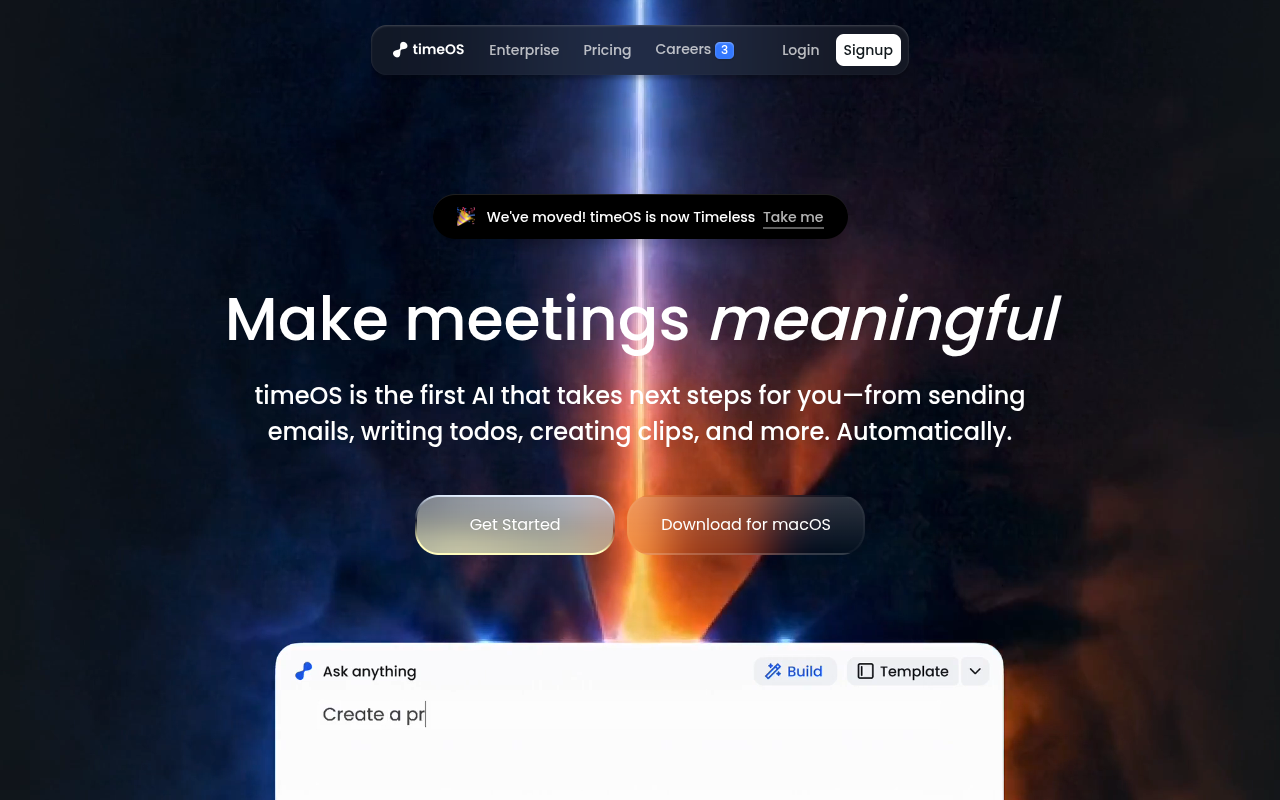
会話を要約、メール、チャート、クリップなどのアクションに変換するAIミーティングアシスタント。
Overview
TimeOSは、会話から要約、 action items, follow-up emails, charts, and video clips from your conversations. It integrates with tools like Notion, monday.com, and Google Drive, and offers pre-built templates for roles like sales, coaching, and 製品管理. It helps professionals with heavy meeting loads save time on manual note-taking and follow-ups.
TimeOSは、単にメモを取るだけでなく、実際にアクションを起こすミーティングアシスタントとして位置づけられている。Zoom、Google Meet、Teamsでの会話をキャプチャし、要約、アクションアイテム、フォローアップメール、チャート、さらには短いビデオクリップに変換する。週の半分を電話会議に費やすプロダクトマネージャーやアカウントエグゼクティブにとって、この自動化は数時間の節約になる。営業、コーチング、プロダクト、投資家向けなど、役割別のプリセットテンプレートにより、ワークフローをゼロから設定することなく素早く使い始められる。
このツールはNotion、monday.com、Google Driveなどの一般的なプラットフォームと統合されており、出力結果は既存の作業環境に直接反映される。セキュリティ面も優れており、SOC 2 Type II準拠、AES-256暗号化、データはデフォルトでプライベートに保たれる。無料プランはかなり制限されているため、ほとんどのユーザーは月額19ドルのProプランが必要になる。一部のテンプレートはまだ「近日公開」と表示されており、ワークフローライブラリが限られている。また、話者の識別は、クロストークが多い会議ではうまく機能しないことがある。しかし、中核的なユースケースである「ミーティングを構造化されたアクション可能な成果物に変換する」という点では、TimeOSは確かな結果をもたらす。
Key Features
AI Briefs
参加者のコンテキスト、過去のメモ、関連ドキュメントを含む事前ミーティングサマリーを準備し、情報を得た状態で参加できるようにします。
Follow-up Agent
会議の内容や簡単なプロンプトからメールの下書きを作成し、調整、送信、またはテンプレートとして保存できる。
Visual Blocks
Converts meeting data into charts and tables to help you spot trends and organize insights visually.
AI Clips
Generates short video clips from meetings by typing a command like 'Create a 30s clip about the budget'.
Templates
Offers pre-built workflows for roles like sales, coaching, and product management that update outputs instantly when switched.
Speaker Labels
Automatically identifies and labels who is speaking in the meeting transcript for easy reference.
Pricing Freemium
無料
- Basic note-taking and summaries
- Limited credits per month
- Standard integrations
- コミュニティサポート
プロ
- 無制限の要約
- AI Clips feature
- Custom templates
- All integrations
- 優先メールサポート
チーム
- Shared workspaces
- Admin controls
- 高度なセキュリティ
- 専任のアカウントマネージャー
- 優先サポート
Pros & Cons
Pros
- Automatically generates actionable outputs like emails and charts, not just notes.
- Works with major video conferencing tools and integrates with Notion, monday.com, and Google Drive.
- Pre-built templates for specific roles (sales, coaching, product) save setup time.
- AI Clips feature lets you pull short video highlights from meetings with a text command.
- Private by default with SOC 2 Type II compliance and AES-256 encryption.
Cons
- The free tier is quite limited; you'll likely need the Pro plan for regular use.
- Some templates are still marked as 'coming soon' which limits the workflow library.
- Occasionally mislabels speakers in meetings with heavy cross-talk or accents.
Frequently Asked Questions
What video tools does timeOS work with?
TimeOS works with most major video conferencing platforms including Zoom, Google Meet, and Microsoft Teams. It captures audio and video to generate summaries and clips automatically.
Can I export my meeting data to other apps?
Yes. TimeOS integrates with Notion, monday.com, Google Drive, Slack, and more. You can send summaries, action items, and clips directly to these tools with one click.
Is my meeting data private and secure?
TimeOS is private by default. Your data is encrypted in transit with TLS/HTTPS and at rest with AES-256. The company is SOC 2 Type II compliant, and you can ask it to delete your data at any time.
How does the AI Clips feature work?
You can type a command like 'Create a 30-second clip about the budget discussion' and timeOS will pull the relevant section from your meeting recording and generate a short video clip.
What if I need a custom workflow?
TimeOS offers pre-built templates for common roles, but you can also create your own workflows. The Builder tool lets you combine summaries, charts, clips, and follow-ups into a single automated process.
39 Alternatives to timeOS

アミー
Record, summarize, and action every meeting without a bot joining...
Noty
AI meeting assistant that transcribes, summarizes, and assigns tasks from...
Adobe Acrobat AI
AI搭載ツールによるPDFとのインタラクション
AIテキスト要約ツール
チャットサポートで長いテキストを数秒で要約
アングルズアップ
パーソナライズされたAIブックサマリーで素早く知識を習得しよう。
Bliro
プロフェッショナル向けの文字起こしと会議ノートツールUser Reviews
Be the first to review timeOS
Please ログイン to leave a review.