

SubGetPro
Adobe Premiere Pro用のオフラインAI字幕生成。
Overview
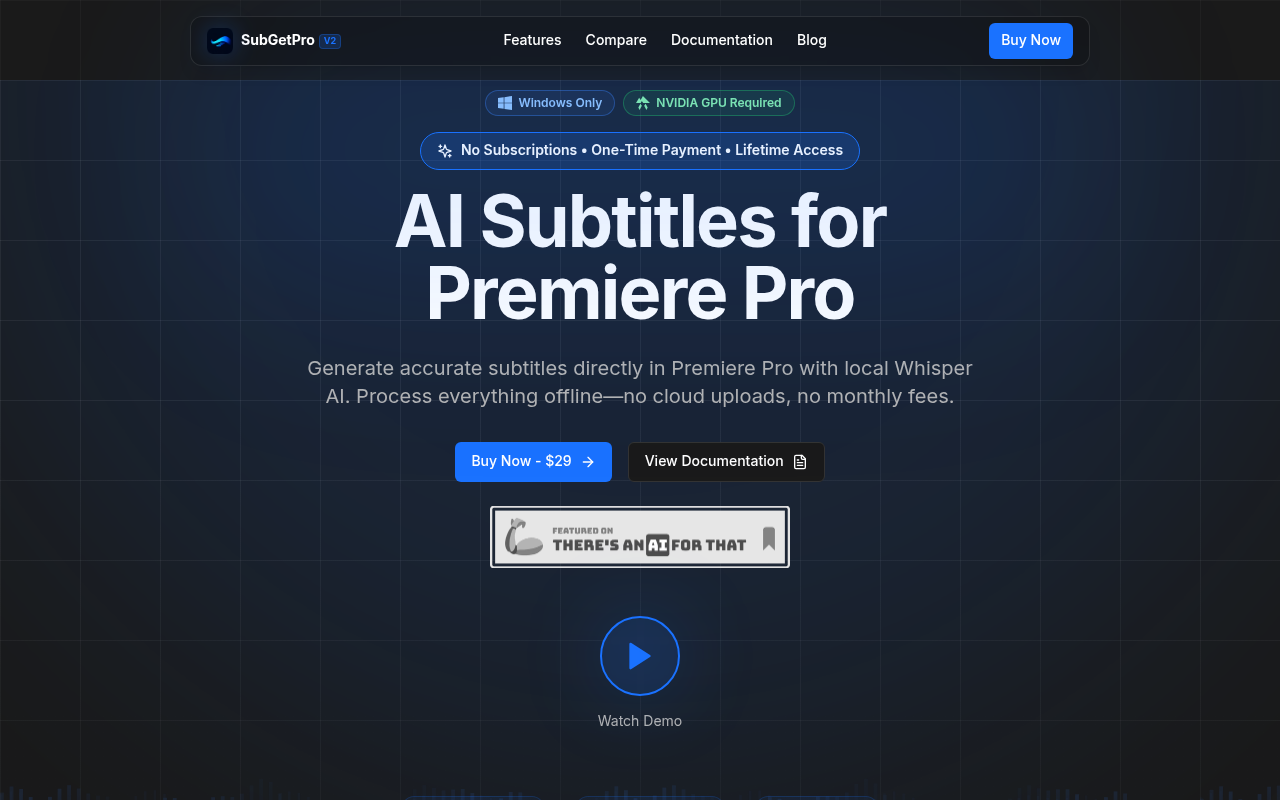
SubGetPro is an AI-powered subtitle generator for Adobe Premiere Pro users. It allows video editors to create accurate subtitles offline using local processing, ensuring データプライバシー and avoiding subscription fees. Ideal for those needing efficient, cost-effective subtitle solutions.
Key Features
One-Click Transcription
様々なモードを使って素早く音声を書き起こします。
Silence Detection
自動的に無音部分を検出し処理します。
SRT Editor
簡単にSRTファイルを編集・同期します。
MOGRT Styles
モーショングラフィックステンプレートをキャプションに適用します。
Offline Processing
データをローカルで処理し、プライバシーを強化します。
RTL Support
右から左への言語をサポートし、包括的なテキストレンダリングを実現します。
Pricing Paid
ライフタイムアクセス
すべての機能をサブスクリプション料金なしで利用可能
Pros & Cons
Pros
- オフラインで字幕を処理し、プライバシーを向上させます。
- RTLテキストを含む100以上の言語に対応
- 一度の支払いで、継続料金なし
- Adobe Premiere Proとの簡単な連携
- GPUアクセラレーションによる高速処理
Cons
- Windowsのみ対応、Macはサポート外
- 最適なパフォーマンスにはNVIDIA GPUが必要
- 無料トライアルは利用不可
Frequently Asked Questions
これは本当に一度の支払いですか?
はい、29ドルを一度支払えば、SubGetProを永久に所有できます。月額サブスクリプションや隠れた料金はありません。
オフラインでも動作しますか?
もちろんです!SubGetProはすべてをローカルで処理し、初期設定後はインターネット接続は不要です。
対応している言語は何ですか?
英語、スペイン語、フランス語、ドイツ語、中国語、日本語、アラビア語、ヘブライ語など、100以上の言語をサポートしています。
商用プロジェクトに使用できますか?
はい、あなたのライセンスには商用利用が含まれています use, allowing you to create subtitles for client work, YouTube videos, and courses.
56 Alternatives to SubGetPro

キャプテ
コンテンツクリエイター向けの動画字幕作成と編集
Edimakorビデオエディター
強力なAIビデオ編集ツール
Vidby
AI-powered platform for translating videos and documents, adding subtitles, and...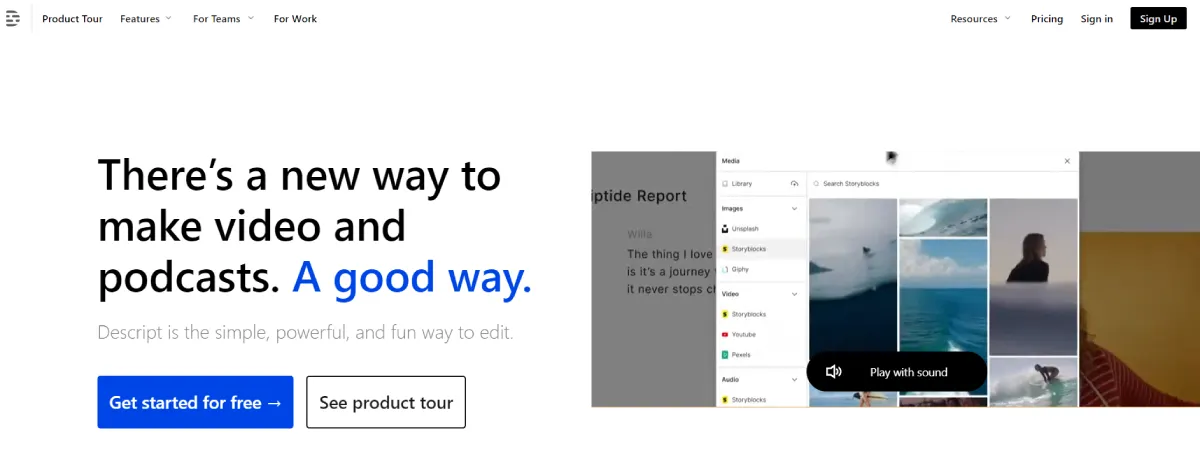
説明
より賢い動画コンテンツ作成方法
VidAUを起動
Swap faces, translate, remove subtitles/watermarks, create AI avatars, and convert...
ターボスクライブAI
音声と映像を99.8%の精度で文字起こしUser Reviews
Be the first to review SubGetPro
Please ログイン to leave a review.