

Pixelcut
背景除去、アップスケーリング、レタッチ、ブランドに一貫したコンテンツ作成のためのAI写真・動画エディター。



Overview
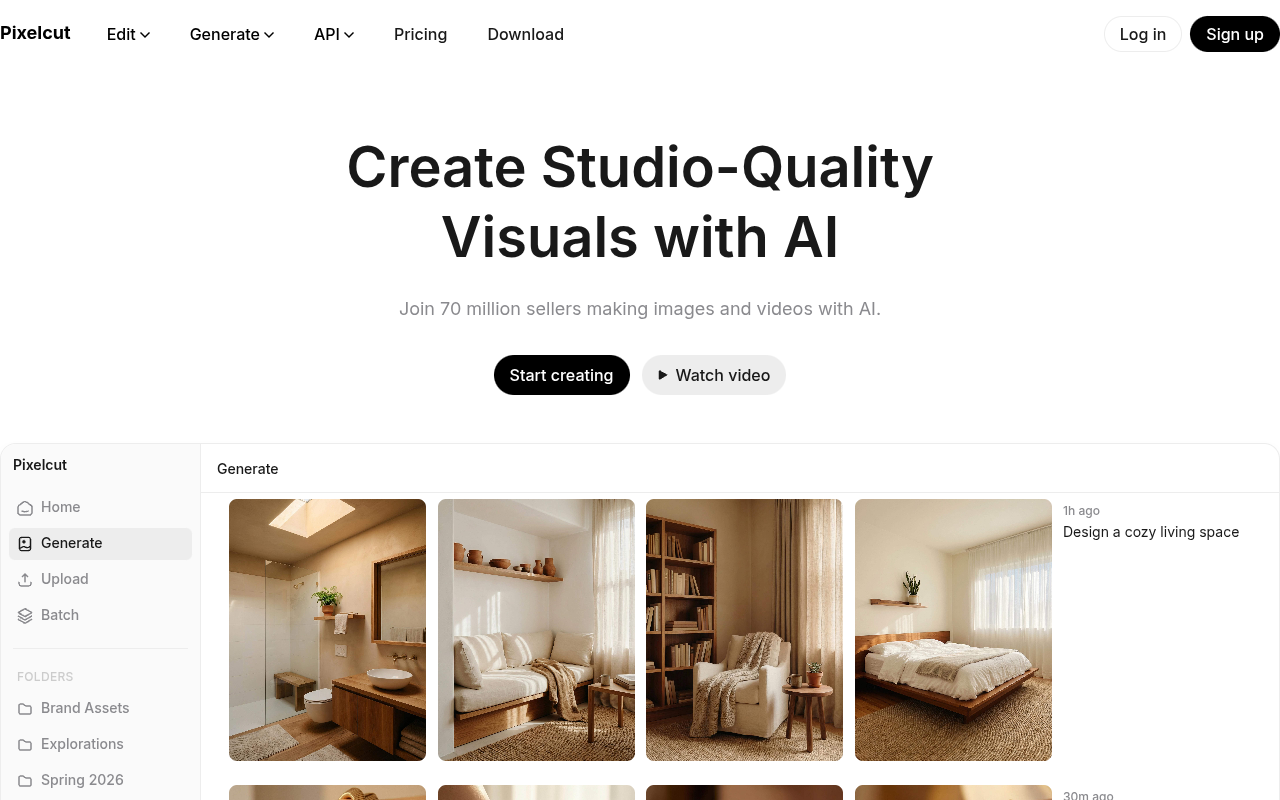
PixelcutはAI搭載の写真・動画 video editor that handles background removal, upscaling, retouching, and image expansion. It also offers AI-generated product showcases, talking ad videos, and character consistency tools. The platform is used by over 70 million creators, sellers, and businesses for creating studio-quality visuals without professional equipment.
Pixelcutは、画像や動画を素早く作成する必要がある人向けのオールインワンクリエイティブワークスペースとして位置づけられています。このツールは、背景除去、アップスケーリング、レタッチ、写真のフレームを変更できる拡張機能といった基本機能をしっかりカバーしています。背景除去は本当に優れており、私が試した多くの無料ツールよりもエッジがきれいです。アップスケーリングは最大16倍まで対応しており、Web用途には過剰ですが、印刷には便利です。
AI生成の商品ショーケースやトーキングヘッド広告動画などの新機能は、プラットフォームが単純な編集を超えて進化していることを示しています。キャラクターの一貫性機能は、コンテンツ全体で同じ俳優やマスコットを繰り返し使用したいブランドにとって時間の節約になります。とはいえ、AIは完璧ではありません。複雑なシーンや速い動画の動きで問題が発生することがあり、無料プランの透かしや解像度制限により、有料プランへの移行を促されます。
7000万人のユーザーを抱えるPixelcutは、大規模なユーザーベースを持ち、初心者でも簡単に使えるツールです。料金はフリーミアムモデルに従っていますが、Proの正確な価格はホームページに記載されていません。デザイナーを雇わずに適切なAI編集を必要とする中小企業や個人販売者にとって、実用的な選択肢です。ただし、複雑なレタッチや多層プロジェクトにおいてプロフェッショナルソフトウェアの代わりになるとは期待しないでください。
Key Features
Background Removal 4
Proprietary AI removes backgrounds from images and video with clean edges.
Image Upscaling
Upscales images up to 16x resolution, with model options including Topaz.
Expand Tool
Reframes images by extending the canvas beyond original edges using AI.
AI Retouching
Erase or edit specific areas with generative fill for object removal or fixes.
Character Consistency
Creates custom personas that stay visually consistent across images and videos.
AI Video Ads
Generate talking-head videos for ads using AI actors and prompts.
Pricing Freemium
無料
- Basic background removal
- Upscaling up to 4x
- Retouching and expand
- ウォーターマーク入りのエクスポート
- Lower resolution video
プロ
- ウォーターマークなし
- Higher resolution exports
- Faster processing
- Premium AI models
- 優先サポート
Pros & Cons
Pros
- Background removal quality is noticeably better than many free alternatives
- Character consistency feature saves time for brands that need uniform visuals
- Works on both images and video in one tool
- Upscaling up to 16x is useful for printing or large displays
- Free tier is usable for basic edits without paying
Cons
- Free exports include a watermark and limited resolution
- AI-generated personas can still have occasional inconsistencies in complex scenes
- No desktop app; browser-based only, which can be slow on older machines
Frequently Asked Questions
Is Pixelcut free to use?
Yes, Pixelcut has a free tier that includes basic background removal, upscaling, retouching, and video tools. Free exports have a watermark and lower resolution. A Pro subscription removes watermarks and unlocks higher quality exports.
What file formats does Pixelcut support?
Pixelcut works with common 画像フォーマット like JPG and PNG, and video formats such as MP4. Exports can be saved in similar formats, with resolution depending on your plan.
Can I remove backgrounds from videos?
Does Pixelcut have a mobile app?
Pixelcut is primarily a web-based tool. There is no dedicated mobile app listed, but the website works on mobile browsers. Some features may be limited on smaller screens.
26 Alternatives to Pixelcut

アッセンボ
AI-Created Product Photos & Videos in Minutes
ベストフォト
画像を変換・強化するAI写真編集。
Designify
AI photo editor that removes backgrounds, erases objects, and edits...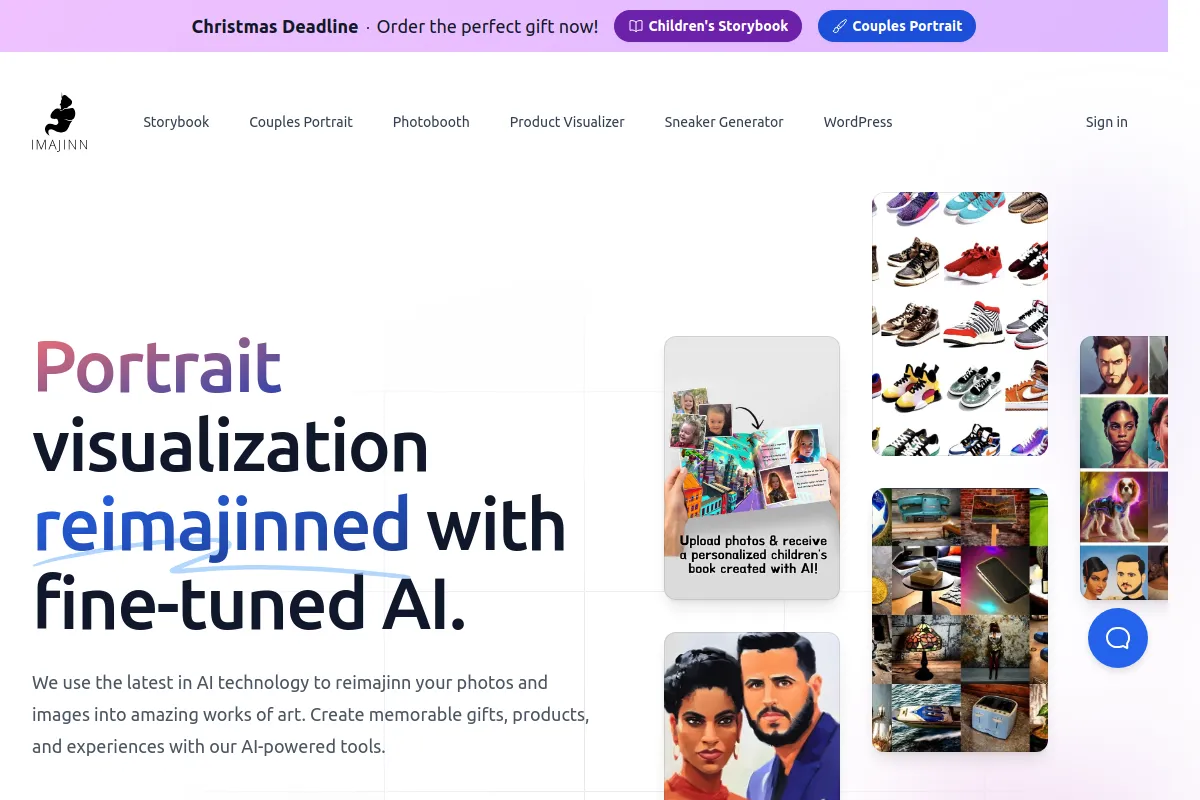
Imajinn AI
テキストプロンプトから概念を視覚化するクリエイティブツール
Let's Enhance
AI-powered image upscaling and enhancement tool that runs in your...
複数の角度
どんな画像も簡単に複数の視点に変換Traffic Data
トラフィックソース
上位国
 インド
17.4%
インド
17.4%
 アメリカ合衆国
11.7%
アメリカ合衆国
11.7%
 スペイン
6.3%
スペイン
6.3%
 インドネシア
5.6%
インドネシア
5.6%
 メキシコ
4.1%
メキシコ
4.1%
上位キーワード
エンゲージメント指標
User Reviews
Be the first to review Pixelcut
Please ログイン to leave a review.