
Kolva
従量制のAI文字起こしと生産性ツール。
Overview
Kolvaは、会議の文字起こしと productivity features without the burden of subscriptions. It helps users manage costs by only charging for actual usage, making it suitable for freelancers and small teams.
Key Features
Transcription Service
AIの要約を使って、会議を1時間あたり0.25ドルで文字起こしします。
AI Task Management
タスクをステップに分解し、1つあたり0.01ドルです。
Smart Document Search
PDFをアップロードして検索、1ドキュメントあたり0.01ドル。
AI Query Answering
質問に対する回答を1つあたり0.02ドルで取得。
Chrome Compatibility
インストール不要でChromeで直接動作します。
Action Item Extraction
会議から自動的にアクションアイテムを抽出します。
Pricing Free Trial
Pros & Cons
Pros
- 透明な従量課金制
- ソフトウェアのインストール不要
- 複数の会議プラットフォームに対応
- AIによる要約とアクションアイテムを含む
- 無料トライアルは初期費用を節約できます。
Cons
- Chromeブラウザに限定されています。
- モバイルアプリのサポートはありません。
- 利用状況により料金が変動する場合があります。
Frequently Asked Questions
How does Kolva's pricing work?
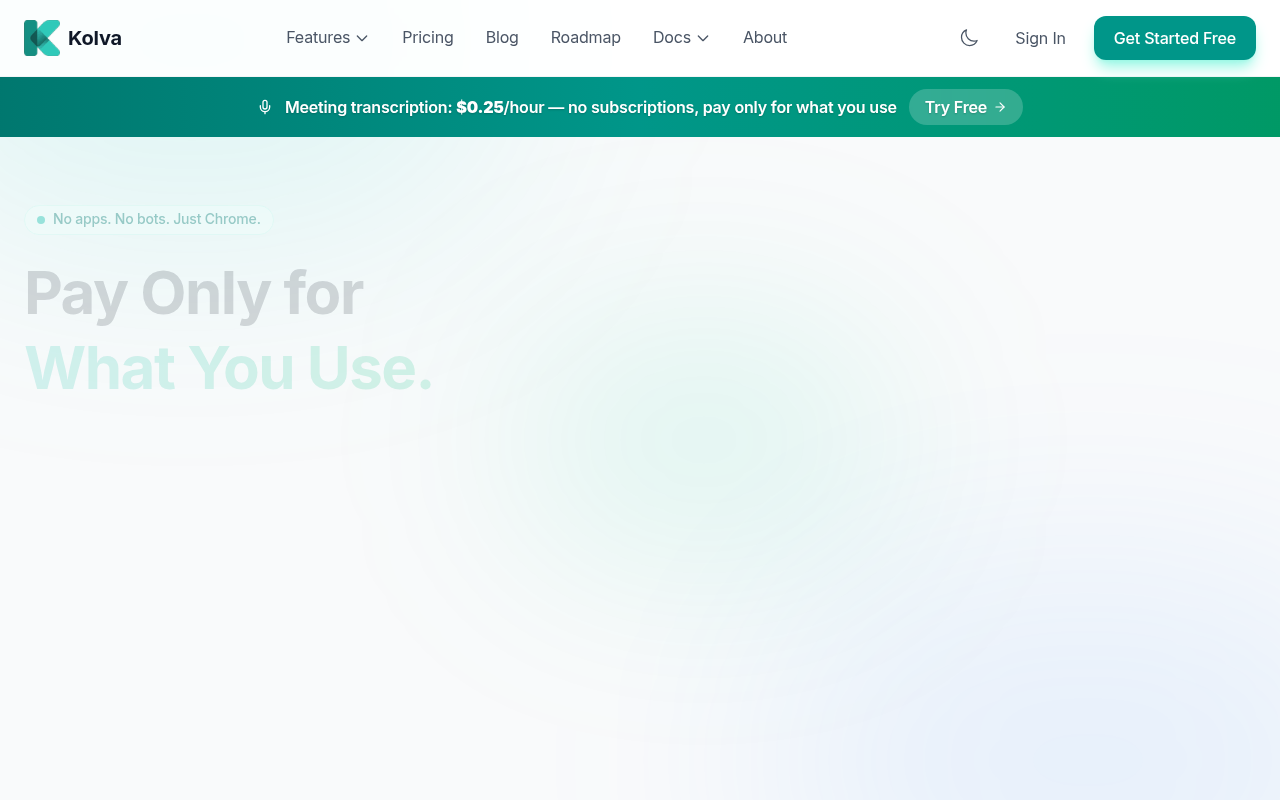
Kolva charges based on usage, with transcription costing $0.25 per hour. There are no subscription fees, and you only pay for what you use.
無料トライアルはありますか?
はい、Kolvaは最初の3か月間、月に$2相当の無料利用を提供しています months, allowing you to test the services without any initial cost.
Kolvaはどのプラットフォームの文字起こしに対応していますか?
KolvaはChromeブラウザを通じてアクセスできるZoom、Teams、Google Meetなどのウェブ通話プラットフォームに対応しています。
Kolvaを使うにはソフトウェアのインストールが必要ですか?
いいえ、KolvaはChromeブラウザで直接動作し、追加のインストールや拡張機能は必要ありません。
無料ストレージの上限(100MB)を超えた場合はどうなりますか?
無料を超えた場合 storage limit, additional storage is available at $0.63/GB per month, with notifications provided before any charges apply.
33 Alternatives to Kolva




User Reviews
Be the first to review Kolva
Please ログイン to leave a review.