

Amie
ボットを会議に参加させることなく、すべての会議を録音、要約、アクション化します。



Overview
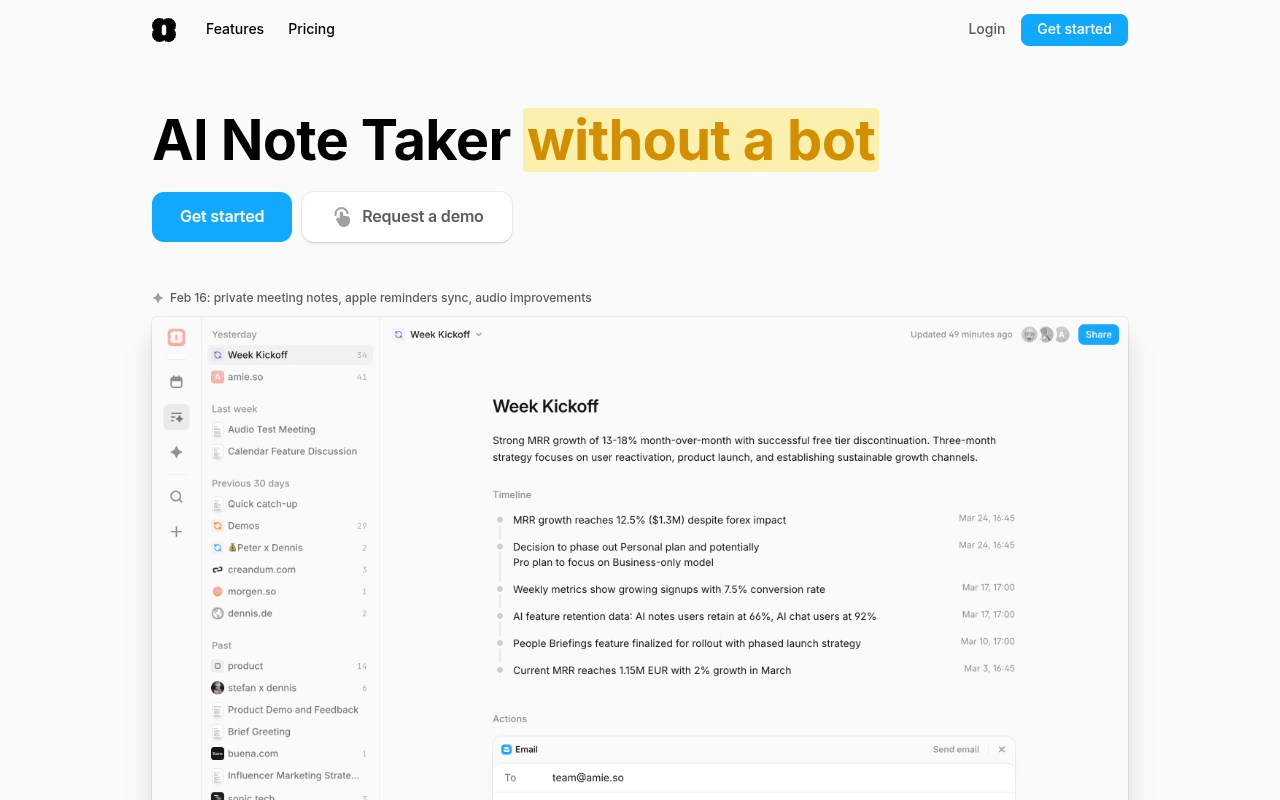
AmieはAIノートテイカーです Mac用のディクテーションツールです that records, transcribes, and summarizes meetings without requiring a bot to join your calls. It works across Zoom, Google Meet, Slack Huddles, and Microsoft Teams, and can automatically export action items and summaries to CRMs like HubSpot and Pipedrive. The tool also includes an AI chat that has context about your company, Gcal, and Gmail, allowing you to ask questions about past meetings and draft emails without switching apps.
Amie positions itself as a meeting note taker that replaces tools like Fireflies, Otter, and Fathom by eliminating the need for a bot to join your calls. The recording is controlled from your Mac's notch or a floating UI, which feels less intrusive than having a third-party avatar sit in your meeting. It works with all major video call providers, and the AI generates summaries that you can customize with private notes taken before or during the call.
The standout feature is the AI chat, which has full context of your company, your Google Calendar, and your Gmail. You can ask questions like 'What did we decide about the pricing page?' and it pulls from actual meeting transcripts, not general knowledge. The chat actions let you draft emails, reschedule meetings, or even move all events to Thursday with a single command. Integrations with HubSpot, Pipedrive, Notion, Slack, and Linear allow one-click exports, though some ATS integrations are still listed as coming soon.
Pricing starts at $19 per month for the Pro plan, which unlocks unlimited recordings, AI chat, and integrations. The free plan covers basic recording and summaries. It's a fair price if you stay within reasonable usage limits, but teams that need admin controls and priority support will want the Business plan at $49 per month. The main caveat is that the notch-based UI only works on newer Macs, and the floating UI on older models feels less polished. Overall, Amie is a practical tool for Mac-based teams that want to automate meeting follow-ups without the awkwardness of a bot.
Key Features
Bot-Free Recording
Record meetings without a bot joining, controlled from your Mac's notch or a floating UI.
Custom Summaries
Add private notes before or during a meeting to shape the AI summary's focus and headings.
AI Chat Context
Ask questions about any past meeting with full context from your company data, Gcal, and Gmail.
Chat Actions
Draft emails, reschedule meetings, or move all events to Thursday with a single text command.
One-Click Exports
Send summaries and transcripts to Slack, Notion, HubSpot, Pipedrive, and Linear directly.
Shareable Pages
Auto-generate pages for recurring events or domains to share meeting progress with clients.
Pricing Freemium
無料
- Basic recording
- Basic summaries
- Limited recordings
プロ
- Unlimited recordings
- AI chat
- Chat actions
- All integrations
ビジネス
- Team features
- Admin controls
- 優先サポート
- Proのすべて
Pros & Cons
Pros
- No bot joins your calls, which feels less intrusive than tools like Fireflies or Otter
- AI chat has full context of your company, Gcal, and Gmail, so you can ask specific questions without copy-pasting
- One-click export to HubSpot, Pipedrive, Notion, Slack, and Linear saves a ton of manual data entry
- Auto-generated shareable pages for recurring events and domains make it easy to share progress with clients
- Pause recording and speak off the record without the AI logging anything
Cons
- The notch-based recording UI only works on Macs with a notch — older Macs get a floating UI that's less polished
- Fully automatic recording requires enabling it in settings, and it's easy to forget to turn it on before a meeting
- Some integrations like Attio, Personio, Ashby, and Greenhouse are listed as 'Soon,' so they aren't available yet
Frequently Asked Questions
Does Amie require a bot to join my meetings?
No. Amie records directly from your Mac without adding a bot to the call. You control recording from the notch or a floating UI, and it works with Zoom, Google Meet, Slack Huddles, and Microsoft Teams.
Can I use Amie if I don't have a Mac with a notch?
Yes. If your Mac doesn't have a notch, you'll see a floating UI instead. The company says it's a good reason to upgrade your Mac, but the floating UI works fine for recording and controlling the app.
What integrations does Amie support?
Amie integrates with Slack, Notion, HubSpot, Pipedrive, and Linear for exporting notes and summaries. It also connects with Google and Apple Calendar, and Gmail to replicate your writing style for AI-drafted emails. Integrations with Attio, Personio, Ashby, and Greenhouse are listed as coming soon.
How does the AI chat differ from ChatGPT?
The AI chat has full context about your company, your job, and your meetings because it's connected to Gcal and Gmail. You can ask questions like 'What did we decide about the pricing page last week?' and it pulls from actual meeting transcripts, not general 知識。
Can I customize how summaries are generated?
Yes. Before or during a meeting, you can take private notes in a dedicated tab. Those notes are used as focus points for the summary. You can define headings, list key numbers to emphasize, or prepare an agenda that shapes the final output.
46 Alternatives to Amie

Fathom
Fathom records, transcribes, and summarizes your video meetings so you...
Notta AI
Meeting Transcription, Notes & Collaboration Tool
Noty
AI meeting assistant that transcribes, summarizes, and assigns tasks from...
プロアクターAI
Proactor AIは会議を文字起こしし、AIの洞察とともに整理します。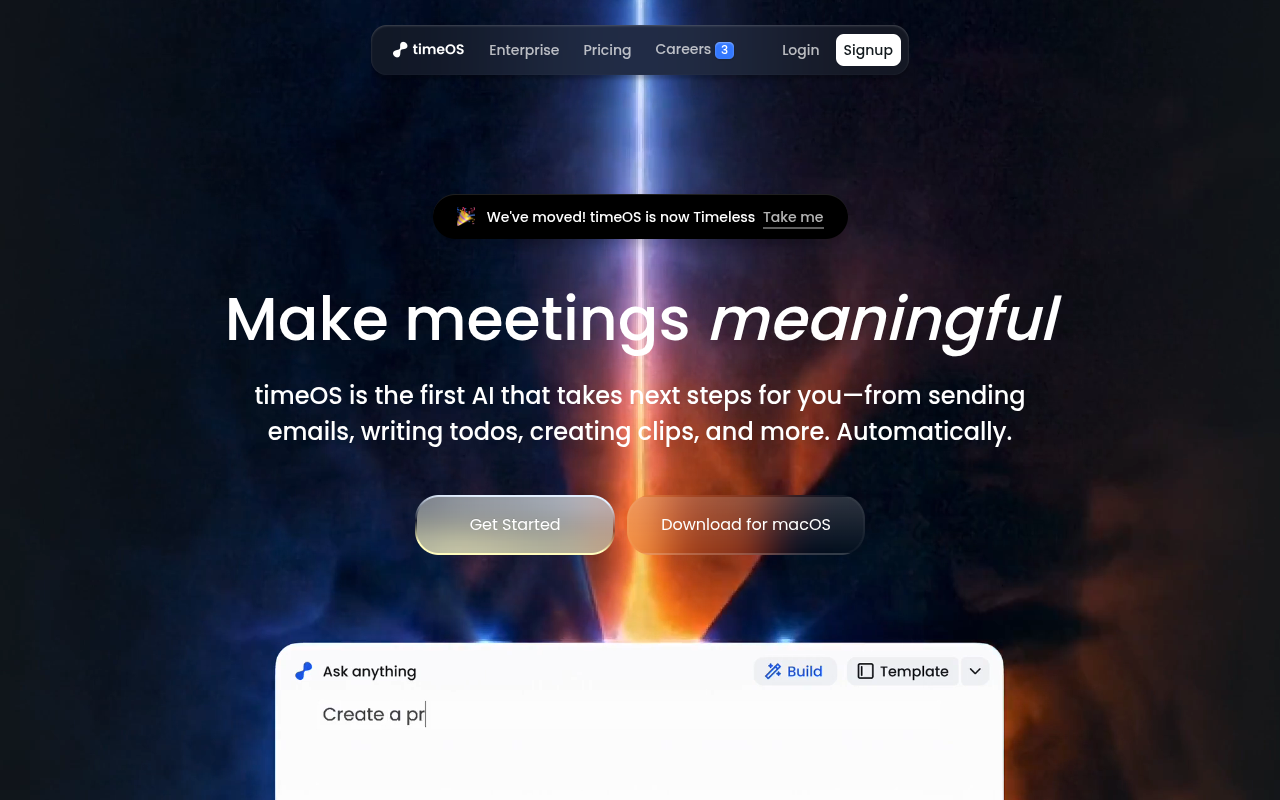
timeOS
An AI meeting assistant that turns conversations into actions like...
Adobe Acrobat AI
AI搭載ツールによるPDFとのインタラクションTraffic Data
トラフィックソース
上位国
 アメリカ合衆国
26.6%
アメリカ合衆国
26.6%
 ベトナム
6.2%
ベトナム
6.2%
 ナイジェリア
5.3%
ナイジェリア
5.3%
 インド
4.2%
インド
4.2%
 ドイツ
4.1%
ドイツ
4.1%
上位キーワード
エンゲージメント指標
User Reviews
Be the first to review Amie
Please ログイン to leave a review.