
AI for Small Businesses: Practical Guide, Use Cases & Tools
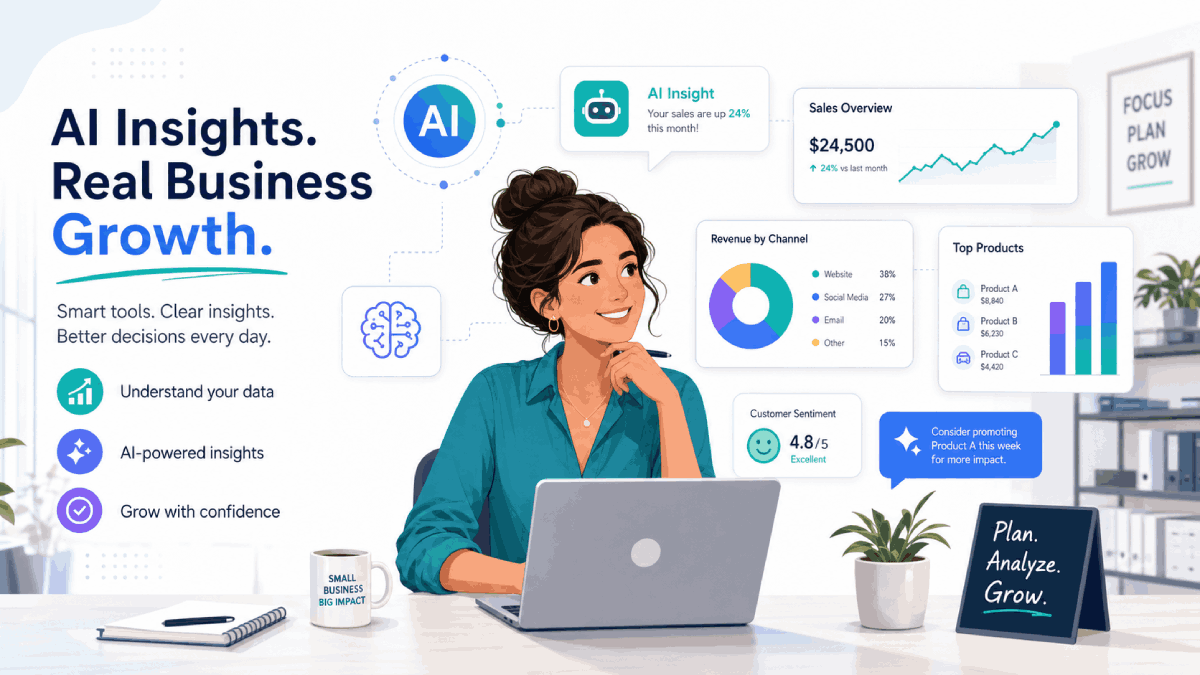
人工知能 is no longer just for big enterprises with huge budgets. Today, small businesses can plug simple AI tools into the systems they already use to save time, improve customer experience, and make better decisions.
This guide walks through what AI really means for small businesses, a quick readiness checklist, practical use cases across marketing, sales, support and operations, and a simple roadmap for getting started without taking big risks.
中小企業にとってのAIの実際の意味

When people hear “AI”, they often picture complex robots or fully automated companies. In reality, most small businesses use AI in much simpler ways: tools that help draft content, answer routine customer questions, extract information from documents, or highlight useful patterns in existing data.
Instead of replacing your team, modern AI tools act like smart assistants that plug into email, chat, CRM, spreadsheets, and other everyday apps. The goal is not to “become an AI company”; it is to remove manual work from the processes that already generate value for your business.
AIの準備はできていますか?クイックチェックリスト
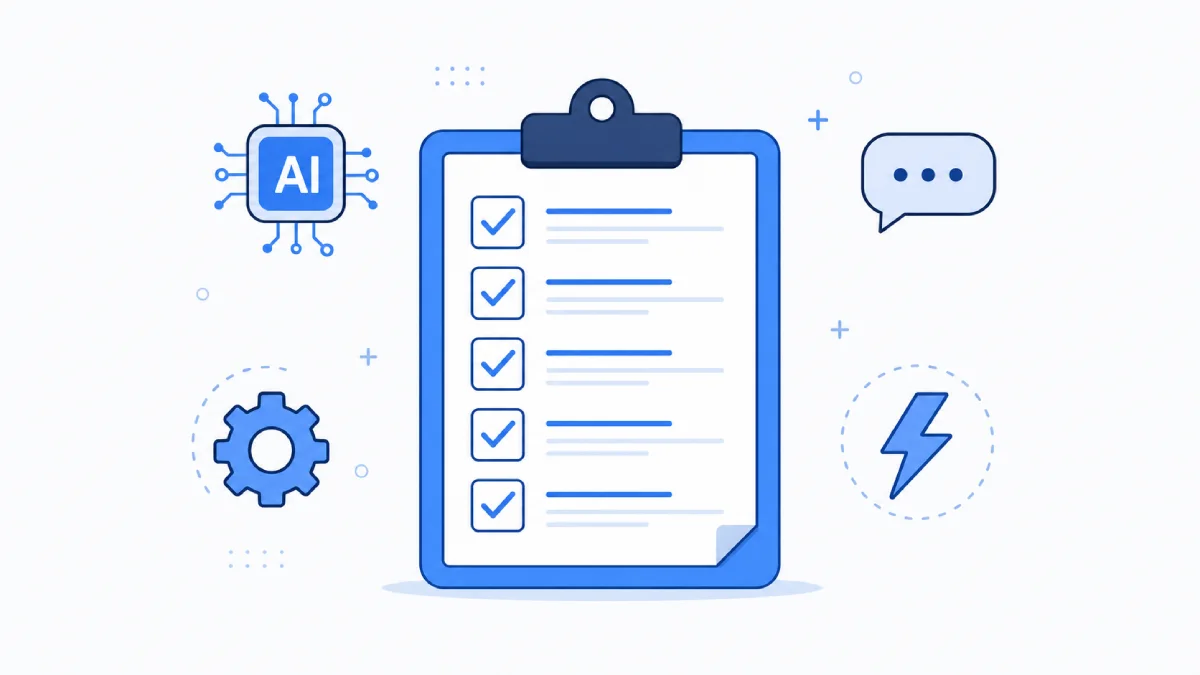
AI works best in businesses that already have some basic digital foundations in place. Use this quick checklist to see if you are ready to test AI on a small scale.
- デジタルデータ: You already use tools like email, spreadsheets, CRM, accounting, or booking systems.
- 繰り返し可能なプロセス: 毎日または毎週同じ方法で行われるタスクがあります。
- 明確な課題点: You can point to specific activities that are time‑consuming, boring, or error‑prone.
- ベーシック security 認識: Your team understands what information is sensitive and should not be copied into external tools.
- 変化への柔軟性: 新しいワークフローを試し、チームに新ツールのトレーニングを行う意欲があります。
If you can confidently tick at least three of these boxes, you are in a good position to start experimenting with AI on low‑risk, high‑impact tasks like content drafts, customer FAQs, or basic reporting.
中小企業向け実用的AIユースケース
The easiest way to think about AI for small businesses is by use case, not by specific tools. Below are practical examples you can apply in day‑to‑day operations, with plenty of room to grow over time.
1. Marketing & Content Creation
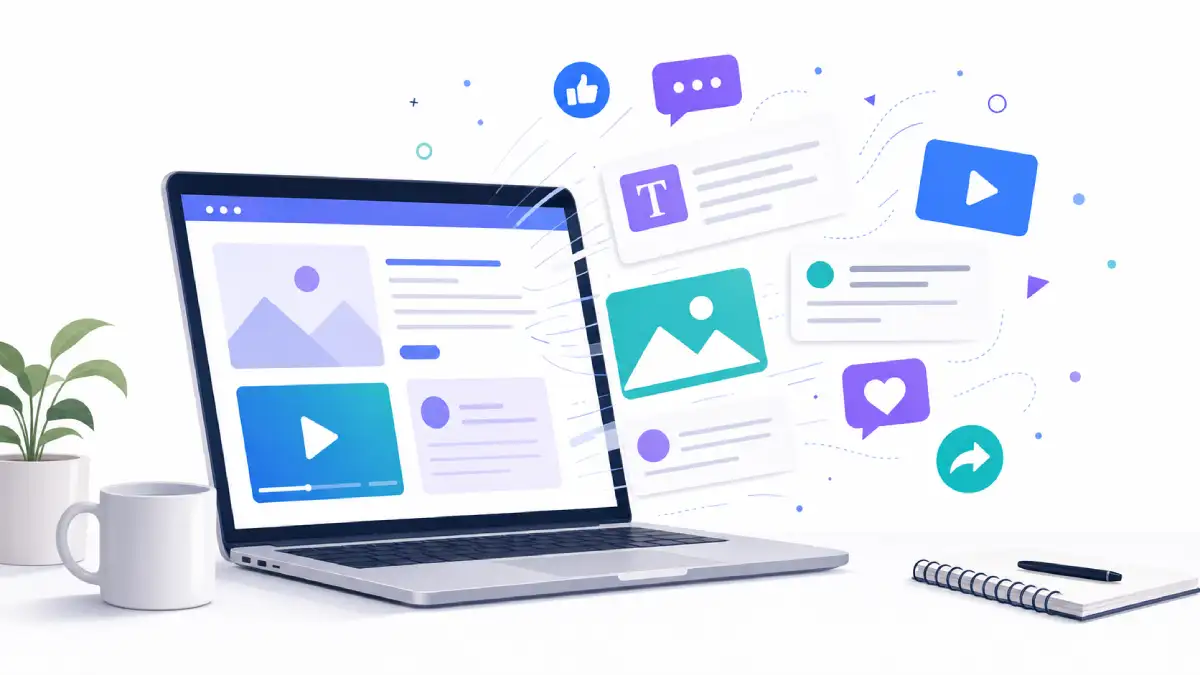
AI writing and design tools help small teams produce consistent marketing content without needing a full‑time copywriter or designer. You still provide the ideas and approve the final version, but the heavy lifting is handled for you.
- Draft blog posts, product descriptions, newsletters, and social posts from simple prompts.
- 検索、ソーシャル、ディスプレイキャンペーン用の複数の広告コピーのバリエーションを数分で作成。
- 長いコンテンツ(ウェビナーなど)を podcastより短いスニペット、投稿、メールシーケンスに変換します。
- キャンペーンをサポートするためのシンプルなビジュアルや画像コンセプトを作成し、フルデザインエージェンシーを雇う必要なし。
2. Sales & Lead Generation
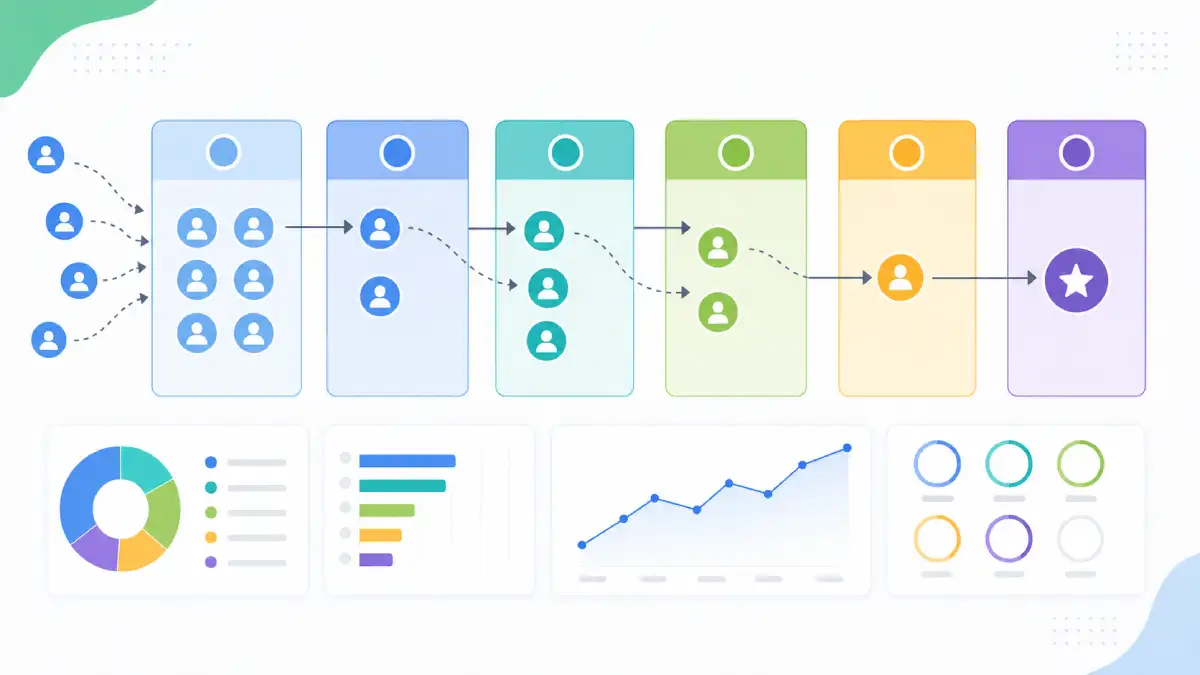
AI sales tools help you focus on the leads that are most likely to convert and keep follow‑ups organised, even when you are busy running the business.
- 行動やエンゲージメントに基づいてリードをスコアリングし、担当者が最もホットな機会を優先できるようにします。
- いくつかの箇条書きからパーソナライズされたアウトリーチメールやフォローアップリマインダーを生成します。
- 営業電話や会議を手動入力せずに、明確なメモとアクションアイテムに要約します。
- 純粋な直感に頼るのではなく、既存のパイプラインから収益動向を予測します。
3. Customer Support & Service
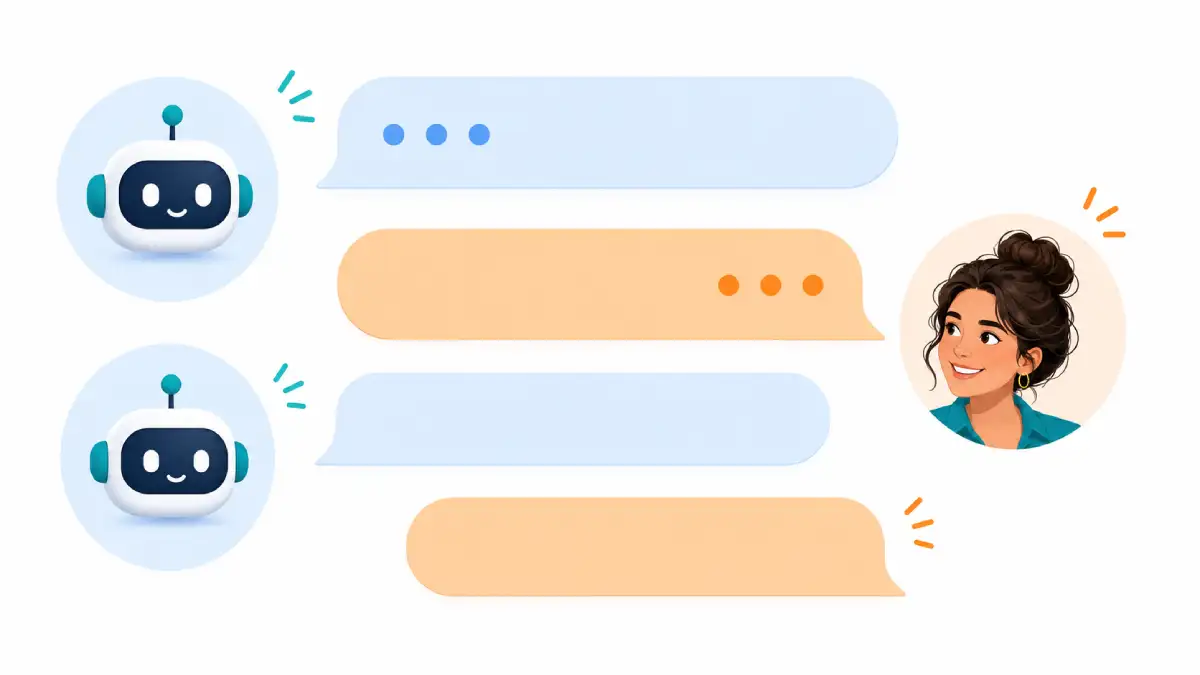
AI does not replace human support, but it can handle routine questions and route more complex issues to the right person much faster.
- FAQに回答したり、注文を追跡したり、新しいリードを獲得したりするために、ウェブサイトのチャットボットを24時間稼働させます。
- ヘルプデスクのメール応答をAIで下書きし、エージェントはレビューしてパーソナライズするだけにします。
- チケットをトピック、緊急度、または感情に基づいて自動的にタグ付けおよび分類します。
- 長いサポートスレッドや通話録音を要約し、チームが一目で重要なポイントを把握できるようにします。
4. Operations, Admin & Finance
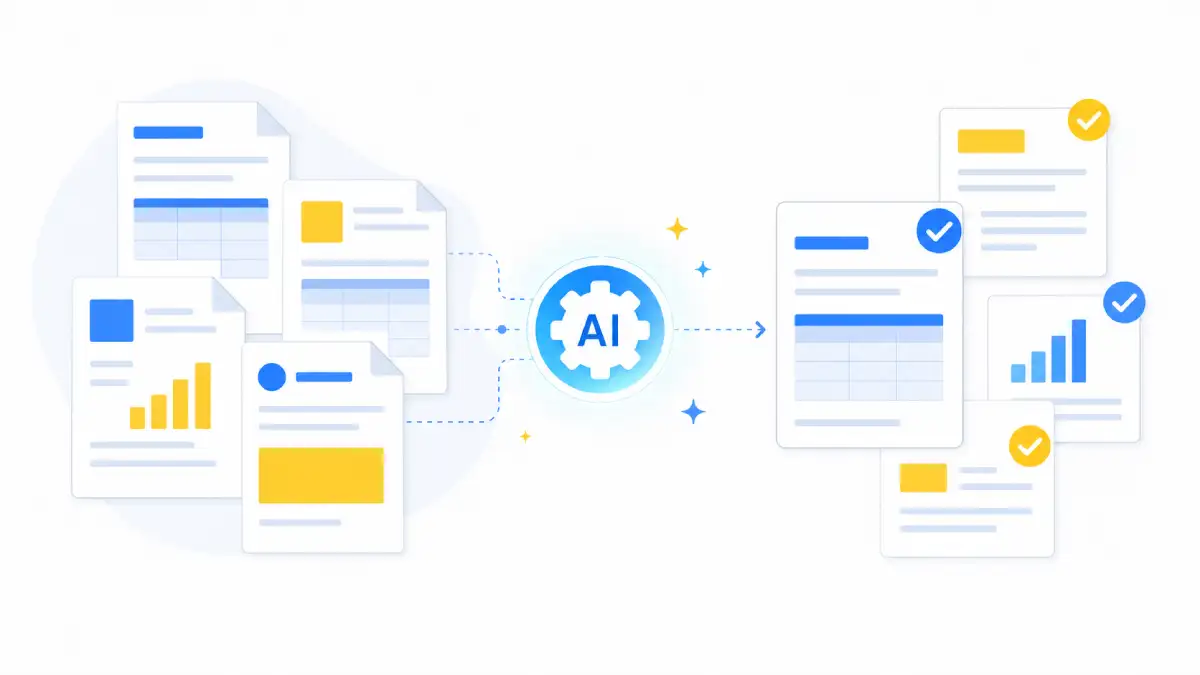
Many small businesses spend a large chunk of time on back‑office tasks. AI tools can handle much of the repetitive work, freeing you to focus on customers and growth.
- ドキュメントをスキャンし、重要な情報をスプレッドシートや帳簿に抽出します。 software.
- 請求書、支払いリマインダー、フォローアップメールを自動的に作成します。
- 長い契約書、提案書、レポートを短く読みやすい概要に要約します。
- 過去のデータからシンプルなキャッシュフロープロジェクションや費用内訳を生成します。
5. Analytics & Decision‑Making
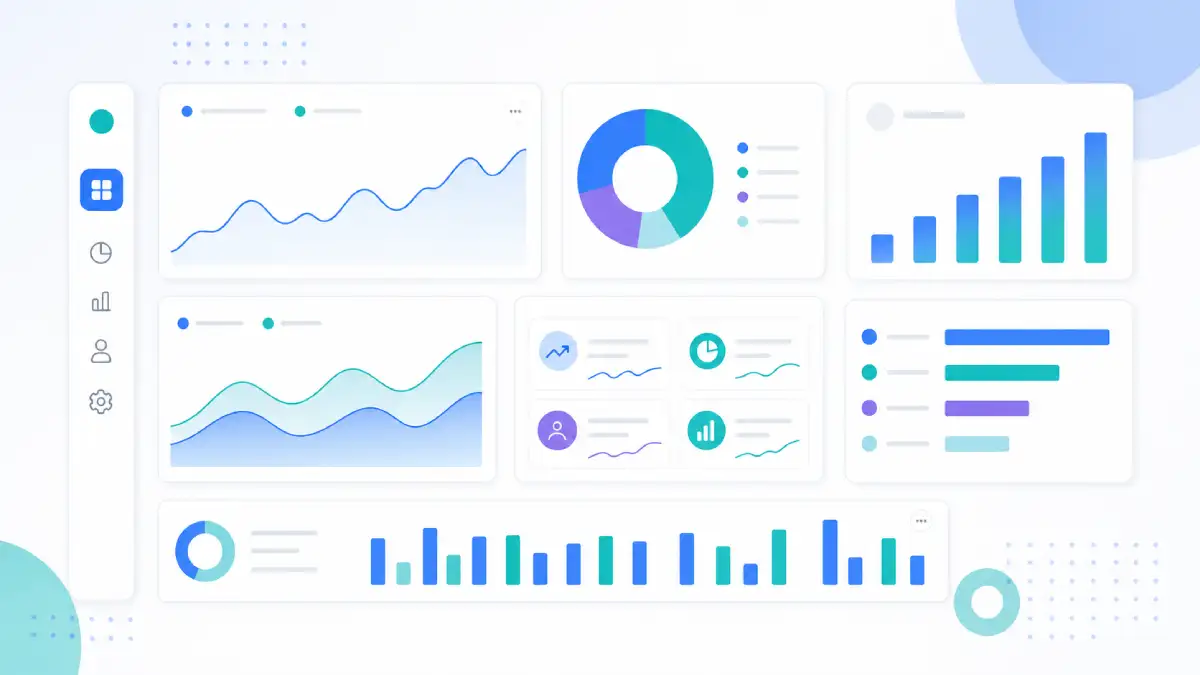
AI‑powered analytics tools can turn raw numbers into simple, human‑readable explanations that support everyday decisions, even if you are not a data expert.
- ウェブサイト、販売、キャンペーンのパフォーマンスについて自然言語で質問し、複雑なレポートを作成する必要はありません。
- 重要な指標の異常なスパイクやドロップを検出し、何か注意が必要なときに自動アラートを受け取ります。
- どのチャネル、製品、顧客セグメントが最大の利益を生み出しているかを特定します。
- 将来の需要シナリオを見積もり、人員配置、在庫、容量計画に役立てます。
6. HR & Internal Productivity
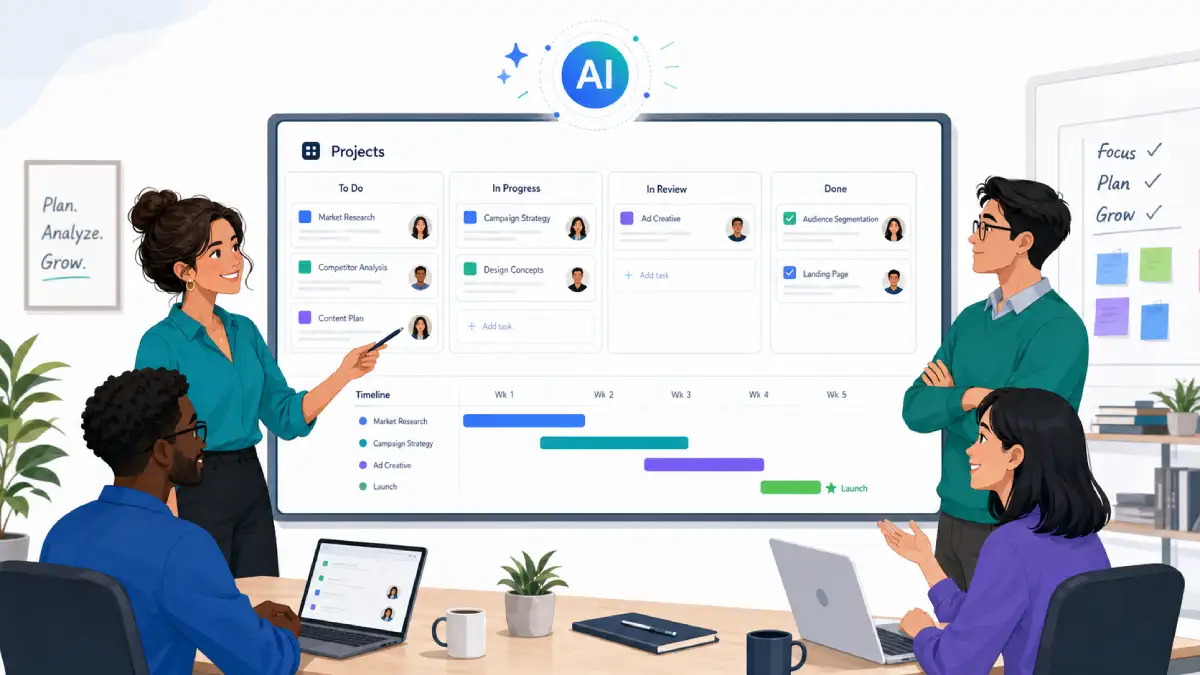
AI can also support the people side of your business by making hiring, onboarding, and internal collaboration smoother.
- 職務記述書、面接質問、候補者への連絡メッセージを下書きします。
- オンボーディングチェックリストや役割別のトレーニング資料をより早く作成します。
- 会議のメモを要約し、明確なアクションアイテムと締め切りを設定します。
- 既存のドキュメントから内部ガイドや標準操作手順を生成します。
Choosing AI Tools Safely: Data, Privacy & Compliance

Before introducing any AI tool into your workflow, it is important to understand how it handles your data and what responsibilities you still hold as the business owner.
- プライバシーポリシーを確認しましょう: Look for clear statements about データストレージ, retention, and whether your content is used to train models.
- セキュリティの基本を見直す: Ensure the provider uses encryption and offers role‑based access for team accounts.
- 機密性の高いデータを制限する: Avoid pasting confidential information, passwords, or personal identifiers into AI tools unless you have strong guarantees.
- 必要に応じてアドバイスを受ける: For regulated industries, speak with a legal or compliance professional before rolling out AI widely.
AI tools should support your existing responsibilities around データ保護, not weaken them. When in doubt, start with low‑risk use cases like marketing drafts rather than sensitive customer records.
事業でAIを使い始めるためのシンプルなロードマップ
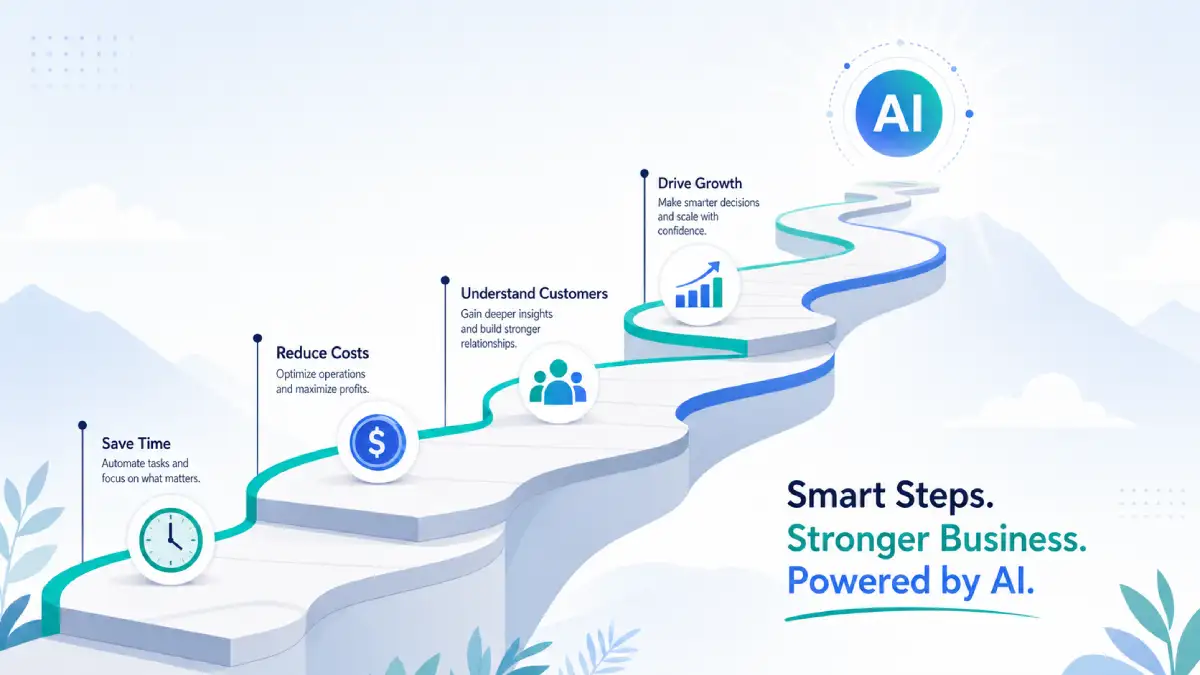
You do not need a complex transformation programme to benefit from AI. A focused, step‑by‑step approach is more practical for most small teams.
- シンプルなユースケースを1つ選びましょう: 例えば、ソーシャルメディアのキャプション、ブログの下書き、サポートのFAQなどです。
- 1〜2つのツールを試す: 複数の選択肢を試し、自分のワークフローや快適さに合うものを見つけましょう。
- 人間のレビューを続ける: 特に最初は、AIの出力を顧客に届ける前に必ず確認しましょう。
- 影響を測定する: 数週間にわたり、時間の節約、応答時間、キャンペーンのパフォーマンスを追跡します。
- プロセスを記録する: ワークフローが機能し始めたら、それをシンプルな内部ガイドラインにまとめましょう。
- それから展開してください: 明確なメリットが見えた後でのみ、より多くのユースケースやツールを追加してください。
小規模企業が避けるべき一般的なAIの誤り
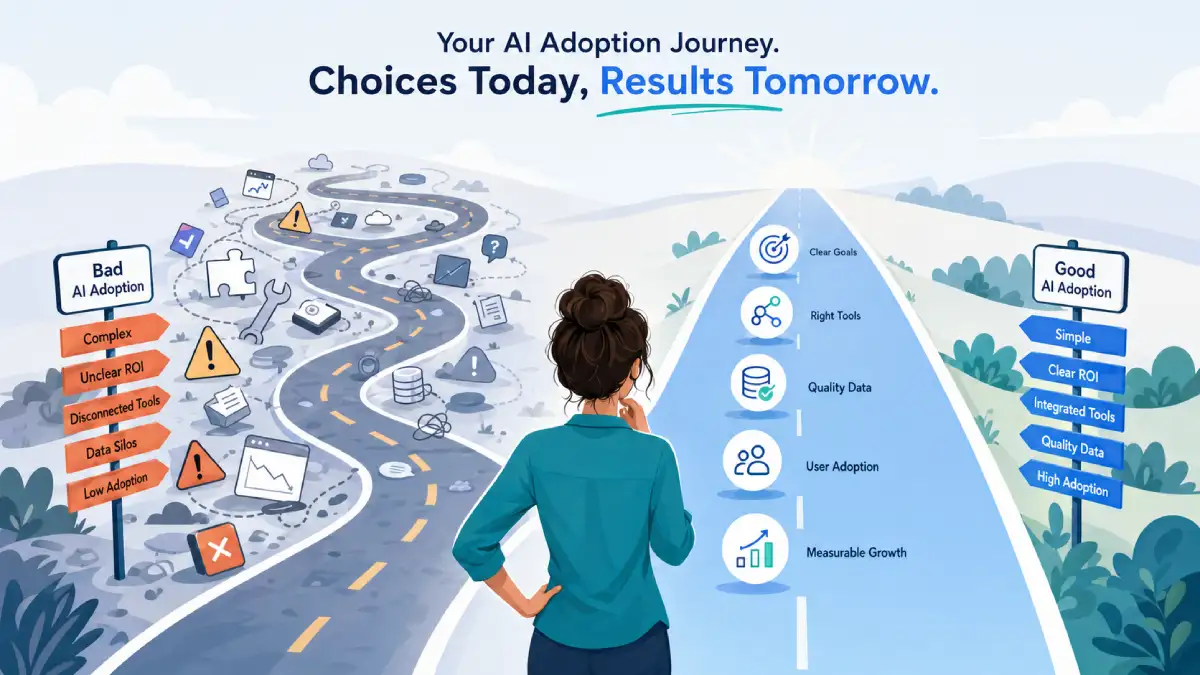
AI can deliver real benefits, but only when it is applied thoughtfully. These are some of the most common traps small businesses fall into when they rush adoption.
- 問題を定義する前にツールを購入すること: 改善したいプロセスから始めて、次にツールを選択します。
- 一度にすべてを自動化しようとする: Focus on one or two high‑value areas instead of touching every part of the business.
- チームを無視する: Involve staff early, explain the goals, and show how AI supports rather than replaces them.
- スキップ プライバシーの懸念: 人間がレビューしたものだけを公開し、特に顧客向けのコンテンツについては。
- 結果を追跡しない: If you do not measure impact, it is hard to know which tools are worth paying for.
次のステップ:あなたのビジネスに適したAIツールを見つけましょう
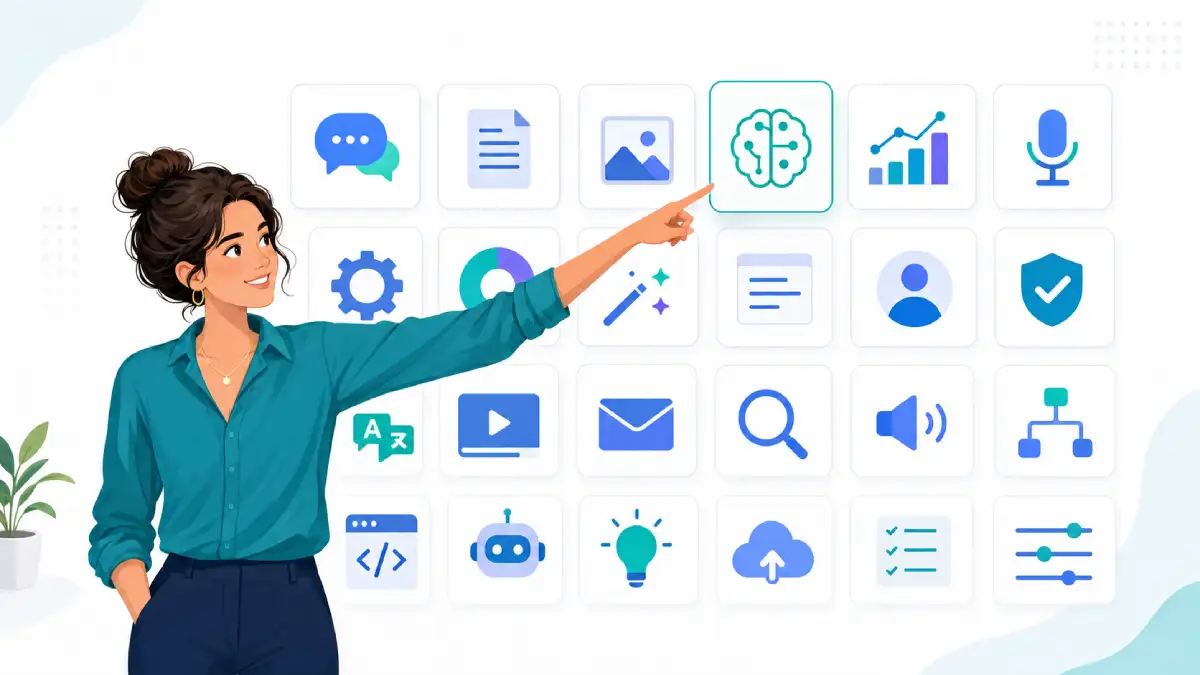
The best place to start is with one or two realistic use cases that match your current bottlenecks: repetitive questions, slow content production, manual reporting, or admin tasks that drain your time.
From there, explore AI tools by category and compare options side by side. Look for a good balance between ease of use, data protection, and pricing, and always run a short pilot before rolling anything out across your whole team.
Browse AI tools for marketing , sales, customer service , operations, and more in our directory, and shortlist a small stack that supports the way your business already works.