
timeOS
Un assistant de réunion IA qui transforme les conversations en actions comme des résumés, des e-mails, des graphiques et des clips.
Overview
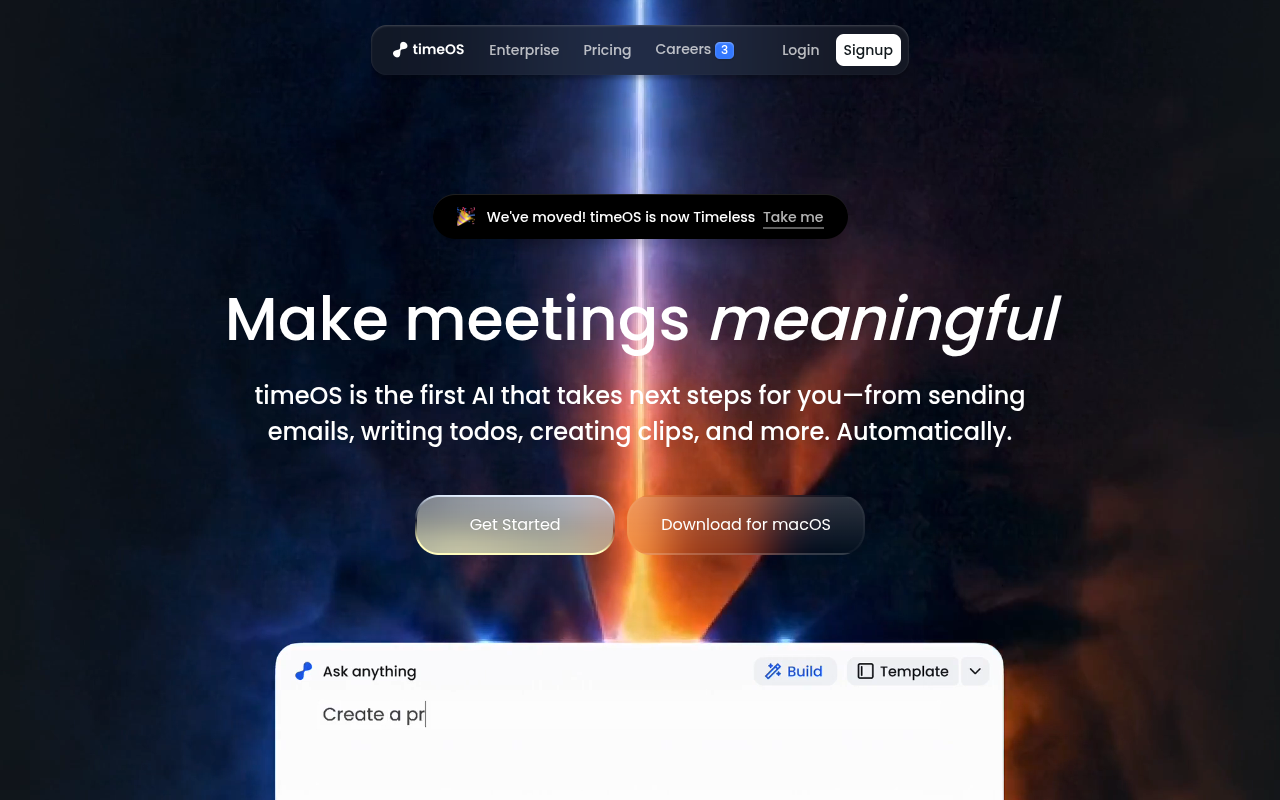
TimeOS is an AI meeting assistant that automatically generates summaries, action items, follow-up emails, charts, and video clips from your conversations. It integrates with tools like Notion, monday.com, and Google Drive, and offers pre-built templates for roles like sales, coaching, and gestion de produit. It helps professionals with heavy meeting loads save time on manual note-taking and follow-ups.
TimeOS positions itself as a meeting assistant that actually does things, not just takes notes. It captures conversations from Zoom, Google Meet, and Teams, then turns them into summaries, action items, follow-up emails, charts, and even short video clips. For someone like a product manager or account executive who spends half their week in calls, that automation can save several hours. The pre-built templates for different roles — sales, coaching, product, investor — help you get started quickly without configuring workflows from scratch.
The tool integrates with common platforms like Notion, monday.com, and Google Drive, which means your outputs land where you already work. Security is handled well: SOC 2 Type II compliant, AES-256 encryption, and data is private by default. The free tier is fairly limited, so most users will need the $19/mo Pro plan. Some templates are still marked as 'coming soon', which limits the workflow library. Speaker identification can stumble in meetings with heavy cross-talk. But for the core use case — turning meetings into structured, actionable outputs — TimeOS delivers solid results.
Key Features
AI Briefs
Prepares a pre-meeting summary with attendee context, past notes, and relevant documents so you walk in informed.
Follow-up Agent
Drafts emails from meeting content or a simple prompt, letting you tweak, send, or save them as templates.
Visual Blocks
Converts meeting data into charts and tables to help you spot trends and organize insights visually.
AI Clips
Generates short video clips from meetings by typing a command like 'Create a 30s clip about the budget'.
Templates
Offers pre-built workflows for roles like sales, coaching, and product management that update outputs instantly when switched.
Speaker Labels
Automatically identifies and labels who is speaking in the meeting transcript for easy reference.
Pricing Freemium
Gratuit
- Basic note-taking and summaries
- Limited credits per month
- Standard integrations
- Support communautaire
Professionnel
- Résumés illimités
- AI Clips feature
- Custom templates
- All integrations
- Support par email prioritaire
Équipe
- Shared workspaces
- Admin controls
- Sécurité avancée
- Gestionnaire de compte dédié
- Support prioritaire
Pros & Cons
Pros
- Automatically generates actionable outputs like emails and charts, not just notes.
- Works with major video conferencing tools and integrates with Notion, monday.com, and Google Drive.
- Pre-built templates for specific roles (sales, coaching, product) save setup time.
- AI Clips feature lets you pull short video highlights from meetings with a text command.
- Private by default with SOC 2 Type II compliance and AES-256 encryption.
Cons
- The free tier is quite limited; you'll likely need the Pro plan for regular use.
- Some templates are still marked as 'coming soon' which limits the workflow library.
- Occasionally mislabels speakers in meetings with heavy cross-talk or accents.
Frequently Asked Questions
What video tools does timeOS work with?
TimeOS works with most major video conferencing platforms including Zoom, Google Meet, and Microsoft Teams. It captures audio and video to generate summaries and clips automatically.
Can I export my meeting data to other apps?
Yes. TimeOS integrates with Notion, monday.com, Google Drive, Slack, and more. You can send summaries, action items, and clips directly to these tools with one click.
Is my meeting data private and secure?
TimeOS is private by default. Your data is encrypted in transit with TLS/HTTPS and at rest with AES-256. The company is SOC 2 Type II compliant, and you can ask it to delete your data at any time.
How does the AI Clips feature work?
You can type a command like 'Create a 30-second clip about the budget discussion' and timeOS will pull the relevant section from your meeting recording and generate a short video clip.
What if I need a custom workflow?
TimeOS offers pre-built templates for common roles, but you can also create your own workflows. The Builder tool lets you combine summaries, charts, clips, and follow-ups into a single automated process.
39 Alternatives to timeOS

Amie
Record, summarize, and action every meeting without a bot joining...
Noty
AI meeting assistant that transcribes, summarizes, and assigns tasks from...
Adobe Acrobat IA
Interaction avec des PDF via des outils alimentés par l'IA
Résumeur de texte IA
Résumez un long texte en quelques secondes avec le support de chat
Anglesapp
Accédez rapidement à la connaissance avec des résumés de livres personnalisés par IA.
Bliro
Outil de transcription et de prise de notes pour les professionnelsUser Reviews
Be the first to review timeOS
Please se connecter to leave a review.