

VanceAI
Herramientas de IA para edición de fotos y videos que permiten escalar, restaurar y mejorar en un solo flujo de trabajo.



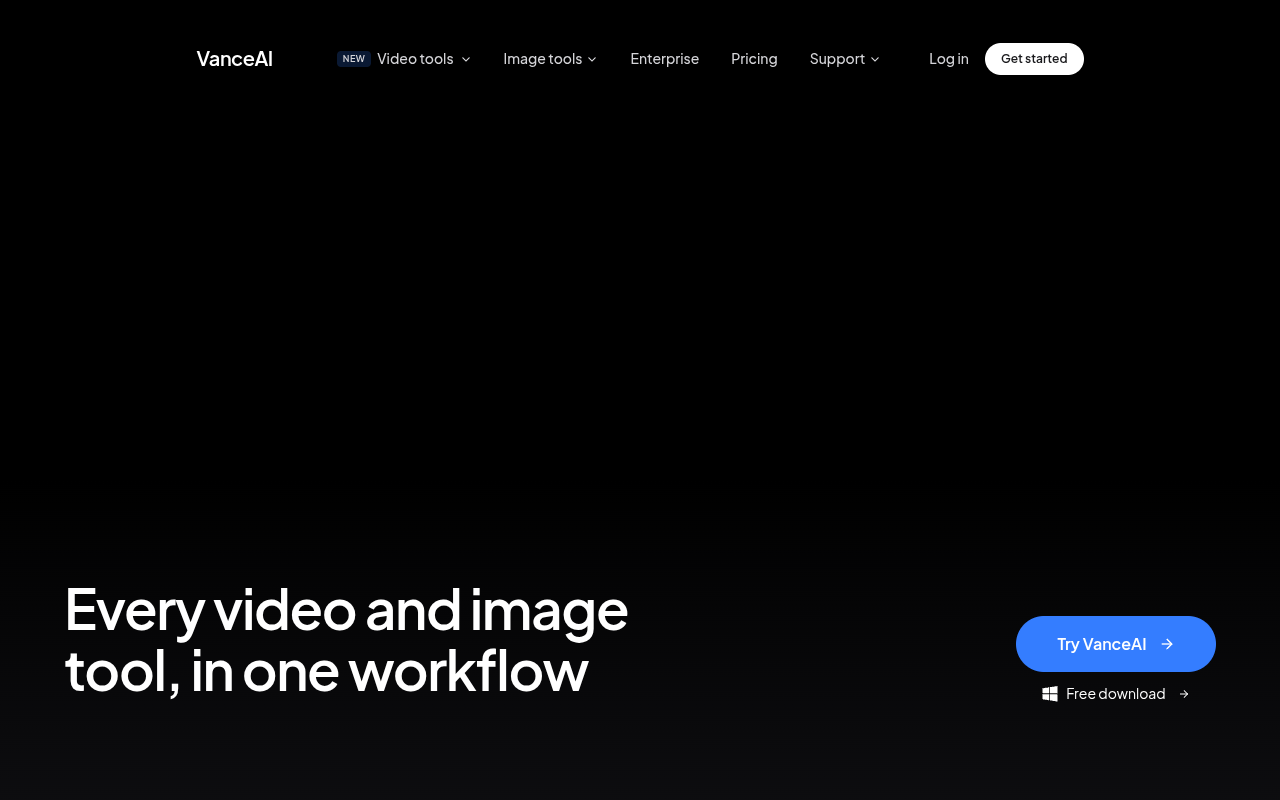
Overview
VanceAI is an AI tool that combines image and video enhancement, upscaling, restoration, and editing into one platform. It lets you upscale photos and videos, remove backgrounds, sharpen blurry images, restaurar fotos antiguas, and convert images to cartoons. The tool is built for photographers, e-commerce sellers, and redes sociales content creators who need quick, AI-driven edits without learning professional software.
VanceAI positions itself as a one-stop shop for AI-driven photo and video editing. It covers a wide range of tasks: upscaling low-resolution images, sharpening blurry photos, removing backgrounds, restoring old family pictures, and even converting photos to cartoon art. The platform also recently added video upscaling, with SDR to HDR conversion and colorization marked as coming soon. This breadth makes it appealing for users who don't want to juggle multiple specialized apps.
The tool serves a broad audience, from online sellers prepping product photos to hobbyists restoring vintage prints. Its interface is straightforward, with each tool accessible from a central workspace. The desktop app for Windows allows offline batch processing, which is a plus for users handling large volumes of images. However, the pricing page lacks clear dollar amounts, which can be frustrating for potential buyers trying to compare plans.
Compared to dedicated tools like Topaz Gigapixel or Adobe Photoshop, VanceAI trades depth for simplicity. Its video editing features are still maturing, and professional editors may outgrow them quickly. For everyday users who need quick, reliable results without a steep learning curve, VanceAI delivers. The free trial with no watermarks is a nice touch for testing before committing.
Key Features
AI Upscaling
Increases image and video resolution while preserving detail, with a separate mode for anime art.
Background Removal 4
Removes backgrounds from images in one click, useful for product photos and portraits.
Old Photo Restoration
Restores faded, damaged, or black-and-white photos by filling in missing areas and adding color.
Photo to Cartoon
Converts regular photos into cartoon-style illustrations using the Toongineer Cartoonizer tool.
Desktop App
A Windows app for offline batch processing of images with maximum security and speed.
Video Upscaling
Increases video resolution using AI, currently offering 2x credit value as a limited-time promotion.
Pricing Free Trial
Prueba gratuita
- Créditos limitados
- No watermarks on output
- Basic access to all tools
- Web-based processing
Suscripción
- Full access to all tools
- Soporte prioritario
- Larger file handling
- Credit-based usage
Pros & Cons
Pros
- Single platform covers both image and video editing tasks
- Dedicated anime upscaling tool works well for that niche
- No watermark on free trial outputs
- Desktop app available for offline batch processing
- Tools are simple enough for non-designers to use
Cons
- Pricing page doesn't list exact dollar amounts upfront
- Video editing tools are still limited (SDR to HDR and colorization are coming soon)
- Some tools may feel basic compared to standalone software like Topaz Gigapixel
Frequently Asked Questions
Is VanceAI free to use?
VanceAI offers a free trial with limited credits. You can test most tools without paying, and the outputs do not have watermarks. For full access, you need a paid subscription.
What image formats does VanceAI support?
The platform supports common formats like JPG, PNG, and WebP. For video, it handles MP4 and other standard formats. The desktop app may support additional formats offline.
Can I use VanceAI offline?
Yes, VanceAI has a desktop app for Windows that lets you batch process images offline. The web version requires an internet connection.
How does the video upscaler work?
The video upscaler uses AI to increase video resolution, currently offering 2x credit value as a promotion. You upload a video and it processes frame by frame to enhance detail.
Does VanceAI keep my uploaded files private?
VanceAI states that uploaded files are processed securely and are not shared. The desktop app offers an extra layer of privacy since processing happens locally.
107 Alternatives to VanceAI

Airbrush AI
AI Photo & Video Editor - Professional Quality Edits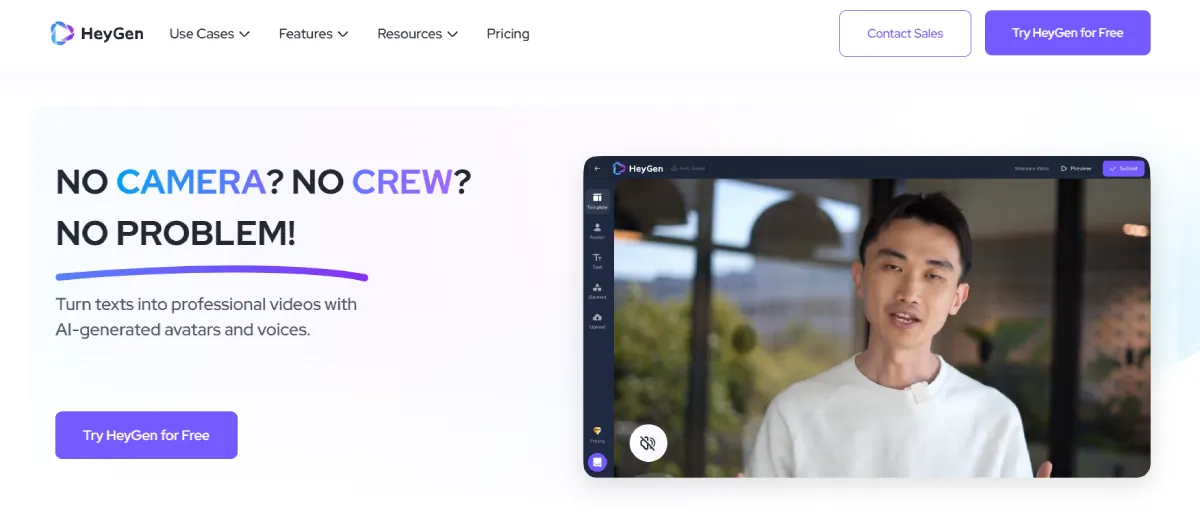
Heygen AI
Creación de videos impulsada por IA simplificada
HitPaw Edimakor
Create, Edit & Enhance Videos with Ease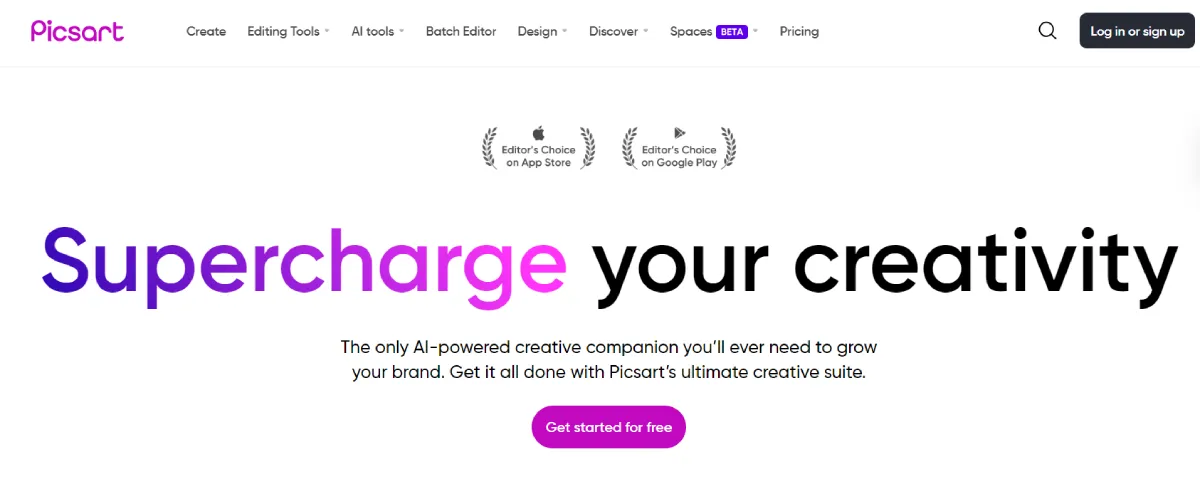
PicStart
Suite Creativa Todo en Uno para desbloquear tu potencial visual
SubMagic
Videos cortos potenciados por IA en segundos
Contenido de Trueno
Creación de contenido impulsada por IA, simplificada.Traffic Data
Sources de tráfico
Países principales
 Japón
13.7%
Japón
13.7%
 Estados Unidos
9.6%
Estados Unidos
9.6%
 Rusia
4.9%
Rusia
4.9%
 Bangladesh
4.4%
Bangladesh
4.4%
 Francia
3.1%
Francia
3.1%
Palabras clave principales
Engagement Metrics
User Reviews
Be the first to review VanceAI
Please iniciar sesión to leave a review.