

Let’s Enhance
KI-gestütztes Bildvergrößerungs- und Verbesserungstool, das in Ihrem Browser läuft.



Overview
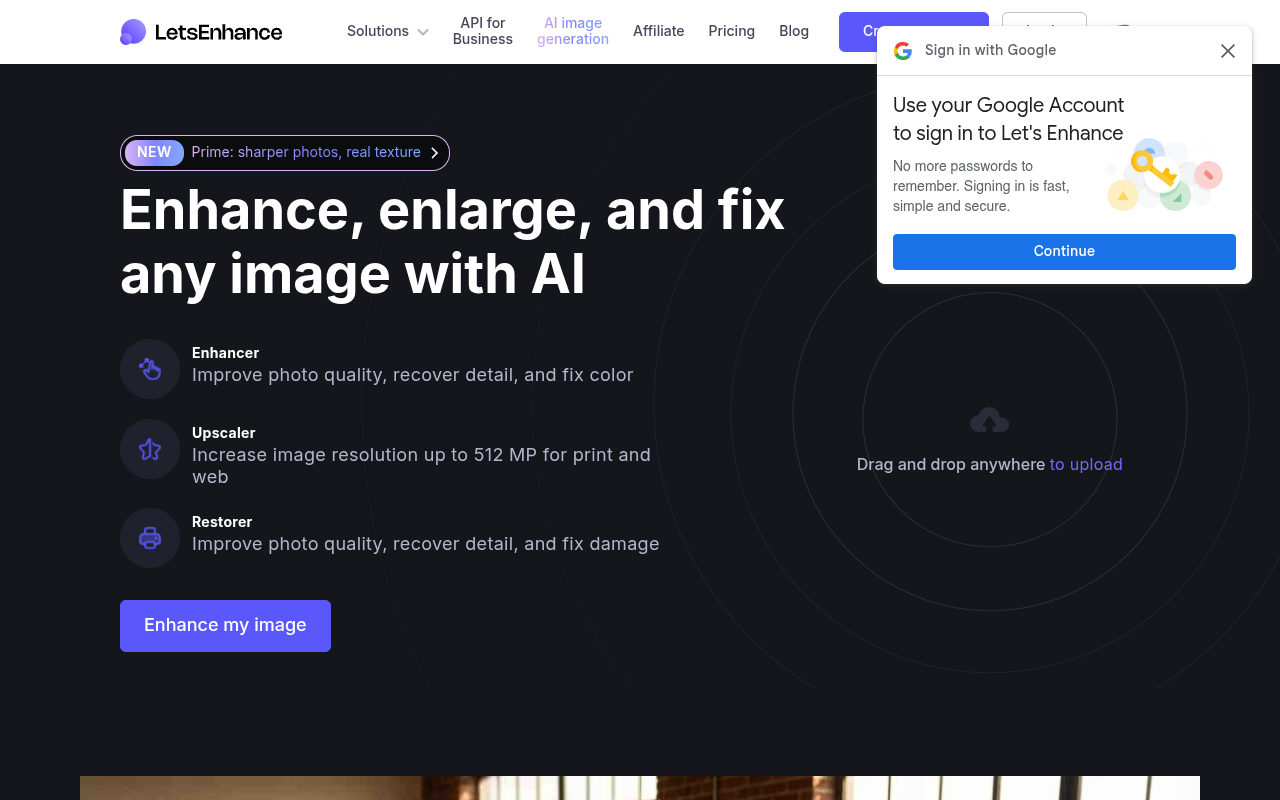
Let's Enhance is a browser-based AI tool that upscales, sharpens, and improves Bildqualität. It uses maschinellem Lernen models to enlarge photos up to 8x resolution while preserving detail and reducing noise. E-Commerce sellers, photographers, and designers use it to prepare images for print, web, and soziale Medien without needing traditional photo editing software.
Let's Enhance fills a specific niche: making small, blurry images usable again without requiring Photoshop skills. The core upscaling engine does a solid job with most image types. Faces retain expression lines instead of turning into plastic. Text in screenshots stays readable up to 4x scaling. Batch processing works reliably, which is a time saver if you handle dozens of product photos daily.
The tool targets e-commerce sellers and small marketing teams who don't have dedicated photo editors. Pricing starts at $12 per month for 100 credits, which covers most small catalogs. The free tier gives you 10 credits to test quality before paying. Credit consumption feels fair — one credit per image regardless of size. But heavy users will hit limits fast. There is no unlimited plan for high-volume work.
Compared to standalone apps like Topaz Gigapixel, Let's Enhance is simpler to use but less powerful for advanced noise reduction. It also lacks local processing, so you need internet access. For quick fixes and batch upscaling, it gets the job done without the learning curve. Just don't expect professional-grade color correction or retouching tools.
Key Features
AI Upscaling
Enlarges images up to 8x resolution while preserving detail and reducing artifacts.
Smart Sharpening
Analyzes image content type and applies optimal sharpening for faces, products, or landscapes.
Background Removal 4
One-click tool that isolates subjects from backgrounds with edge detection.
Color Correction
Auto-adjusts exposure, contrast, and saturation to restore faded images.
Batch Processing 7
Upload and enhance multiple images simultaneously with consistent settings.
Noise Reduction
Removes grain and digital noise from low-light or high-ISO photos.
Pricing Freemium
Kostenlos
- 10 credits per month
- Basic upscaling
- Standard processing speed
- Single image upload
- JPEG and PNG only
Anfänger
- 100 Credits pro Monat
- Up to 4x upscaling
- Priorisierter Support
- WebP and TIFF support
- Batch processing up to 5 images
Profi
- 300 Credits pro Monat
- Up to 8x upscaling
- Batch processing up to 20 images
- API-Zugang
- Team accounts for 2 users
Geschäft
- 1000 Credits pro Monat
- Unlimited batch processing
- Team accounts for 5 users
- Advanced API features
- Dedizierter Support
Pros & Cons
Pros
- Upscales images up to 8x without visible artifacts or pixelation
- Batch processing handles multiple images at once with consistent settings
- Works entirely in the browser, no software installation required
- Handles faces and natural textures better than many competitors
- Free tier allows real testing before committing to a paid plan
Cons
- Credit system can feel restrictive — each enhancement costs one credit even for small files
- No offline mode; requires a stable internet connection
- Advanced color grading options are limited compared to dedicated photo editors
Frequently Asked Questions
What file formats does Let's Enhance support?
The tool accepts JPEG, PNG, WebP, and TIFF files. You can upload images up to 50MB on paid plans. Free accounts have a 10MB limit per file.
Can I use Let's Enhance for commercial projects?
Yes. Paid plans allow commercial use of enhanced images. The free plan is limited to personal projects and testing. Check the terms for specific restrictions on resale.
How many credits do I get on the free plan?
The free plan gives you 10 credits. Each Bildverbesserung costs one credit regardless of resolution. Once you use them, you need to upgrade or wait for monthly reset.
Does Let's Enhance work on mobile phones?
Yes, the web app works in mobile browsers. The interface is responsive but works best on tablets and desktops for batch processing. There is no native iOS or Android app.
Kann ich mein Abonnement jederzeit kündigen?
Yes, you can cancel from your account settings. Paid plans are billed monthly and there are no long-term contracts. Unused credits do not roll over after cancellation.
50 Alternatives to Let’s Enhance
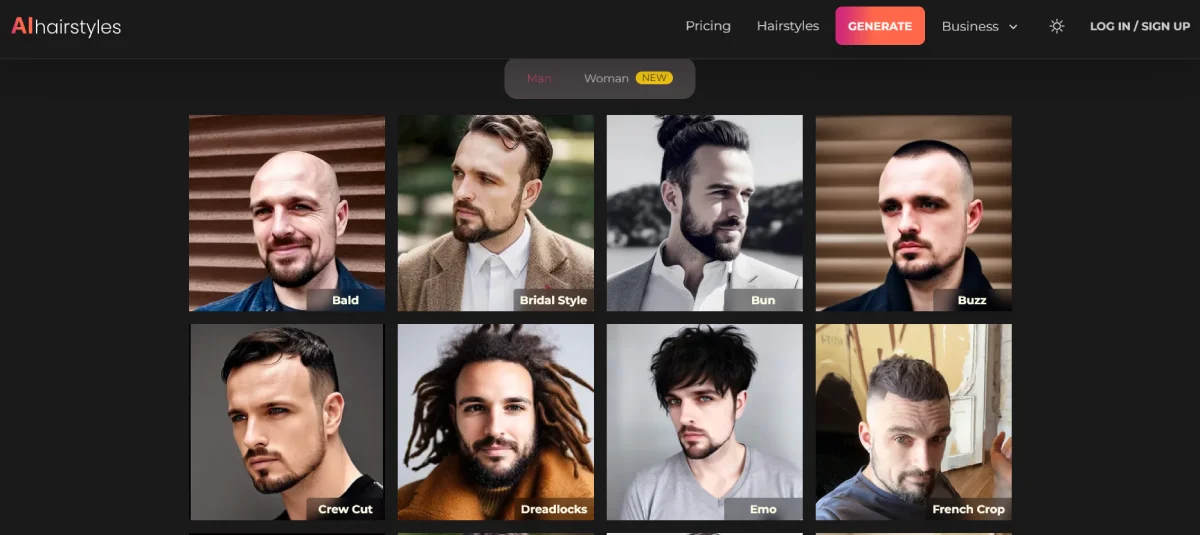
KI-Frisuren
Sieh dein Traumhaar zum Leben erweckt mit KI
AI-Objektentferner von Stylar
Entfernen Sie unerwünschte Objekte aus Ihren Bildern
Airbrush KI
AI Photo & Video Editor - Professional Quality Edits
Anime-KI
Erstelle benutzerdefinierte Anime-Avatare aus Fotos mit KI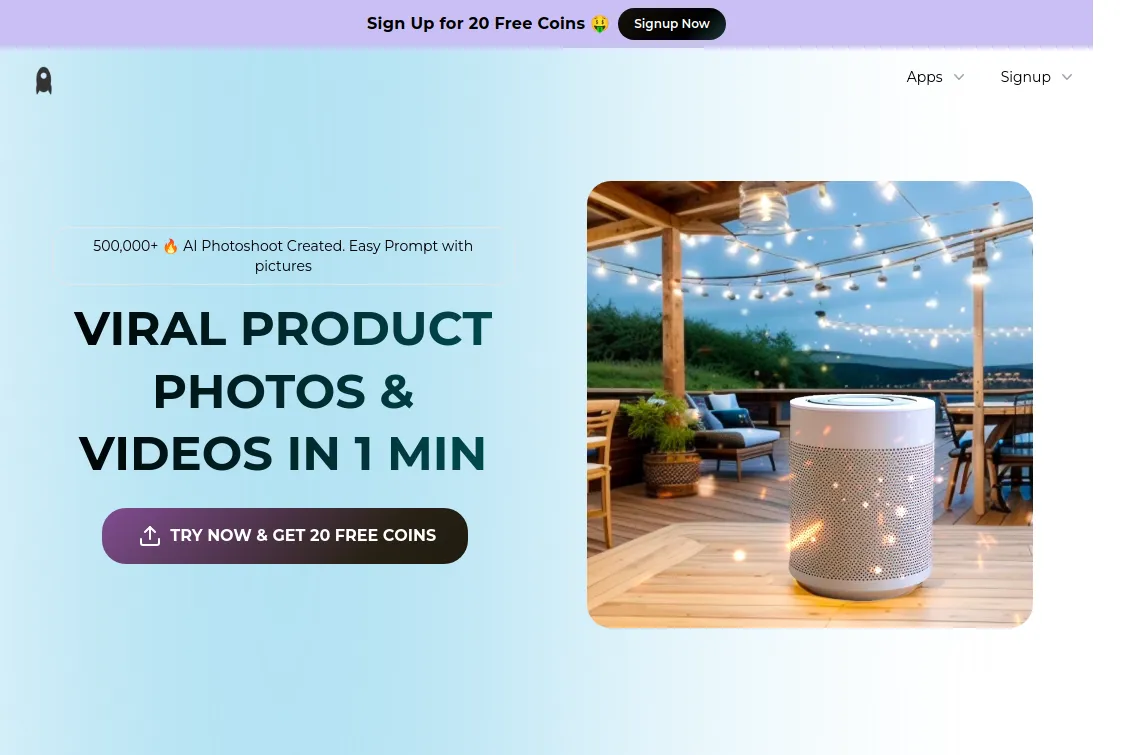
Assembo
AI-Created Product Photos & Videos in Minutes
BestPhoto
KI-Bildbearbeitung zur Transformation und Verbesserung von Bildern.Traffic Data
Verkehrsquellen
Top-Länder
 Vereinigte Staaten
14.4%
Vereinigte Staaten
14.4%
 Indien
7%
Indien
7%
 Vietnam
5.7%
Vietnam
5.7%
 Brasilien
3.4%
Brasilien
3.4%
 Ägypten
2.8%
Ägypten
2.8%
Top-Schlüsselwörter
Engagement-Metriken
User Reviews
Be the first to review Let’s Enhance
Please anmelden to leave a review.