

Designify
KI-Fotoredakteur, der Hintergründe entfernt, Objekte löscht und Bilder mit Texteingaben bearbeitet.




Overview
Designify is an AI photo editor integrated into Canva that automates background removal, object erasing, and subject isolation. It uses Google’s Nano Banana Model for Magic Edit, letting users change specific photo elements with text prompts. The tool also offers one-click background removal, offline editing on mobile, and a feature to convert still images into short videos. It’s best for beginners, small business owners, and soziale Medien managers who need quick, professional-looking edits without learning complex Software.
Designify, now fully integrated into Canva, is an AI photo editor that automates the tedious parts of image editing. It handles background removal, object erasing, and subject isolation with a few clicks. The standout is Magic Edit, powered by Google’s Nano Banana Model, which lets you select any part of a photo and replace it with something you describe in a text prompt. It’s not perfect — on very detailed or cluttered images, the AI can produce wonky results — but for most everyday edits, it saves serious time.
The tool is aimed at people who don’t have design experience: small business owners making product photos, social media managers cleaning up images for posts, and anyone who wants to remove a tourist from their vacation shot. You also get an Image to Video feature that adds motion to still photos, and offline editing on mobile via Canva’s app. Pricing follows Canva’s model: a free tier with limited Magic Edit uses, then Canva Pro at $12.99 per month for unlimited access and extra tools like Image Upscaler.
Compared to standalone tools like Remove.bg or Adobe Photoshop’s AI features, Designify offers more editing options in one place but less precision on complex tasks. If you already use Canva for design, it’s a natural add-on. If you need high-end retouching or batch processing, you’ll want something more specialized. For quick, passable edits on a budget, it works well.
Key Features
Magic Edit
Select any part of a photo and replace it with a new object by typing a text prompt, using Google's Nano Banana Model.
Background Remover
Remove photo backgrounds with one click, then generate new backdrops from a text description.
Magic Eraser
Click on individual objects or brush over areas to automatically delete them from the image.
Image to Video 2
Add natural motion to static photos by typing a prompt, turning them into short video clips.
Offline Editing
Crop, flip, apply filters, and adjust colors on photos without an internet connection via Canva mobile.
Image Upscaler
Enhance image resolution and quality automatically, useful for printing or larger displays.
Pricing Freemium
Canva Free
- Basic AI photo editing
- Limited Magic Edit uses
- Background remover
- 5GB cloud storage
Canva Pro
- Unlimited Magic Edit uses
- Full Background Generator
- Magic Eraser & Grab
- Bild-Upscaler
- Marken-Set
- 1TB storage
Canva for Teams
- Alle Pro-Funktionen
- Inhaltsverwaltung
- Teamzusammenarbeit
- Approvals workflow
- Expanded storage
- Minimum 3 users
Pros & Cons
Pros
- One-click background removal works reliably on most photos with clean edges
- Magic Edit lets you change specific objects with a text prompt, not just full backgrounds
- Offline editing on mobile keeps you working without Wi-Fi
- Free tier covers basic edits and background removal for occasional use
- Image to Video feature adds motion without needing video editing software
Cons
- Magic Edit uses Google’s Nano Banana Model, which can struggle with complex or highly detailed objects
- Free tier limits Magic Edit uses, forcing upgrades for frequent users
- No standalone app — it’s folded into Canva, so you need a Canva account to access all features
Frequently Asked Questions
What is Designify and how does it work?
Designify is an AI photo editor that automates editing tasks like background removal, object erasing, and subject repositioning. You upload a photo, then use tools like Magic Eraser or Magic Edit to click on elements and type what you want to change. The AI processes the image in seconds, no design erforderliche Fähigkeiten.
Is Designify free to use?
Designify is now part of Canva, which has a free tier. The free version includes basic AI photo editing, background removal, and limited uses of Magic Edit. For unlimited edits, the Background Generator, and extra features like Image Upscaler, you need Canva Pro at $12.99 per month.
Can I edit photos offline with Designify?
Yes, through the Canva mobile app. You can enable a design to be available offline and make simple edits like cropping, flipping, adding filters, and changing colors. All changes sync automatically once you reconnect to the internet.
What is the Magic Edit feature and what model does it use?
Magic Edit lets you select a part of your photo and replace it with something new by typing a text prompt. It uses Google’s Nano Banana Model to generate the replacement. For example, you can erase a coffee cup from a table and replace it with a vase of flowers.
Can Designify turn photos into videos?
Yes. The Image to Video feature adds natural movement to still photos. You type a prompt describing the motion you want, or let AI suggest one, and it generates a short video clip. No video editing experience is required.
53 Alternatives to Designify

ImaginePro KI
KI-Bilderzeuger für hochqualitative Visuals
KI-Hintergrundentferner von Stylar
Fortschrittliche Hintergrundentfernung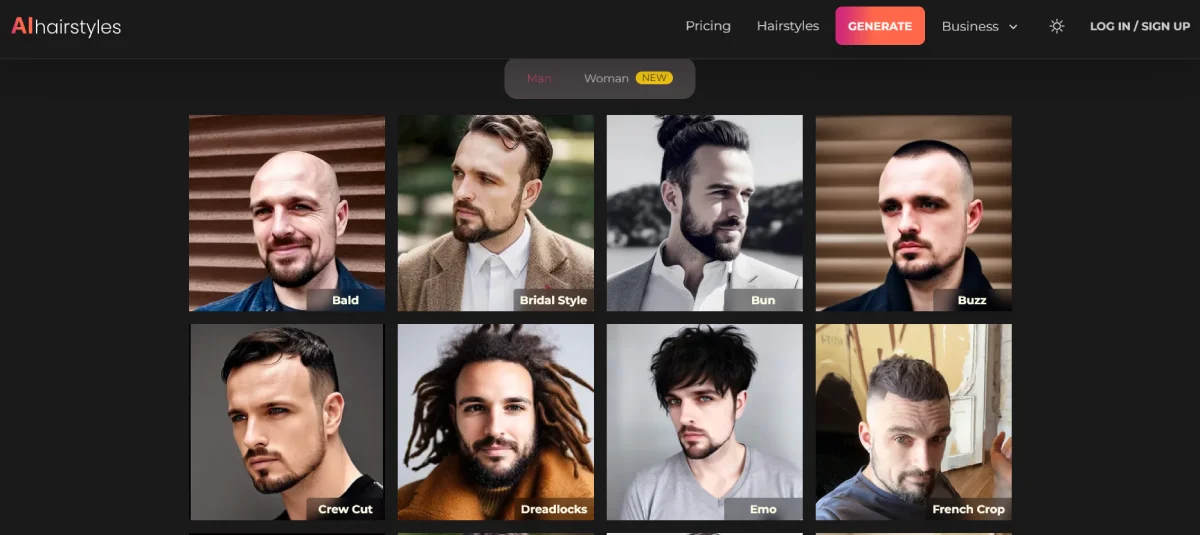
KI-Frisuren
Sieh dein Traumhaar zum Leben erweckt mit KI
AI-Objektentferner von Stylar
Entfernen Sie unerwünschte Objekte aus Ihren Bildern
Airbrush KI
AI Photo & Video Editor - Professional Quality Edits
Anime-KI
Erstelle benutzerdefinierte Anime-Avatare aus Fotos mit KITraffic Data
Verkehrsquellen
Top-Länder
 Indien
9.1%
Indien
9.1%
 Vereinigte Staaten
7.5%
Vereinigte Staaten
7.5%
 Äthiopien
6.6%
Äthiopien
6.6%
 Nigeria
6.1%
Nigeria
6.1%
 Argentinien
4.4%
Argentinien
4.4%
Top-Schlüsselwörter
Engagement-Metriken
User Reviews
Be the first to review Designify
Please anmelden to leave a review.