
ChatGPT Atlas vs Perplexity Comet A Complete Comparison
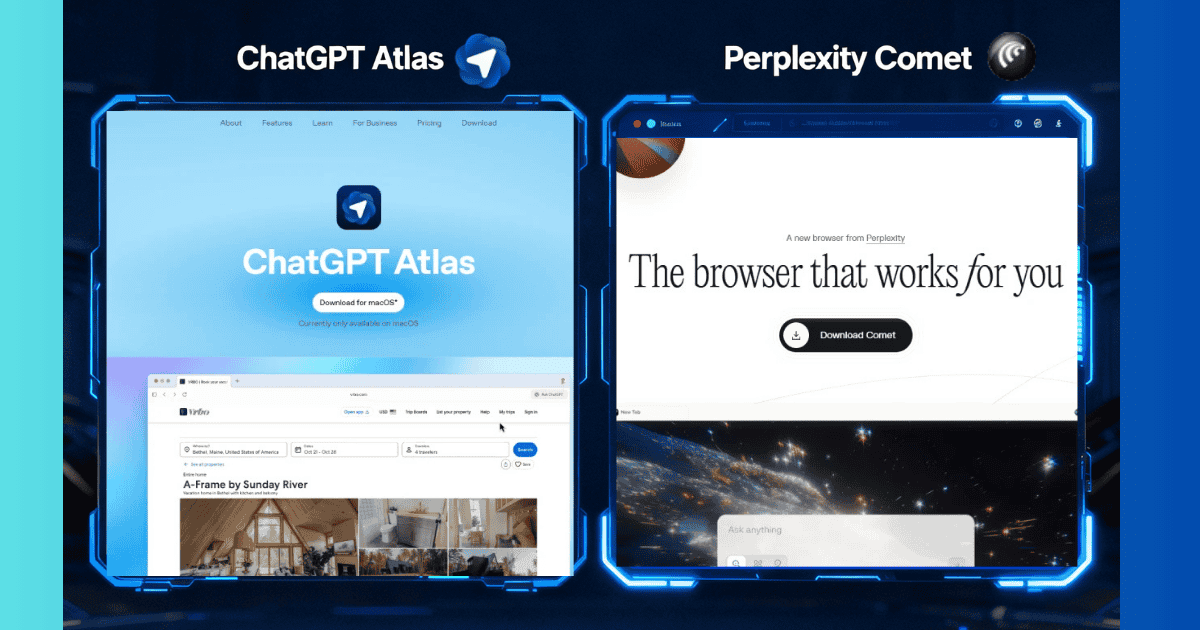
Perplexity Comet is generally considered the better AI browser for most users due to its focus on fast, accurate research with reliable source citations.
ChatGPT Atlas excels in conversational browsing and content creation, especially for users already embedded in the ChatGPT ecosystem.
Both browsers represent new ways to interact with online information but cater to different user needs.
What Is ChatGPT Atlas?
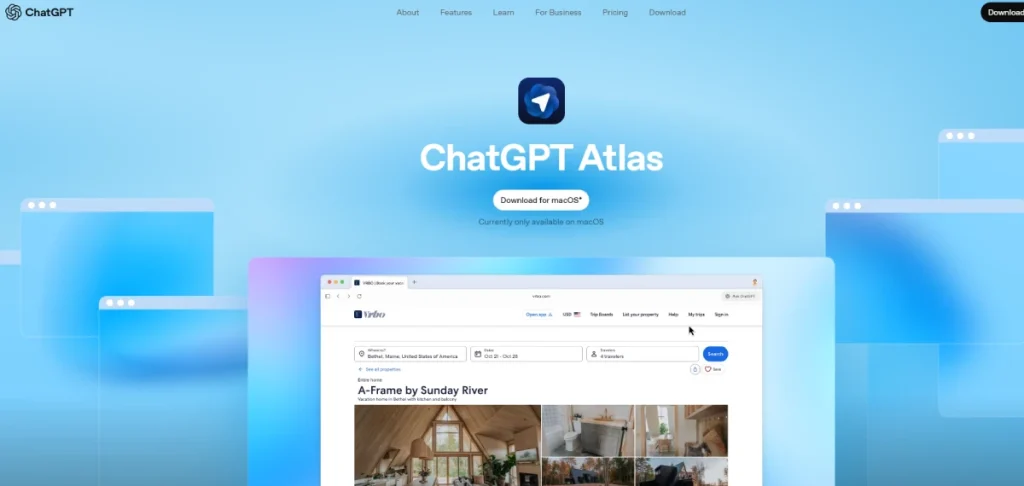
ChatGPT Atlas is OpenAI’s AI-powered web browser that integrates ChatGPT directly into every browsing experience.
It appears as a sidebar alongside webpages, allowing users to ask questions, get summaries, or automate tasks without leaving the page.
A standout feature is Agent Mode, which can autonomously perform multi-step tasks such as researching or booking appointments with user approval.
Atlas also includes Browser Memory, which recalls previous sessions. It is currently available on macOS, with Windows, iOS, and Android versions forthcoming.
What Is Perplexity Comet?
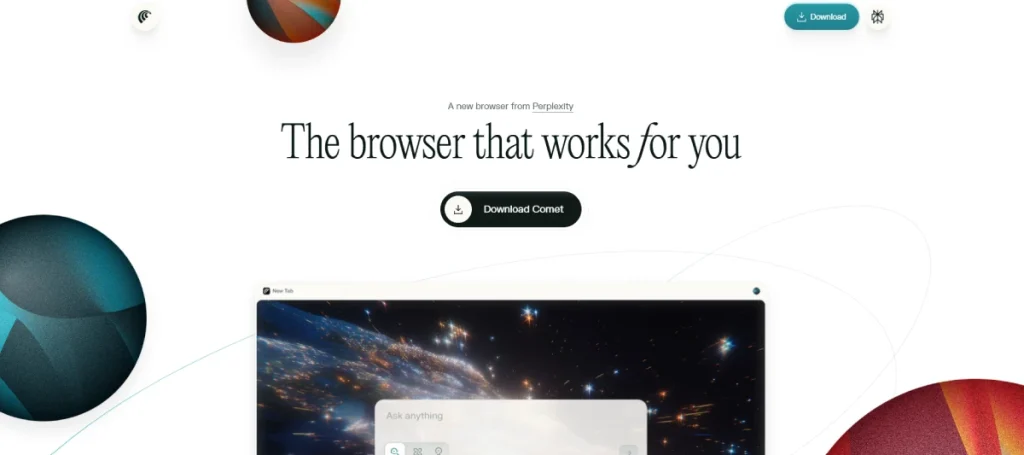
Perplexity Comet, developed by Perplexity AI, focuses on research accuracy and source verification.
It integrates multiple AI models (including GPT, Claude, Gemini, and Grok) to provide real-time web browsing with transparent citations in every response.
This makes it ideal for academic, professional, or fact-based queries. Comet’s AI assistant summarizes pages, manages tabs, and synthesizes information from multiple sources simultaneously.
It supports Windows, macOS, and Linux, with mobile versions coming soon.
How Do They Work Differently?
Differences include user interaction and research emphasis: Atlas offers a conversational style with ChatGPT chat embedded in browsing, while Comet delivers sourced, verifiable answers quickly and is optimized for research workflows.
Agent capabilities differ; Atlas’s Agent Mode requires paid subscriptions and explicit permissions, while Comet’s features are more broadly accessible.
Atlas is limited to macOS, whereas Comet runs on more platforms now.
Which Is Better for Research?
For research purposes, Perplexity Comet outperforms with its multi-source synthesis, citations, and specialized Focus Modes for academic or news content.
It provides faster query responses and better fact-checking. Atlas suits exploratory research and creative tasks where a conversational interaction is preferred.
Which Is Faster or More Accurate?

Regarding speed and accuracy, Comet is faster and provides strong source-backed answers.
Atlas is accurate for conversations but occasionally produces errors and lacks prominent citation display, which makes independent verification harder.
Atlas’s Agent Mode enables efficient task workflows once running.
Who Should Use Each Browser?

Students and researchers benefit most from Comet due to citations and free tier use.
Content creators, writers, and professionals desiring task automation might prefer Atlas, especially if already using ChatGPT.
Casual users may start with Comet’s free tier for AI browsing, while Atlas reserves many features for paying users.
Both browsers require internet connectivity and do not work offline, relying on cloud AI models.
Privacy-wise, Atlas offers user controls over browser memories, while Comet processes some tasks locally but uses cloud servers for AI responses.
Granting AI agents browser permissions carries inherent security considerations.
Feature-by-Feature Comparison
| Feature | ChatGPT Atlas | Perplexity Comet |
|---|---|---|
| AI Model Used | GPT-4 based models | Multiple models (GPT, Claude, Gemini, Grok) |
| Real-Time Web Access | Yes, with Google Search integration | Yes, deep web integration |
| User Interface | Minimalist, chat-focused sidebar | Search-first, results-oriented |
| Speed | Fast for conversation, slower for tasks | Faster for research and queries |
| Accuracy | High with occasional errors | High with strong source verification |
| Source Citations | Limited, not citation-first | Yes, built-in with every answer |
| Agent Mode | Yes (Plus/Pro users only) | Yes (available to all users) |
| Platform Availability | macOS only (Windows, iOS, Android coming) | Windows, macOS, Linux (mobile coming soon) |
| Free Tier | Yes, basic features | Yes, with rate limits |
| Paid Plans | Plus $20/mo, Pro $200/mo | Pro $20/mo, Max $200/mo, Plus $5/mo |
| Best For | Conversational browsing, task automation | Research, fact-based queries |
| Browser Memory | Yes, user-controlled | Optional browser tracking |
| Extension Support | Chrome extensions (limited support) | Full Chrome extension support |
Frequently Asked Questions
-
Is ChatGPT Atlas free?Yes, ChatGPT Atlas offers a free tier with basic browsing and AI assistance. Advanced features like Agent Mode require paid subscriptions starting at $20/month for Plus users and up to $200/month for Pro tiers.
-
Can Perplexity Comet browse the web?Yes, Comet has deep real-time web browsing integrated, allowing it to search, summarize, and cite information actively with source links. Its AI assistant can also navigate sites and assist with multi-step tasks under user control.
-
Which is better for students?Perplexity Comet is often better due to its research focus, built-in citations, and free tier accessible for educational use. It helps locate reliable sources, synthesize content, and organize information efficiently.
-
Do they work offline?No, both browsers require an internet connection as they depend on cloud AI models for processing queries and generating responses. Offline AI browsers exist but neither Atlas nor Comet support this feature.
-
How accurate are their answers?Comet emphasizes verified answers with clear source citations, increasing reliability for factual queries. Atlas offers accurate conversational responses but occasionally produces errors or outdated information, with less transparent sourcing.
-
What are the main privacy concerns?Both collect browsing data to improve AI assistance. Atlas uses browser memories with user controls, while Comet processes many tasks locally but relies on cloud servers for AI responses. Users should be aware of potential risks when granting AI agents deep browser permissions.