Best EndNote Click Alternatives

A free browser extension that gives researchers one-click access to academic paper PDFs.

FREE Free Education Productivity Chrome Extensions Web

EndNote Click is a free browser extension that helps researchers access full-text PDFs from academic journals with one click. It works on Chrome and Firefox, checking library subscriptions then open-access databases. Over 750,000 researchers use it to save time navigating paywalls and login screens.

73 Alternatives
58 Free Options
Education Category
N/A Avg Rating

Top 3 Best EndNote Click Alternatives

Ranked by feature overlap, pricing similarity, ratings, and traffic

#1

Semantic Scholar

A free AI-powered search engine for scientific literature across all fields of research.

FREE Free

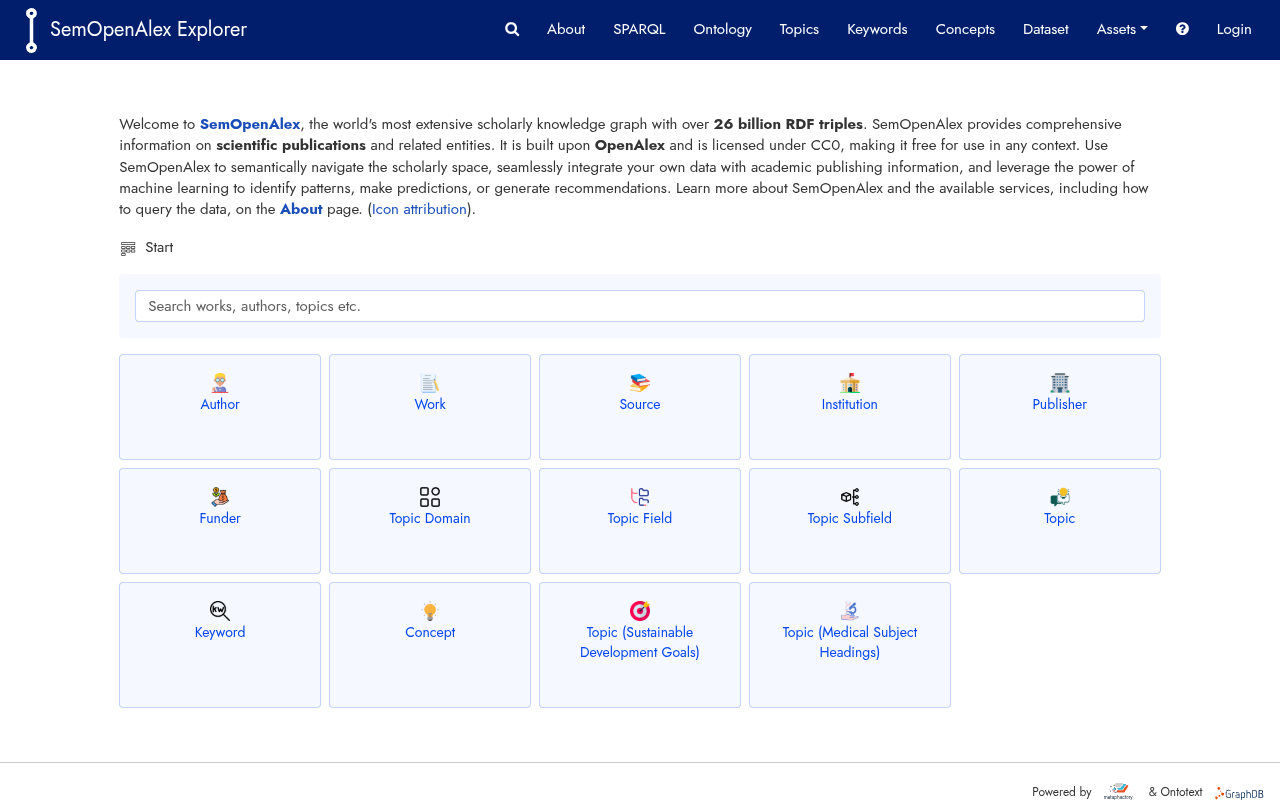
Semantic Scholar is a free AI-powered search engine for scientific literature that indexes over 235 million papers across all fields of science. It uses machine learning to rank results by relevance, track citations, and provide an augmented reading experience through Semantic Reader. Researchers, students, and academics use it to discover papers, follow citation networks, and stay current in their fields.

Pros

  • Completely free with no usage caps or subscription fees
  • Indexes over 235 million papers across all scientific fields
  • AI relevance ranking surfaces high-impact papers first
  • Citation graph makes it easy to trace research influence

Key Features

  • Paper Search
  • Citation Graph
  • Semantic Reader
  • Developer API
  • Influence Metrics
  • Field Filtering
Pricing Comparison
Plan EndNote Click Semantic Scholar
Free $0 $0
#2

Zotero

A free, open-source reference manager that collects, organizes, and cites research from your browser.

Freemium $2.08/mo

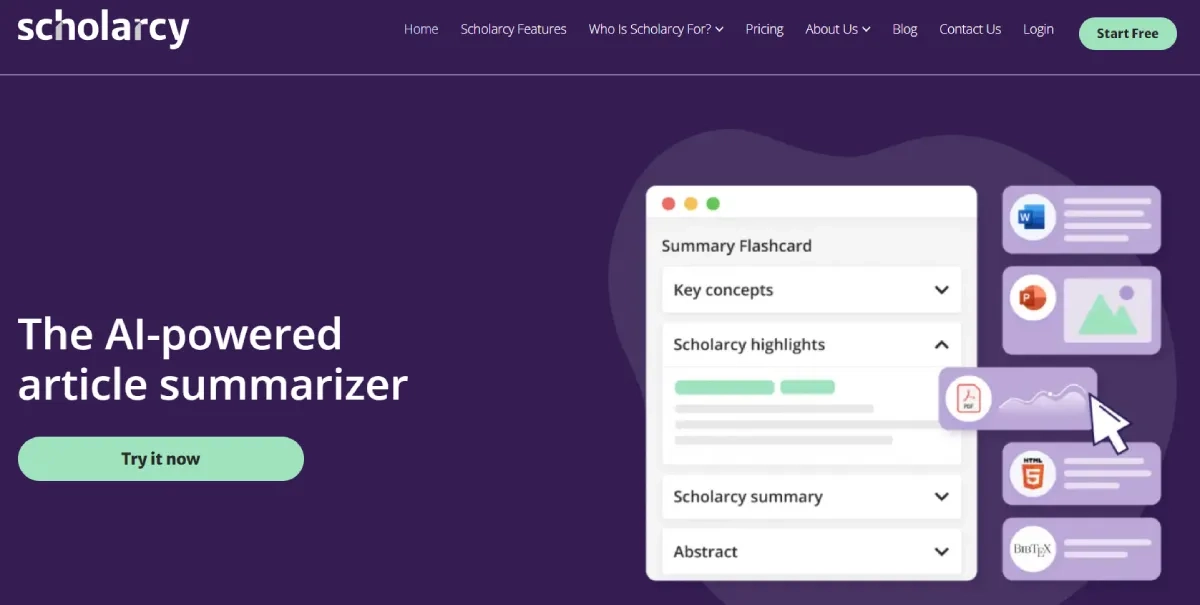
Zotero is a free, open-source reference management tool that helps researchers collect, organize, cite, and share research. It automatically captures citation data from web pages like JSTOR and arXiv, organizes items into collections with tags, and generates bibliographies in over 9,000 citation styles. Students, academics, and independent researchers use it to streamline citation management and collaborate on shared libraries.

Pros

  • Free core functionality with no time limits or feature restrictions
  • Supports over 9,000 citation styles including APA, MLA, and Chicago
  • Browser extension works on most academic databases and news sites
  • Open-source code and nonprofit ownership ensure data privacy

Key Features

  • One-click capture
  • Tag and sort
  • Citation engine
  • Cross-device sync
  • Group sharing
  • Open source
Pricing Comparison
Plan EndNote Click Zotero
Free $0 $0
2 GB Storage $2.08/mo
6 GB Storage $4.17/mo
15 GB Storage $8.33/mo

More EndNote Click Alternatives

Frequently Asked Questions

What are the best alternatives to EndNote Click in 2026?
We found 73 alternatives to EndNote Click. The top-ranked alternative is Semantic Scholar, based on shared features, pricing similarity, and user ratings. Browse the full list above to find the best fit for your needs.
Is there a free alternative to EndNote Click?
Yes, several alternatives offer free plans or freemium tiers. Check the pricing labels on each alternative above — tools marked as "Free" or "Freemium" offer no-cost options.
How do we rank EndNote Click alternatives?
Alternatives are ranked using a composite score based on: shared categories and capabilities (taxonomy overlap), pricing similarity, user ratings, and monthly traffic data. Tools that closely match EndNote Click's feature set and price point rank higher.
What makes Semantic Scholar the top alternative to EndNote Click?
Semantic Scholar ranks #1 because it shares the most features, categories, and capabilities with EndNote Click, while also having competitive pricing and strong user ratings.
How many Education tools are similar to EndNote Click?
There are currently 73 tools similar to EndNote Click in our directory, spanning various pricing tiers from free to enterprise. The list is updated regularly as new tools are added.
See budget options for EndNote Click under Free

Explore more AI tool alternatives and comparisons

Ctrl + /