
AI for Small Businesses: Practical Guide, Use Cases & Tools
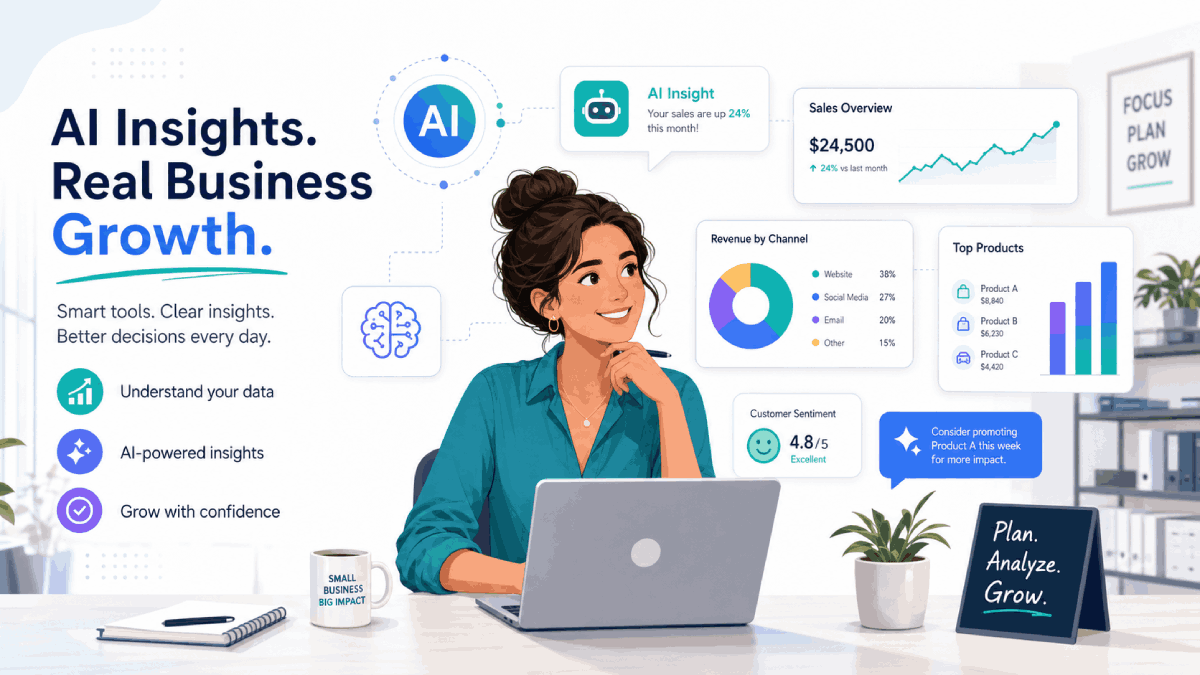
Artificial intelligence is no longer just for big enterprises with huge budgets. Today, small businesses can plug simple AI tools into the systems they already use to save time, improve customer experience, and make better decisions.
This guide walks through what AI really means for small businesses, a quick readiness checklist, practical use cases across marketing, sales, support and operations, and a simple roadmap for getting started without taking big risks.
What AI Actually Means for Small Businesses

When people hear “AI”, they often picture complex robots or fully automated companies. In reality, most small businesses use AI in much simpler ways: tools that help draft content, answer routine customer questions, extract information from documents, or highlight useful patterns in existing data.
Instead of replacing your team, modern AI tools act like smart assistants that plug into email, chat, CRM, spreadsheets, and other everyday apps. The goal is not to “become an AI company”; it is to remove manual work from the processes that already generate value for your business.
Are You Ready for AI? Quick Checklist
AI works best in businesses that already have some basic digital foundations in place. Use this quick checklist to see if you are ready to test AI on a small scale.
- Digital data: You already use tools like email, spreadsheets, CRM, accounting, or booking systems.
- Repeatable processes: You have tasks that happen in the same way every day or every week.
- Clear pain points: You can point to specific activities that are time‑consuming, boring, or error‑prone.
- Basic security awareness: Your team understands what information is sensitive and should not be copied into external tools.
- Openness to change: You are willing to test new workflows and train the team on new tools.
If you can confidently tick at least three of these boxes, you are in a good position to start experimenting with AI on low‑risk, high‑impact tasks like content drafts, customer FAQs, or basic reporting.
Practical AI Use Cases for Small Businesses
The easiest way to think about AI for small businesses is by use case, not by specific tools. Below are practical examples you can apply in day‑to‑day operations, with plenty of room to grow over time.
1. Marketing & Content Creation
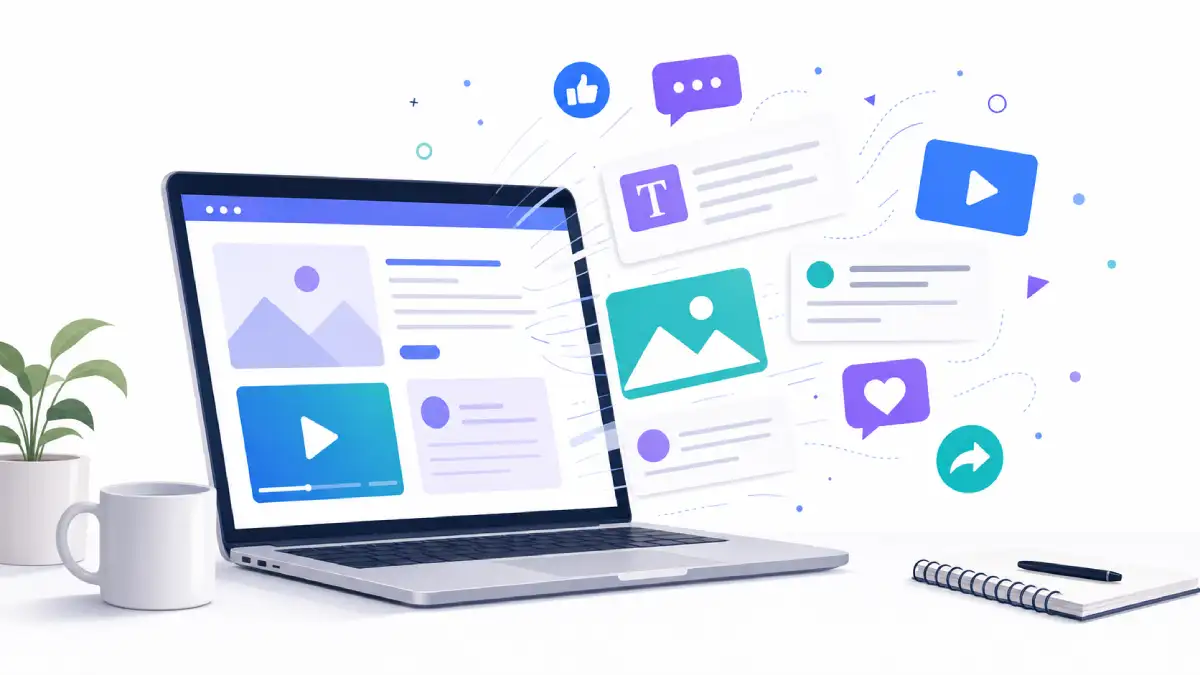
AI writing and design tools help small teams produce consistent marketing content without needing a full‑time copywriter or designer. You still provide the ideas and approve the final version, but the heavy lifting is handled for you.
- Draft blog posts, product descriptions, newsletters, and social posts from simple prompts.
- Create multiple ad copy variations for search, social, or display campaigns in minutes.
- Turn long‑form content (like a webinar or podcast) into shorter snippets, posts, and email sequences.
- Generate simple visuals or image concepts to support campaigns without hiring a full design agency.
2. Sales & Lead Generation
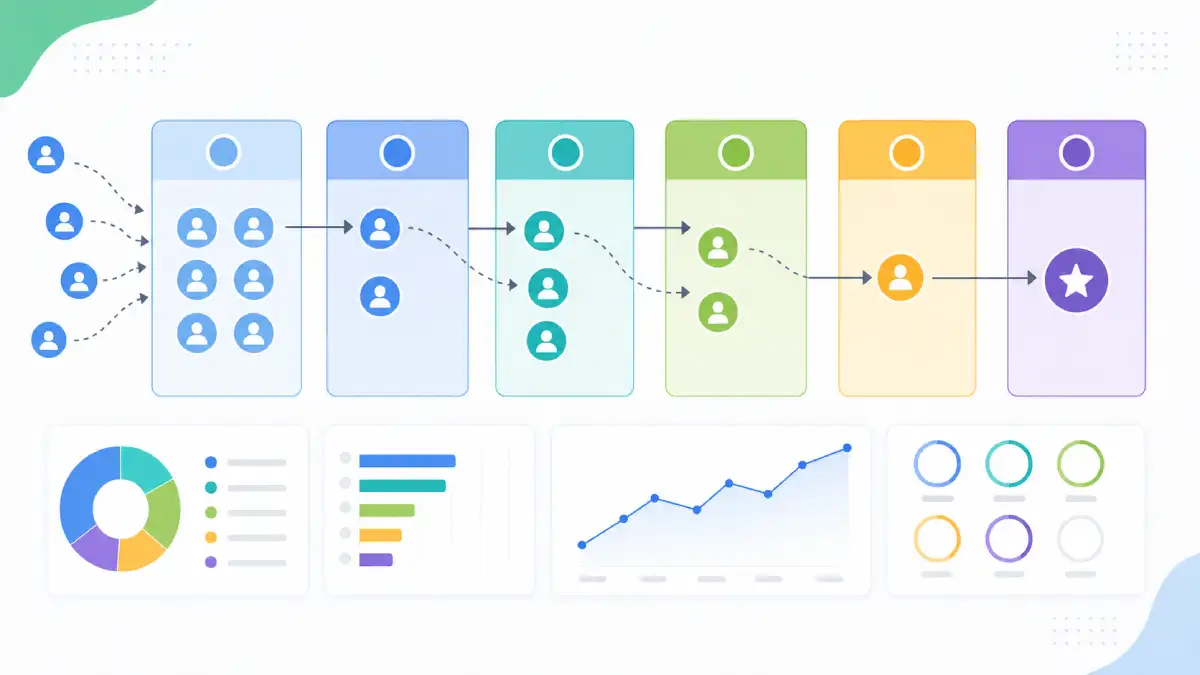
AI sales tools help you focus on the leads that are most likely to convert and keep follow‑ups organised, even when you are busy running the business.
- Score leads based on behaviour and engagement so reps can prioritise the hottest opportunities.
- Generate personalised outreach emails and follow‑up reminders from a few bullet points.
- Summarise sales calls and meetings into clear notes and action items without manual typing.
- Forecast revenue trends from your existing pipeline instead of relying on pure gut feeling.
3. Customer Support & Service

AI does not replace human support, but it can handle routine questions and route more complex issues to the right person much faster.
- Add a website chatbot to answer FAQs, track orders, and capture new leads 24/7.
- Use AI to draft email responses in your helpdesk, so agents only need to review and personalise.
- Automatically tag and categorise tickets by topic, urgency, or sentiment.
- Summarise long support threads or call recordings so your team can see the key points at a glance.
4. Operations, Admin & Finance
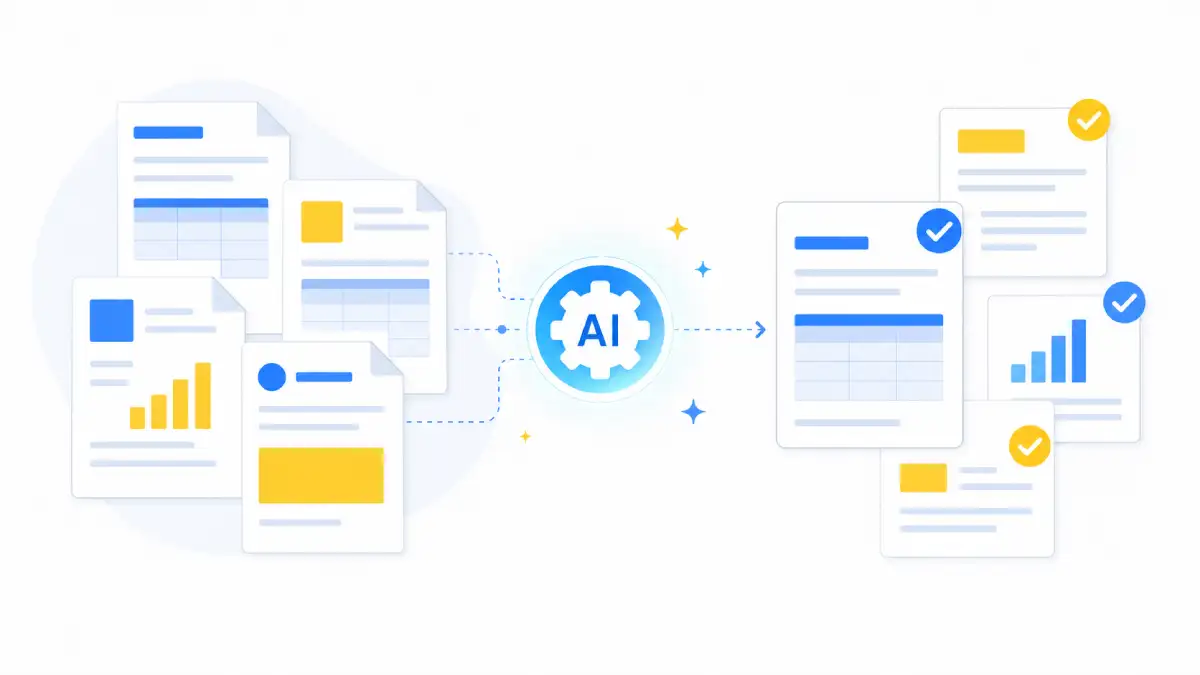
Many small businesses spend a large chunk of time on back‑office tasks. AI tools can handle much of the repetitive work, freeing you to focus on customers and growth.
- Scan documents and extract key information into spreadsheets or bookkeeping software.
- Draft invoices, payment reminders, and follow‑up emails automatically.
- Summarise long contracts, proposals, or reports into short, readable overviews.
- Generate simple cash‑flow projections or expense breakdowns from historic data.
5. Analytics & Decision‑Making
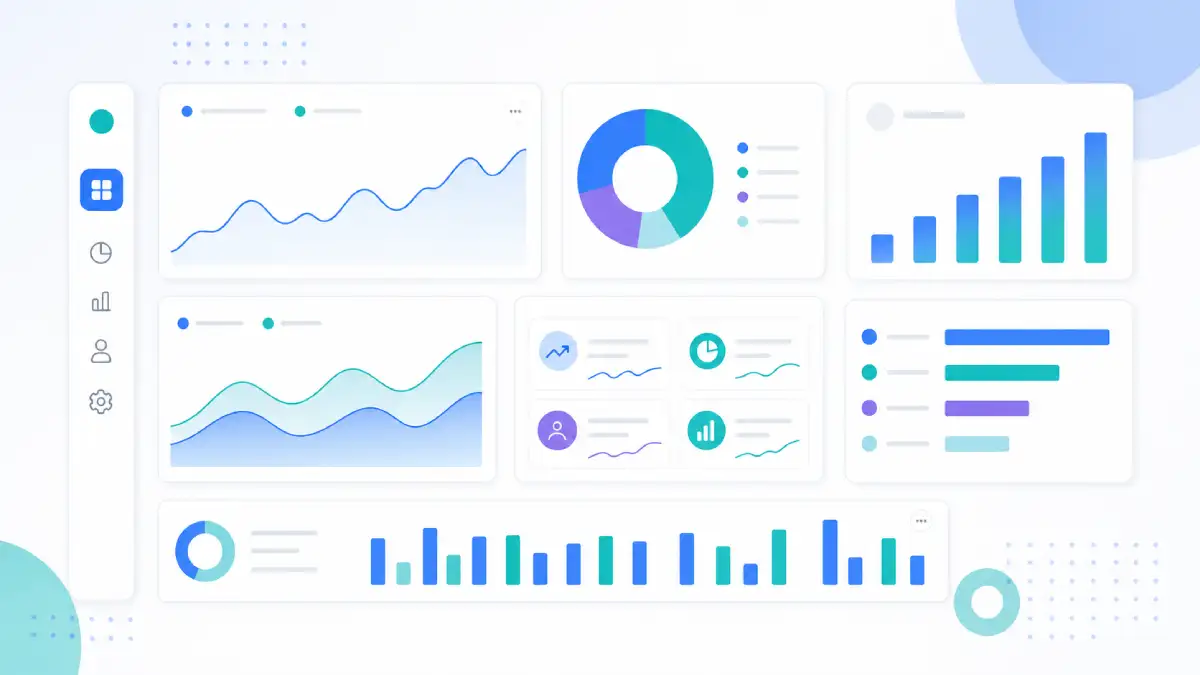
AI‑powered analytics tools can turn raw numbers into simple, human‑readable explanations that support everyday decisions, even if you are not a data expert.
- Ask natural‑language questions about website, sales, or campaign performance instead of building complex reports.
- Spot unusual spikes or drops in key metrics and get automatic alerts when something needs attention.
- Identify which channels, products, or customer segments are driving the most profit.
- Estimate future demand scenarios to help with staffing, stock, or capacity planning.
6. HR & Internal Productivity
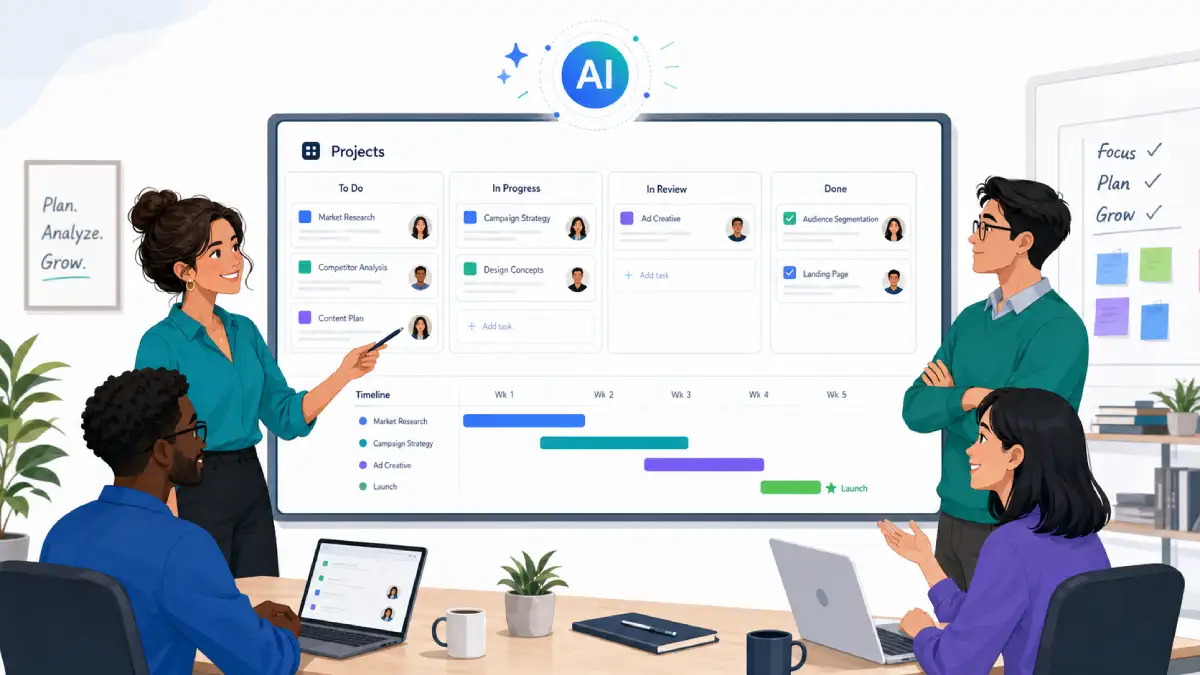
AI can also support the people side of your business by making hiring, onboarding, and internal collaboration smoother.
- Draft job descriptions, interview questions, and candidate outreach messages.
- Create onboarding checklists and role‑specific training materials faster.
- Summarise meeting notes into clear action items and deadlines.
- Generate internal guides and standard operating procedures from existing documents.
Choosing AI Tools Safely: Data, Privacy & Compliance
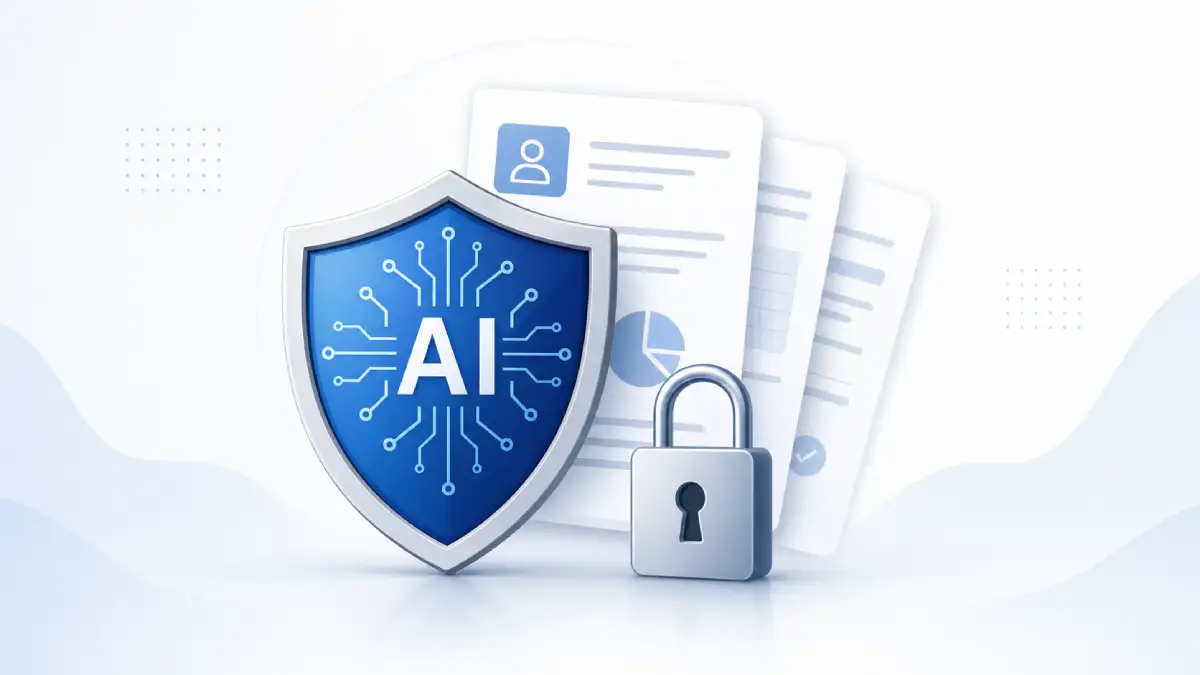
Before introducing any AI tool into your workflow, it is important to understand how it handles your data and what responsibilities you still hold as the business owner.
- Check the privacy policy: Look for clear statements about data storage, retention, and whether your content is used to train models.
- Review security basics: Ensure the provider uses encryption and offers role‑based access for team accounts.
- Limit sensitive data: Avoid pasting confidential information, passwords, or personal identifiers into AI tools unless you have strong guarantees.
- Get advice when needed: For regulated industries, speak with a legal or compliance professional before rolling out AI widely.
AI tools should support your existing responsibilities around data protection, not weaken them. When in doubt, start with low‑risk use cases like marketing drafts rather than sensitive customer records.
Simple Roadmap to Start Using AI in Your Business
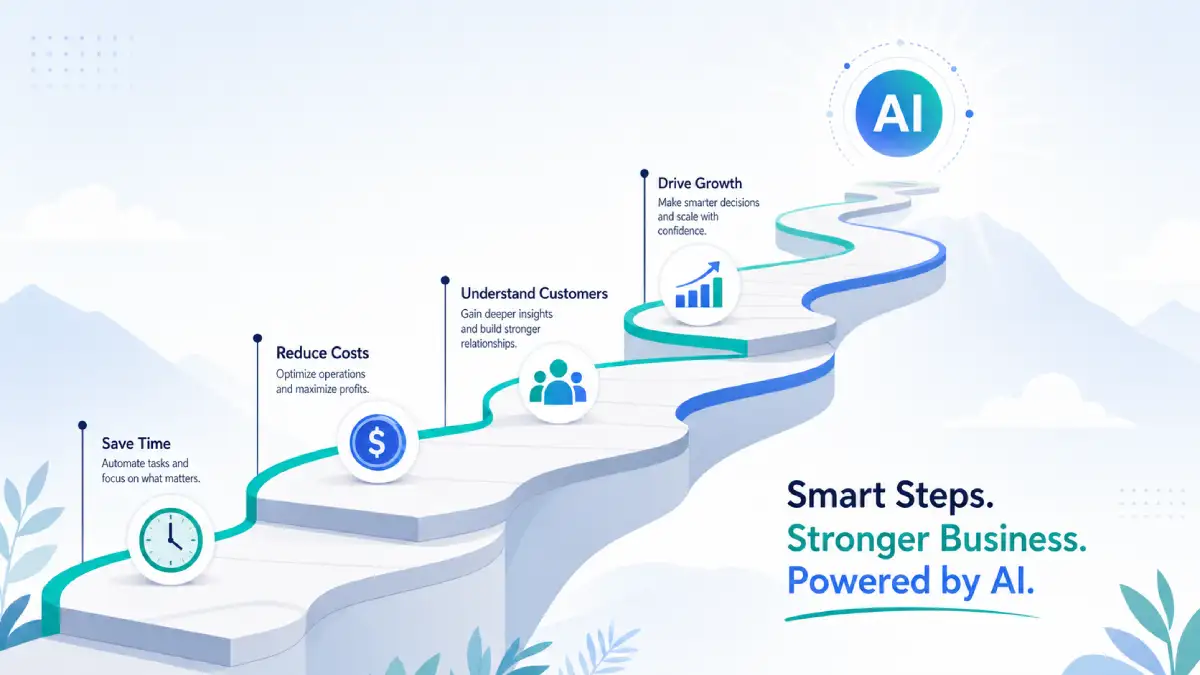
You do not need a complex transformation programme to benefit from AI. A focused, step‑by‑step approach is more practical for most small teams.
- Pick one simple use case: For example, social media captions, blog post drafts, or support FAQs.
- Test 1–2 tools: Trial a couple of options and see which fits your workflow and comfort level.
- Keep human review: Always review AI output before it reaches customers, especially at the start.
- Measure impact: Track time saved, response times, or campaign performance for a few weeks.
- Document the process: Once a workflow is working, turn it into a simple internal guideline.
- Then expand: Only after you see clear benefits should you add more use cases or tools.
Common AI Mistakes Small Businesses Should Avoid
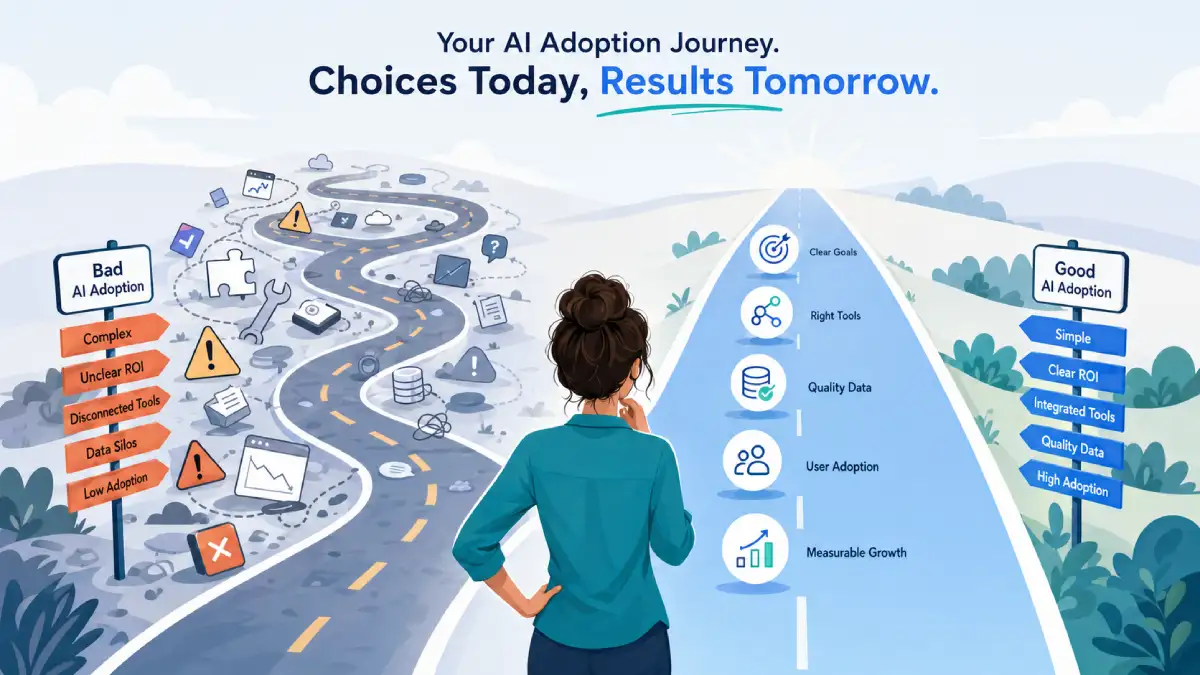
AI can deliver real benefits, but only when it is applied thoughtfully. These are some of the most common traps small businesses fall into when they rush adoption.
- Buying tools before defining problems: Start with the process you want to improve, then select the tool.
- Trying to automate everything at once: Focus on one or two high‑value areas instead of touching every part of the business.
- Ignoring the team: Involve staff early, explain the goals, and show how AI supports rather than replaces them.
- Skipping quality control: Publish only what a human has reviewed, especially for customer‑facing content.
- Not tracking results: If you do not measure impact, it is hard to know which tools are worth paying for.
Next Steps: Find the Right AI Tools for Your Business
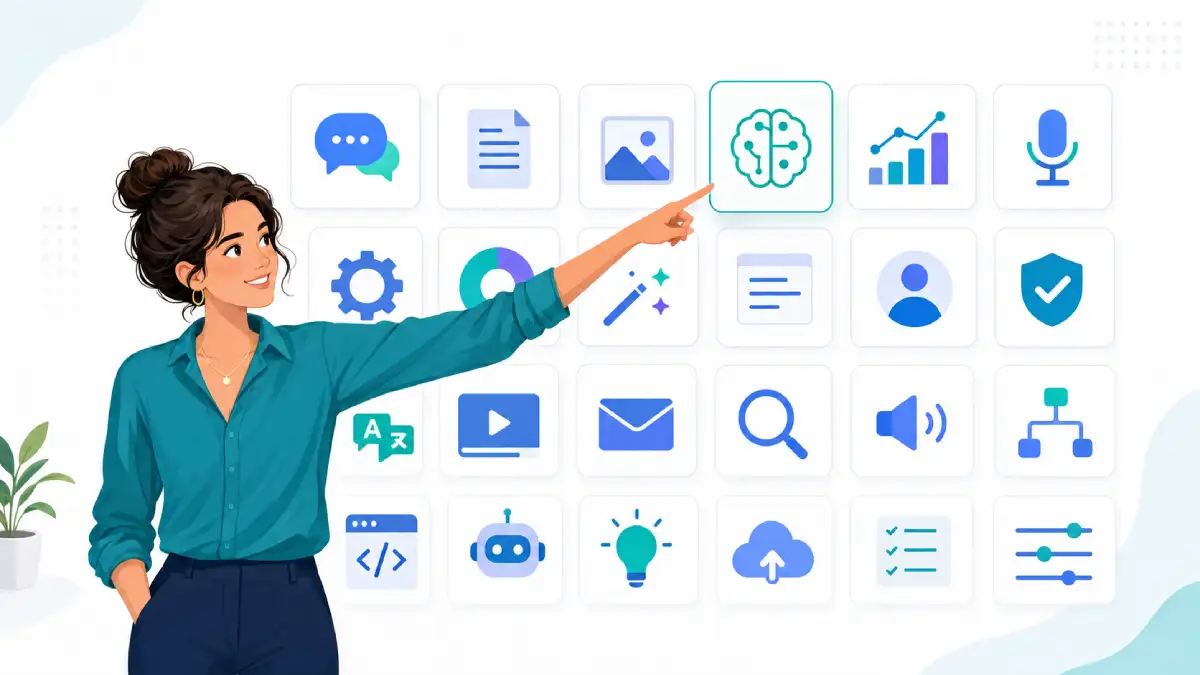
The best place to start is with one or two realistic use cases that match your current bottlenecks: repetitive questions, slow content production, manual reporting, or admin tasks that drain your time.
From there, explore AI tools by category and compare options side by side. Look for a good balance between ease of use, data protection, and pricing, and always run a short pilot before rolling anything out across your whole team.
Browse AI tools for marketing , sales, customer service , operations, and more in our directory, and shortlist a small stack that supports the way your business already works.