

Mokker AI
AI-powered background replacement and product photography for e-commerce sellers.

Overview
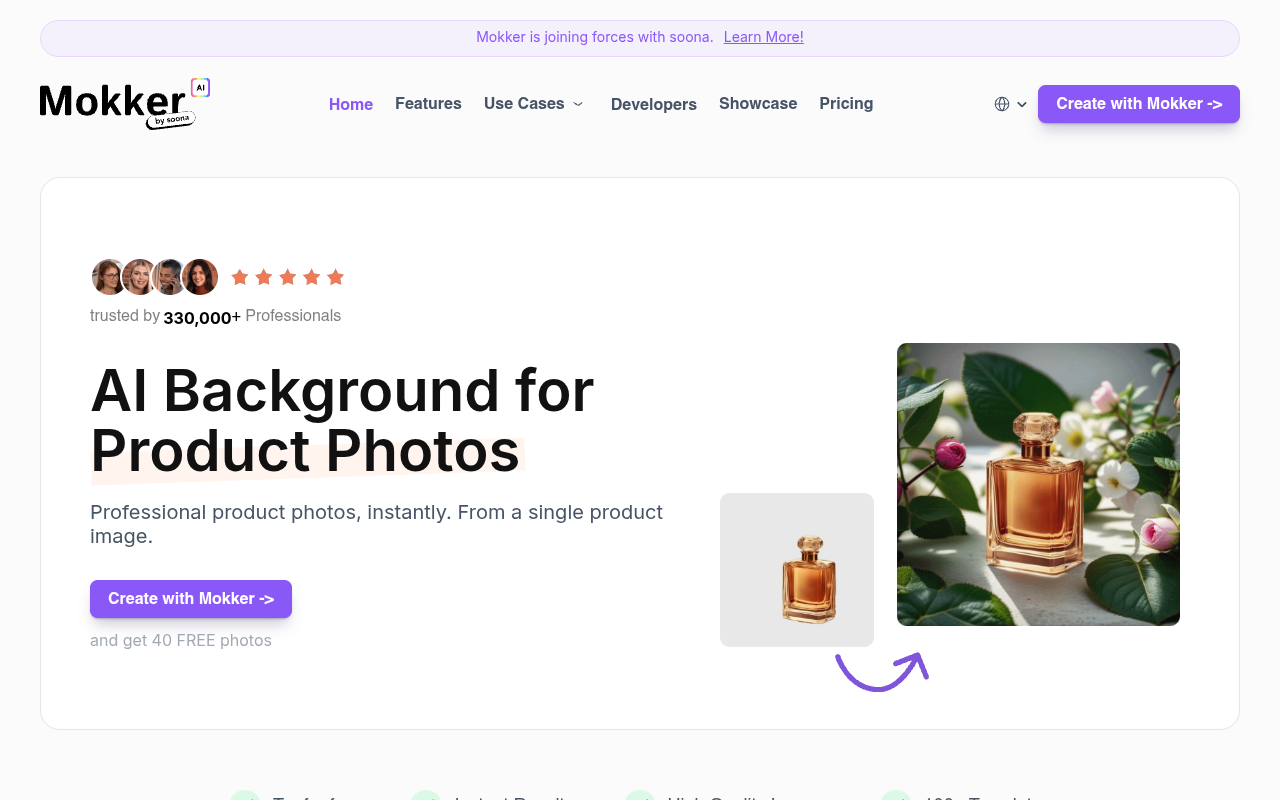
Mokker AI is a web-based tool that replaces product photo backgrounds using artificial intelligence. Users upload a product image, choose from over 100 templates, and get a professional-looking photo in seconds. It is built for e-commerce sellers, marketers, and small business owners who need consistent product images without hiring a photographer.
Mokker AI does one thing and does it reasonably well: it replaces the background of product photos using AI. You upload a picture, pick a template from over 100 options, and the tool generates a new image. It is clearly aimed at e-commerce sellers who need a steady stream of product shots but cannot afford a photo studio. The moodboard feature is a nice touch — you can upload your own reference images and the AI tries to match that style.
The tool also includes a Product Replace function that lets you swap a product into an existing background, which is useful for keeping a consistent look across a catalog. The Color Change feature helps match brand colors. However, the biggest drawback is the lack of transparent pricing. There is no pricing page. You get 40 free photos to start, but after that you have to contact sales. That friction might turn off smaller sellers who just want to pay a flat monthly fee and move on.
Compared to alternatives like Remove.bg or Claid.ai, Mokker offers more creative control with templates and moodboards, but the pricing opacity is a real downside. For someone running an Etsy shop or a small brand, the free trial is enough to test the quality. If the results match your needs, the follow-up with sales is worth it. Otherwise, you might prefer a tool with a clear monthly plan.
Key Features
Background Removal 2
Upload a product photo and the AI removes the background automatically.
Template Library 2
Choose from over 100 pre-built templates across categories like Minimal, Food, and Outdoor.
Moodboard
Upload your own photos as style references so the AI matches your visual direction.
Product Replace
Swap a new product into an existing background to keep your catalog images consistent.
Color Change
Adjust the colors of the generated photo to align with your brand palette.
Resize
Generate images in different aspect ratios for website banners, social media, and print.
Pricing Free Trial
Free Trial
- 40 free photos
- Access to all templates
- Basic background removal
- Web access only
Paid Plan
- Unlimited photos
- Priority support
- Advanced features
- API access
Pros & Cons
Pros
- Generates usable product images in under a minute.
- Over 100 templates cover many product categories.
- Moodboard feature lets you match specific visual styles.
- Product Replace keeps backgrounds consistent across a catalog.
- Color Change helps align images with brand guidelines.
Cons
- No public pricing page; you have to contact sales for a quote.
- Free trial is limited to 40 photos.
- AI can sometimes miss fine details on complex product shapes.
Frequently Asked Questions
What types of products work best with Mokker AI?
Mokker AI handles most physical products like bottles, electronics, clothing, and food items. Products with simple shapes and clear edges tend to produce the cleanest results.
Can I use my own photos as style references?
Yes. The Moodboard feature lets you upload your own images, and the AI tries to replicate the lighting, texture, and overall style of those photos.
Is there a free trial?
Yes. Mokker offers 40 free photos when you sign up. After that, you need to purchase a paid plan.
How long does it take to generate a photo?
Most images are ready within seconds. The exact time depends on your internet speed and the complexity of the product.
Can I resize images for different platforms?
Yes. Mokker includes a Resize feature that lets you create assets for website banners, social media stories, and other formats from one generated image.
50 Alternatives to Mokker AI

1hero AI
Multilingual AI Chatbot for E-Commerce Support
Akool
Generative platform for personalized visual marketing
Apob AI
Create High-Quality AI Portraits Quickly and Consistently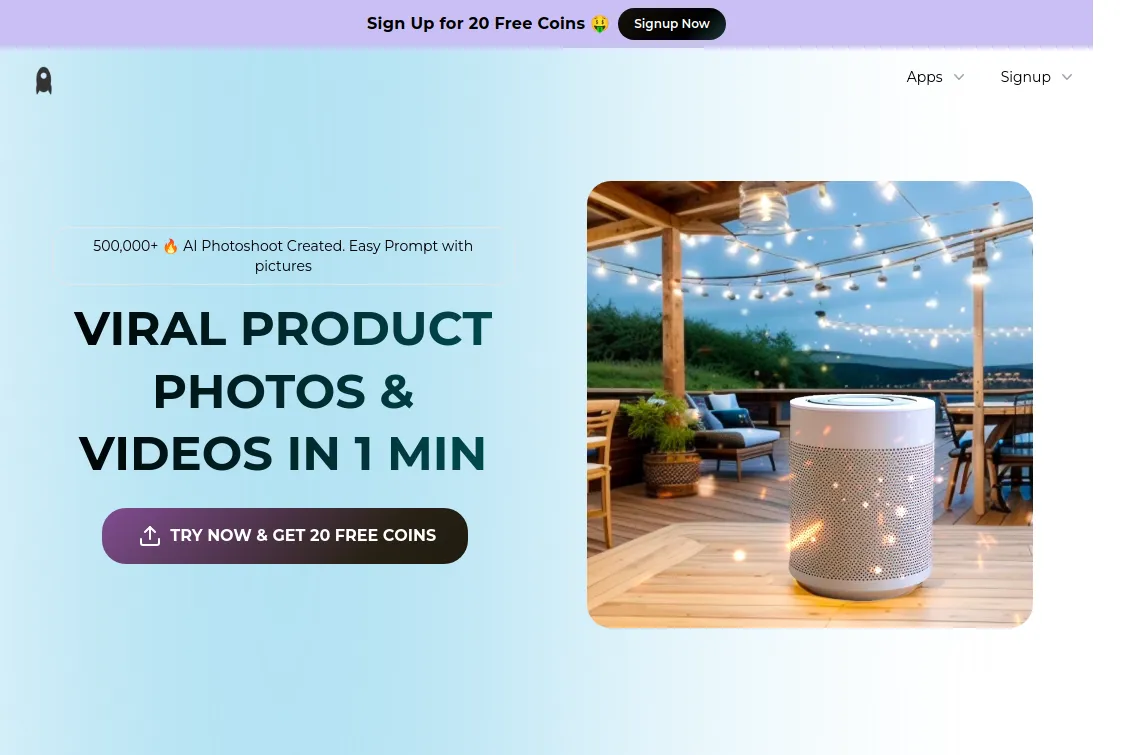
Assembo
AI-Created Product Photos & Videos in Minutes
Background Lol
Design Stunning Book Covers With AI
Best Chat
Automated lead qualification, real-time updates, and AI-powered recommendationsTraffic Data
Traffic Sources
Top Countries
 United States
12.8%
United States
12.8%
 Vietnam
12.1%
Vietnam
12.1%
 India
8.1%
India
8.1%
 Thailand
5.7%
Thailand
5.7%
 Turkey
5.6%
Turkey
5.6%
Top Keywords
Engagement Metrics
User Reviews
Be the first to review Mokker AI
Please log in to leave a review.