

Bugstack
Automatically fix runtime errors with generated pull requests.
Overview
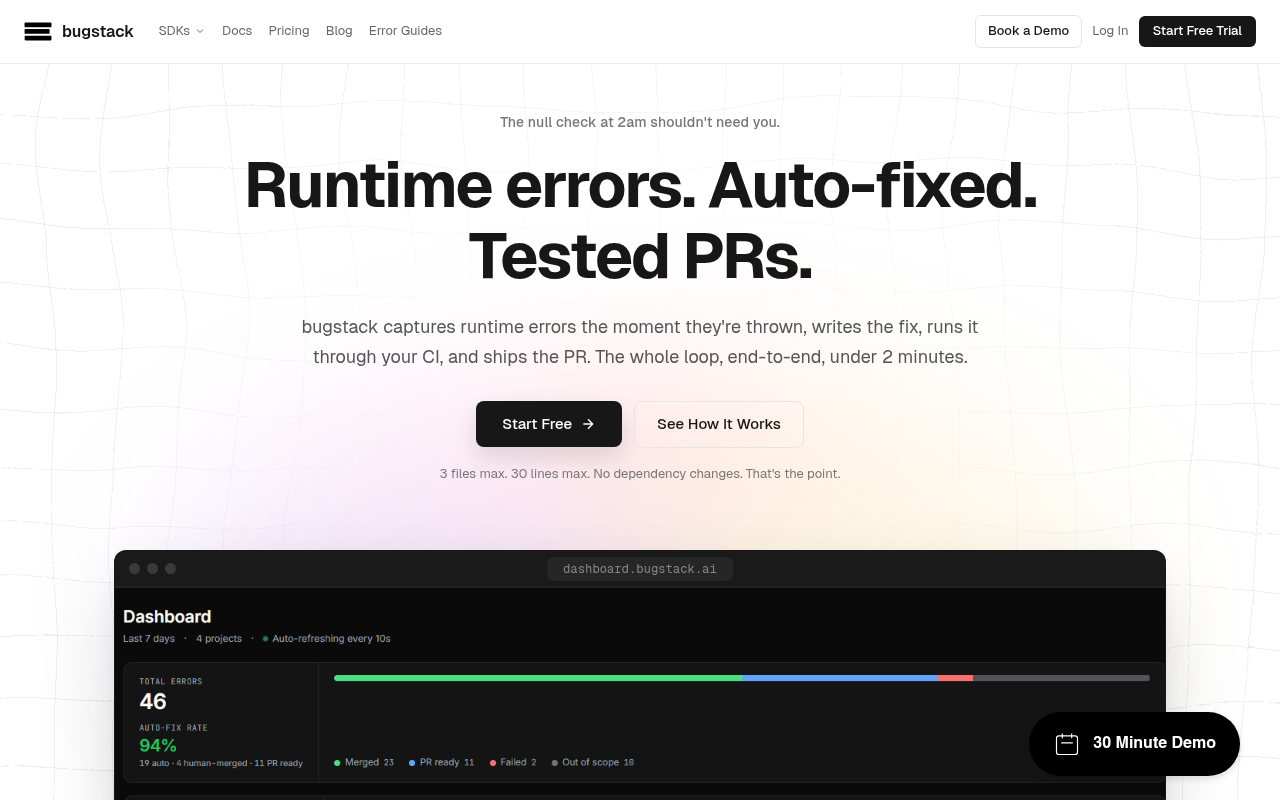
Bugstack is a tool that automatically captures runtime errors and generates pull requests to fix them, significantly speeding up the debugging process for developers. By integrating with CI pipelines, it allows teams to maintain focus on feature development while addressing bugs efficiently. This tool is particularly beneficial for software teams looking to enhance productivity and reduce downtime caused by errors.
Bugstack provides an automated solution for capturing and fixing runtime errors, aimed at software development teams looking to optimize their workflows. By automatically generating pull requests for detected issues, it significantly reduces the time developers spend diagnosing and correcting problems. The tool's integration with existing CI pipelines ensures that fixes are validated before deployment, which adds a layer of security to the process.
While Bugstack excels in handling a substantial portion of production bugs, approximately 40-60%, it does have limitations. It doesn’t address silent logic errors or architectural flaws, which means teams still need to allocate resources for comprehensive debugging. With competitive pricing plans starting at $79 a month, Bugstack positions itself as a valuable asset for teams eager to enhance their efficiency without overwhelming their existing resources.
Key Features
Auto-Fixing Errors
Generates pull requests for runtime errors automatically, reducing manual debugging time.
Multi-Language SDK
Supports multiple frameworks with SDKs for JavaScript, Python, Go, and Ruby.
CI Integration
Runs fixes through existing CI pipelines to ensure quality before merging.
Rate Limiting
Protects against flooding the fix pipeline with efficient error handling limits.
Detailed Analytics 2
Provides analytics on error occurrences and fix success rates through a user-friendly dashboard.
Error Context Capture
Captures full context of errors for better understanding and resolution.
Pricing Paid
Pros & Cons
Pros
- Significantly reduces debugging time for developers
- Supports multiple programming languages and frameworks
- Integrates seamlessly with existing CI workflows
- Provides analytics for tracking error resolution
- Rate limiting prevents overload of the fix pipeline
Cons
- Only resolves 40-60% of production bugs
- Doesn't address silent logic errors or architectural issues
- Pricing can become steep for larger teams or more complex projects
Frequently Asked Questions
How does Bugstack capture errors?
Bugstack uses an SDK that captures runtime errors as they occur, sending the details to the platform for processing.
What programming languages are supported?
Bugstack supports JavaScript, Python, Ruby, and Go, with SDKs available for popular frameworks.
What happens after a fix is generated?
The generated fix goes through your CI pipeline for validation before it can be merged into the codebase.
Can I try Bugstack for free?
Yes, Bugstack offers a 14-day free trial with full access to features.
Is there a limit on the number of fixes?
Yes, the Starter plan allows for 25 autonomous fixes a month, with overages leading to a pause in the fix pipeline.
61 Alternatives to Bugstack

Bugzy AI
Automate QA testing to keep up with rapid deployments.
ETLR
AI workflows as code, deployable in minutes.
Exogram
Secure AI execution with governance and compliance.
Fellow
AI meeting assistant focused on privacy and efficiency.
Hugo
Transform your customer support with intelligent automation and seamless integration.
Kiro
AI-driven tool for fast, secure software development.User Reviews
Be the first to review Bugstack
Please log in to leave a review.