
How to Humanize AI: Make Your Bots, Content, and Workflows Feel More Human
Learn how to turn raw AI outputs into warm, trustworthy experiences — from the words your assistants use to the way your workflows are designed.
Most teams already use AI to draft emails, answer support questions, or power in‑product assistants. The problem is that out‑of‑the‑box AI often sounds robotic, generic, or slightly off compared with how your brand normally speaks.
Humanizing AI is about making every interaction clear, kind, and useful, while staying honest that the user is talking to a system — not pretending there is a person on the other side.
What “Humanizing AI” Really Means (And What It Doesn’t)
Before you tweak prompts or redesign chat flows, it helps to agree on a working definition of “humanized” AI so you avoid unhelpful or even manipulative patterns.

A simple definition you can use
A practical way to define humanized AI is: AI that communicates in a way that feels clear, respectful, and emotionally intelligent, while being transparent about its non‑human nature.
Put differently, the goal is not to fool people but to remove friction: fewer stiff paragraphs, more direct answers, and responses that acknowledge the user’s situation instead of ignoring it.
Why it matters for engagement, trust, and SEO
When AI outputs are easier to read and feel more attuned to the user, engagement metrics almost always improve: longer dwell time, higher reply rates, and better satisfaction feedback.
Search engines increasingly reward content that demonstrates genuine helpfulness and people‑first value, so humanized AI content — edited for clarity, accuracy, and real insight — is much more likely to perform than untouched, generic AI drafts.
Common misconceptions and traps
- Over‑anthropomorphizing: giving the AI a fake personal history or emotions that can mislead vulnerable users.
- Hiding AI identity: making it unclear whether someone is speaking to a human or bot, which erodes trust when discovered.
- Forced empathy: overly dramatic apologies or emotional language that feels manipulative rather than genuinely helpful.
Layer 1 — Humanize Your AI’s Voice and Tone
The fastest wins usually come from how the AI sounds: its word choices, rhythm, and attitude. You can control a lot of this with better prompts and a consistent editing pass.

Define a clear persona and brand voice
Instead of letting every prompt reinvent the tone from scratch, define a short, reusable persona that matches your brand. For example: “You are a calm, practical product specialist who writes in clear, concise British English and avoids hype.”
This kind of system instruction makes outputs feel more consistent and helps AI stay within boundaries around jargon, humour, and formality.
Use conversational, people‑first language
Human readers favour direct language, varied sentence length, and natural contractions (“you’ll”, “we’re”) over stiff, legalistic phrasing.
When you edit AI text, you can quickly humanize it by trimming filler phrases, simplifying nested clauses, and making sure the copy speaks directly to “you” rather than talking in vague generalities.
Add empathy and emotional intelligence (without being fake)
- Acknowledge the user’s situation or emotion in a single, grounded sentence.
- Shift quickly to specific help or next steps, not dwell in empty sympathy.
- Avoid melodramatic language that might feel insincere or manipulative.
A simple pattern is: recognise → reassure → resolve — one line for each, adapted to your brand voice.

Rewrite robotic AI text into natural copy
Many teams now treat AI as a first draft generator and then run a quick “humanization” pass to adjust tone, rhythm, and specificity.
A simple editing checklist is: remove filler, tighten intros, add one concrete example, cut repeated phrases, and read the paragraph out loud to catch awkward transitions.
Layer 2 — Humanize AI Through UX and Interaction Design
Even beautifully written copy can feel robotic if the interface behaves strangely. UX details like pacing, message length, and escalation paths make a big difference to how “human” your AI feels.

Design chat flows that feel like real conversations
Instead of dumping a 500‑word block, break long answers into smaller messages, lead with the summary, and only expand details when the user signals interest.
Adding simple clarifying questions and follow‑ups also makes the bot feel more attentive and reduces the risk of giving the wrong answer to an ambiguous query.
Use “artificial friction” for natural pacing
Instant responses are technically impressive but can feel uncanny; small delays and “typing…” indicators help users process what’s happening and perceive the AI as thoughtful instead of jumpy.
The goal is not to waste time, but to match the rhythm of a focused human conversation rather than a firehose of text.
Personalization and memory that shows you’re paying attention
Referencing previous messages, saved preferences, or the user’s current plan tier (within privacy limits) can make AI feel more like a helpful assistant and less like a scripted FAQ.
Good personalization stays factual and useful — it should never guess at sensitive traits or make the user feel surveilled.
Make it easy to reach a human and escalate
One of the most humanizing things you can do is admit when the AI is not the right tool and offer a clear path to a person.
Simple patterns like “Would you like me to connect you to our team?” or visible “Talk to a human” buttons communicate respect for the user’s time and boundaries.
Layer 3 — Humanize Your AI Content Workflow
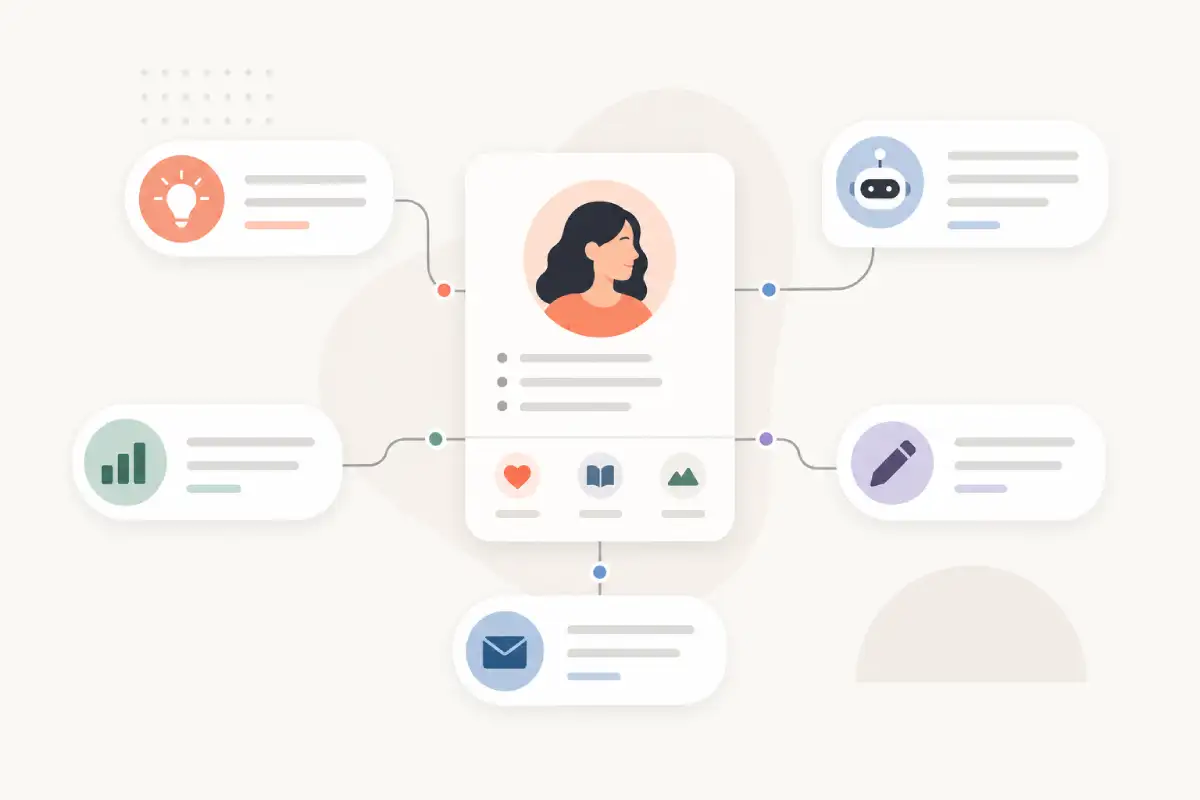
Humanizing AI is not only about what the model says, but how your team uses it. The most effective organisations treat AI as a collaborator, not a replacement.
Start with human strategy, not a blank prompt
Instead of “Write a blog post about humanizing AI”, outline your audience, goal, and angle first, then feed that into your prompt.
This keeps the content anchored to real user needs and avoids generic surface‑level articles that add little value.
Use AI for drafts, keep humans for judgment and nuance
A healthy workflow is: human sets direction → AI drafts options → human reviews for accuracy, brand fit, and real‑world nuance → AI assists with tightening and formatting.
This balance preserves your unique point of view while still giving you the speed and scale benefits of automation.
Inject real experience, stories, and data
What makes content feel unmistakably human is the presence of lived experience: what actually worked, where you failed, and how you adapted.
Adding specific examples, screenshots (where permitted), anonymised customer anecdotes, and your own metrics helps build credibility and aligns with modern quality guidelines for expertise and trust.
Run a “people‑first” checklist before publishing
- Would I confidently send this to a customer under my own name?
- Does it clearly solve a real problem, or just restate generic facts?
- Is the tone aligned with our brand and respectful to the reader?
- Have we checked accuracy and removed hallucinated claims?
Ethics, Transparency, and Boundaries When Humanizing AI
The more natural AI becomes, the more important it is to stay transparent about how it works and where its limits are.

Be clear when users are interacting with AI
Simple labels like “AI assistant” in chat headers or short intros that explain how responses are generated go a long way toward maintaining trust.
This matters especially in sensitive contexts such as finance, health, or legal advice, where users must understand that they are not receiving personalised professional counsel.
Avoid deceptive or manipulative humanization
Avoid scripts that imply a human identity (“I’ve had a long day too”) or use overly emotional language to push decisions.
A better pattern is to keep the tone warm but neutral and let the value of the information speak for itself rather than attempting to pressure or guilt the user.
Keep a human in the loop
Human oversight is still essential: periodic reviews of logs, spot checks of responses, and clear escalation paths when the AI is uncertain.
This reduces the risk of subtle bias, hallucinated facts, or edge‑case failures going unnoticed in production.
Align with people‑first content and accessibility principles
The same practices that make content accessible — clear language, good structure, descriptive alt text, and predictable interactions — also make AI feel more human and considerate.
Designing for the broadest possible audience is not only the right thing to do; it also tends to produce cleaner, more trustworthy experiences across your entire product.
Practical Examples and Templates You Can Steal
To make implementation easier, you can standardise a handful of prompts and editing patterns that your whole team uses whenever they work with AI.

Example prompt patterns to humanize responses
You can layer short “tone instructions” into your prompts, for example: “Rewrite this answer in clear, friendly language that sounds like a knowledgeable colleague. Keep it concise and remove filler.”
Over time, collecting these snippets into a shared prompt library gives everyone a baseline for more human‑friendly outputs, even if they are not prompt experts.
Before‑and‑after transformations
When you show your team real examples of robotic AI copy transformed into natural, on‑brand messaging, it becomes much easier for them to spot what needs changing in future drafts.
Focus on tightening intros, replacing generic advice with specifics, and adding clear next steps rather than inflating the word count.
A simple checklist for humanizing any AI output
- Is the main point obvious in the first 1–2 sentences?
- Does it sound like something a real team member would say?
- Are there concrete examples or details, not just abstractions?
- Is the tone respectful, non‑manipulative, and aligned with your values?
- Have you checked key facts against a reliable source?
Getting Started: A Simple Humanized AI Action Plan
You do not need a full rewrite of your stack to benefit from more human‑centred AI. Start with small changes, then layer in deeper improvements over time.
Define how your AI should speak (tone, formality, region) and reuse that instruction across support, marketing, and product flows.
Before anything AI‑written goes live, have someone run through a five‑minute checklist for clarity, tone, and accuracy.
Pick your most‑used chatbot flow or email template and improve pacing, empathy, and escalation options first.
Add clear labels and microcopy that explain how your AI works and when a human will step in if needed.
Longer‑term improvements to aim for
Over the next quarter, you can formalise your approach with a lightweight AI style guide, training for your team, and documented ethics guidelines that define acceptable and unacceptable use cases.
Done well, humanizing AI makes your content more helpful, your products easier to use, and your brand easier to trust — without sacrificing the efficiency that made you adopt AI in the first place.